 lumenfix


Real result
Yellow teeth to white
The yellowish teeth became a clean white. Each tooth kept its shape.
No account required
Upload a photo with a smile and get the same photo with naturally whiter teeth in about half a minute.
Every after side is a real result. Drag the slider to compare.
The yellowish teeth became a clean white. Each tooth kept its shape.
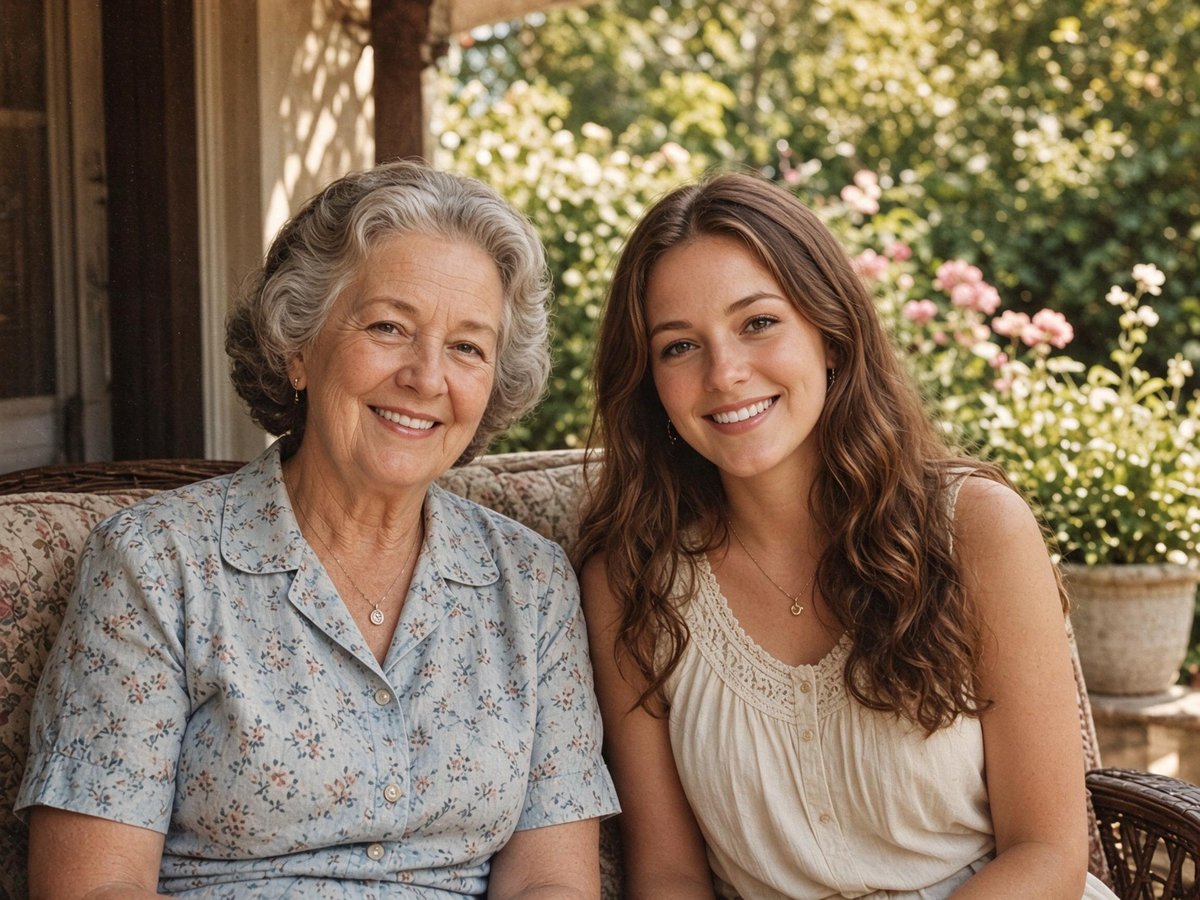
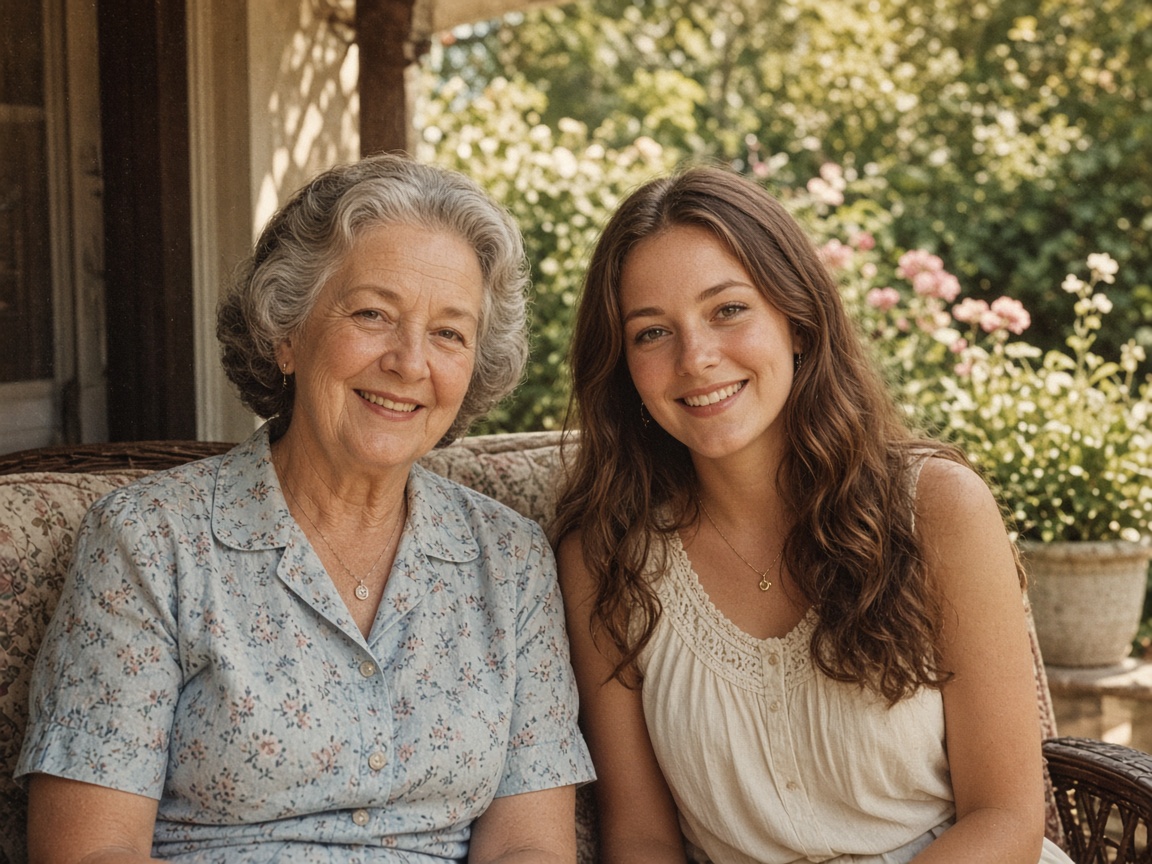
Both smiles became slightly whiter. They were fairly white already.
Step 1
A JPG, PNG, or WebP up to 15 MB. The run starts as soon as the photo is uploaded and takes about half a minute.
Step 2
Drag the slider to see before and after, then download the result.
It whitens the teeth to a natural, clean white and removes yellowing and stains. The shape, size, and gaps of every tooth, the lips, the gums, and the rest of the photo stay.
With several people in the photo, everyone's teeth are whitened.
A smiling face with the teeth visible and in focus.
One upload, no brushes or sliders.
01
Yellowing and stains go; the teeth stay the same shape and size.
02
Group photos work: each smile is whitened.
03
Free runs export a JPG up to 2048 px. Runs paid with credits keep the model's full size.
Every after side is a real run. Each card says what changed.
The yellowish teeth became a clean white. The shape of each tooth, the smile, and the skin stayed.
Both women's teeth became slightly whiter. They were fairly white already, so the change is small.
If you're happy with the result, it's ready to save. If you also want to upscale, extend the edges, or refine other details, you can continue with:
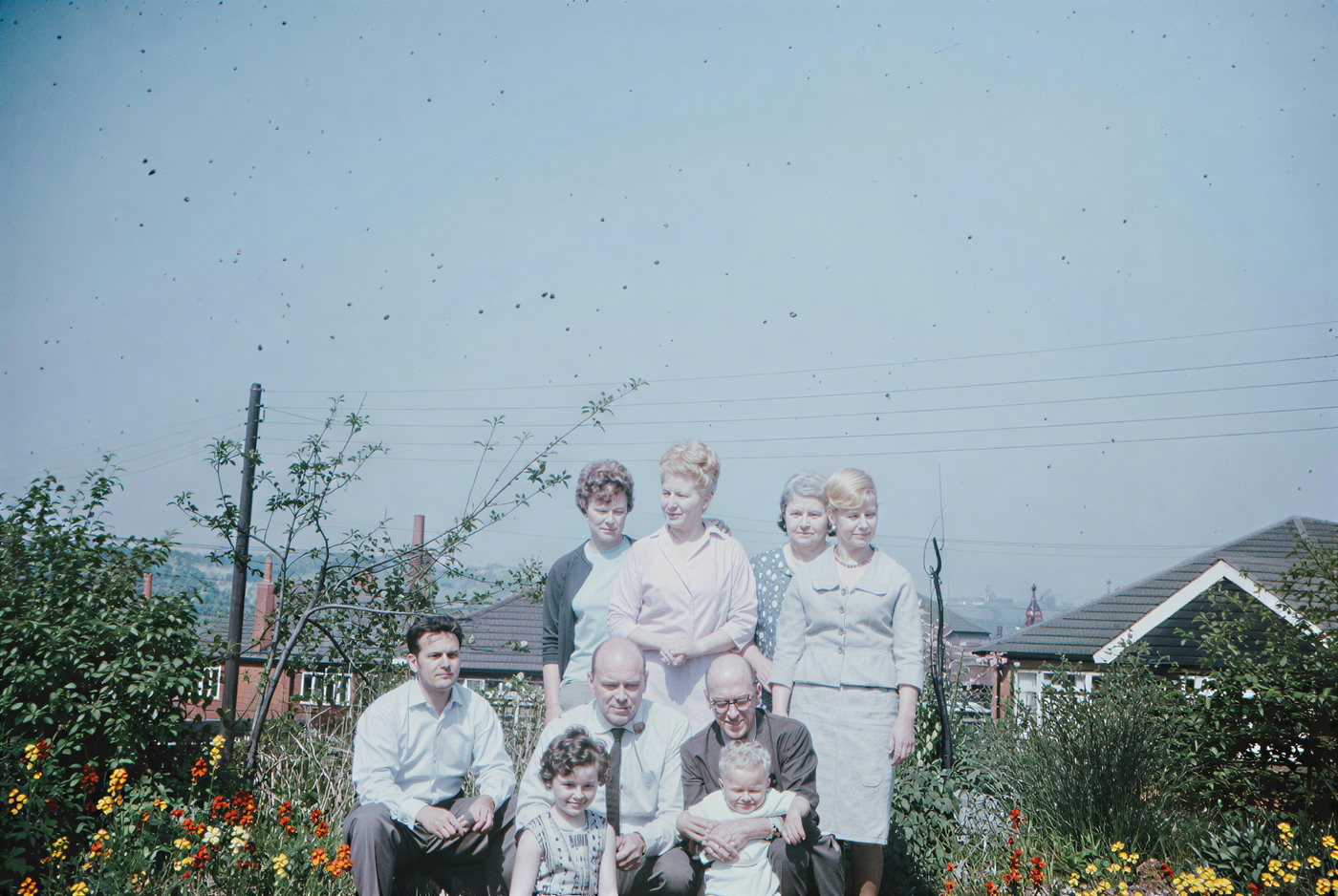

Upload the photo on this page. In about half a minute you get the same photo with whiter teeth. There is nothing to paint or adjust.
It is told to keep a natural white and not make teeth glow. Compare with the before side and check that each tooth kept its shape.
No. The shape of the mouth, the lips, and the gums stay; only the color of the teeth changes.
Yes, to try. Each run uses 4 of your 10 free daily credits once you sign in, and you get one free try without an account. Free runs export a JPG up to 2048 px with no watermark. After that, you can buy a credit pack without an account, or subscribe to Pro for 400 credits a month.
No. Open this page in the browser on your iPhone, Android phone, or computer, pick a photo, and download the result. There is nothing to install.
Uploads and results are deleted after 24 hours (7 days if you're signed in). The photo is sent to the model provider so the edit can run.
Enhance
10General AI image enhancement. Standard 2×, Pro for finer detail and color.
Credits · Pro
Fix motion blur and soft focus in photos and portraits.
Credits · Pro
Sharpen blurry text and screenshots cleanly.
Credits · Pro
Take glare off glasses, camera flash, and sun.
4 credits
Repair scratches, creases, and tears on an old print.
4 credits
Add natural, lifelike color to black-and-white photos.
Credits · Pro
Whiten teeth in a photo.
4 credits
Fix red eyes from the flash.
4 credits
Fix a blink or add a smile.
4 credits
Fix a dark, underexposed photo.
4 credits
Restyle
10Put the people in your photo into a Christmas scene.
4 credits
Try a new haircut on your own photo.
4 credits
See your hair in blonde, red, pink, or silver.
4 credits
Try a suit, a wedding dress, or a sweater on your photo.
4 credits
Turn a photo into an oil painting or watercolor.
4 credits
Turn a photo into a pencil drawing.
4 credits
Turn a photo into a page to print and color.
4 credits
Turn a photo into a cartoon.
4 credits
Make a color photo black and white in your browser.
Free · Local
Turn one image and a short prompt into a looping GIF.
8 credits
Upscale & extend
2Erase
2Free convert
10Convert WebP images to lossless PNG.
Free
Convert JFIF files to standard JPG format.
Free
Convert AVIF images to standard JPG format.
Free
Optimize PNG images into lightweight WebP.
Free
Convert JPG photos to lightweight WebP.
Free
Convert JPEG stills to WebP for the web.
Free
Convert WebP images to standard JPG.
Free
Convert WebP images to JPEG files.
Free
Convert PNG stills to smaller JPG photos.
Free
Convert JPG photos to PNG for editing.
Free