AI Clothes Changer: Try On Any Outfit on Your Own Photo
Upload your photo, then pick an outfit or add a photo of the clothes you want. In about half a minute you see yourself wearing them.
BeforeAfter
Example · drag to compareUpload to try it on your photo
Virtual try-on results
Six full-body illustrations, then five real Lumenfix results: three copied from an uploaded clothing photo (the reference is on each card), a custom outfit, and a family of four. Drag the slider to compare.
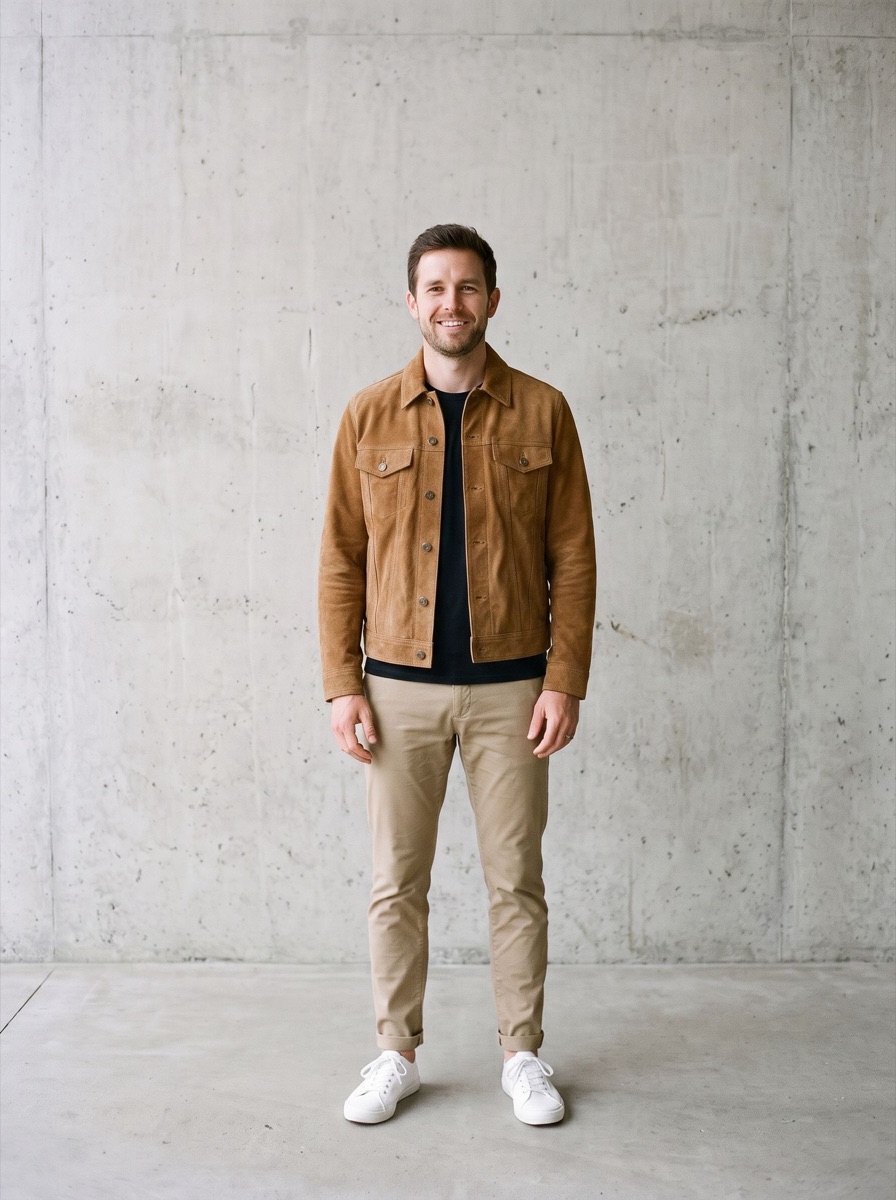
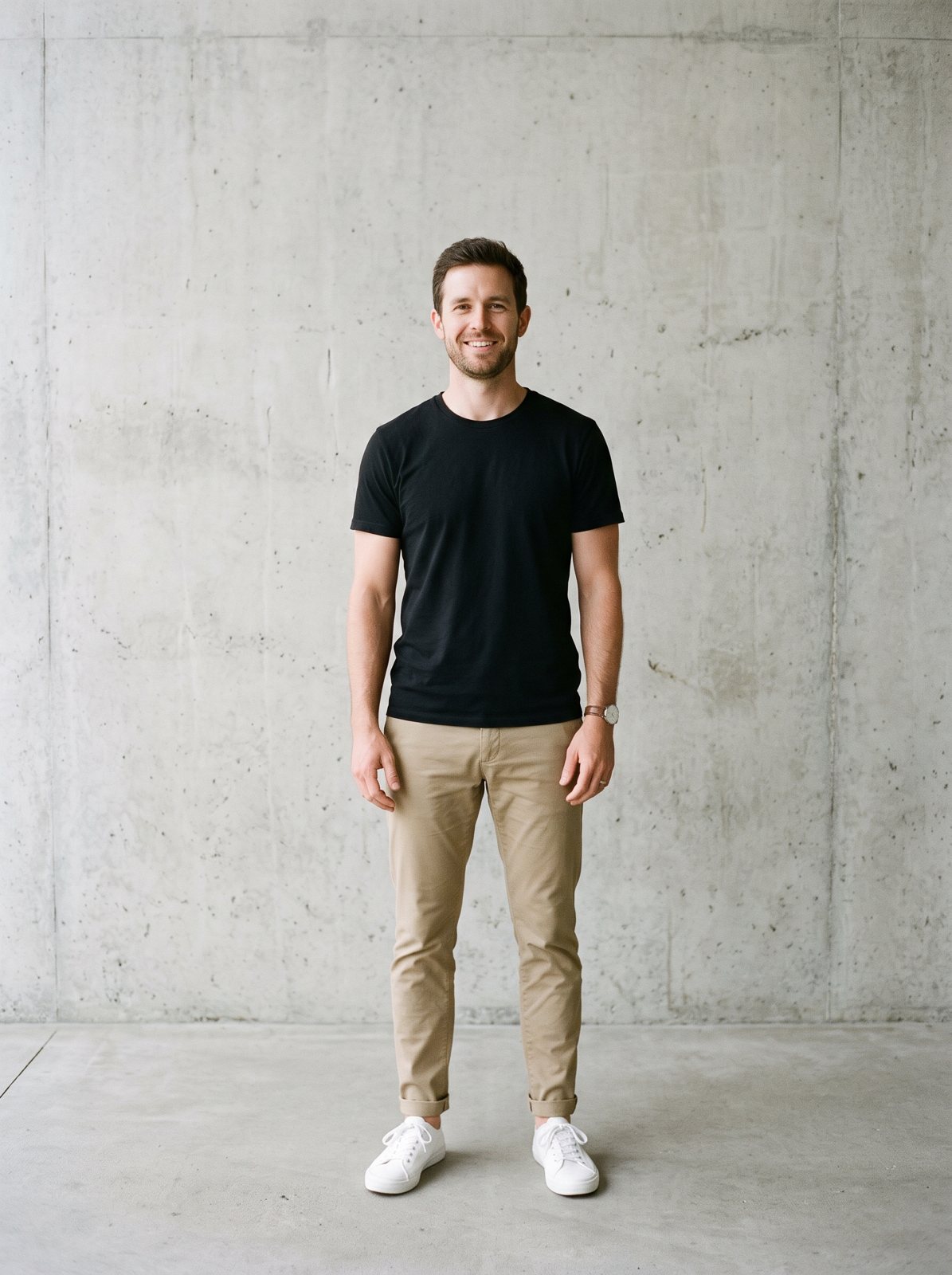
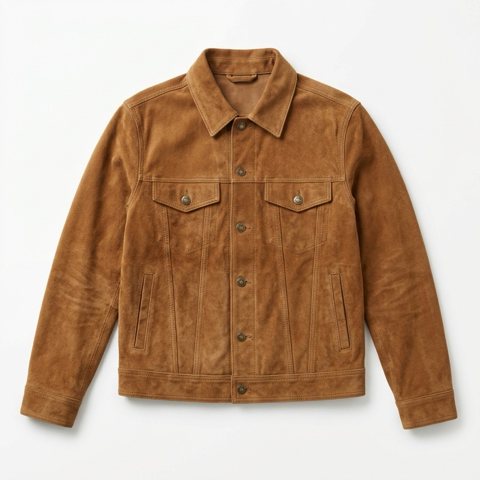
A suede trucker jacket from a flat product photo, worn over his black T-shirt. The chinos, sneakers and wall stay the same.
BeforeAfter
IllustrationReference
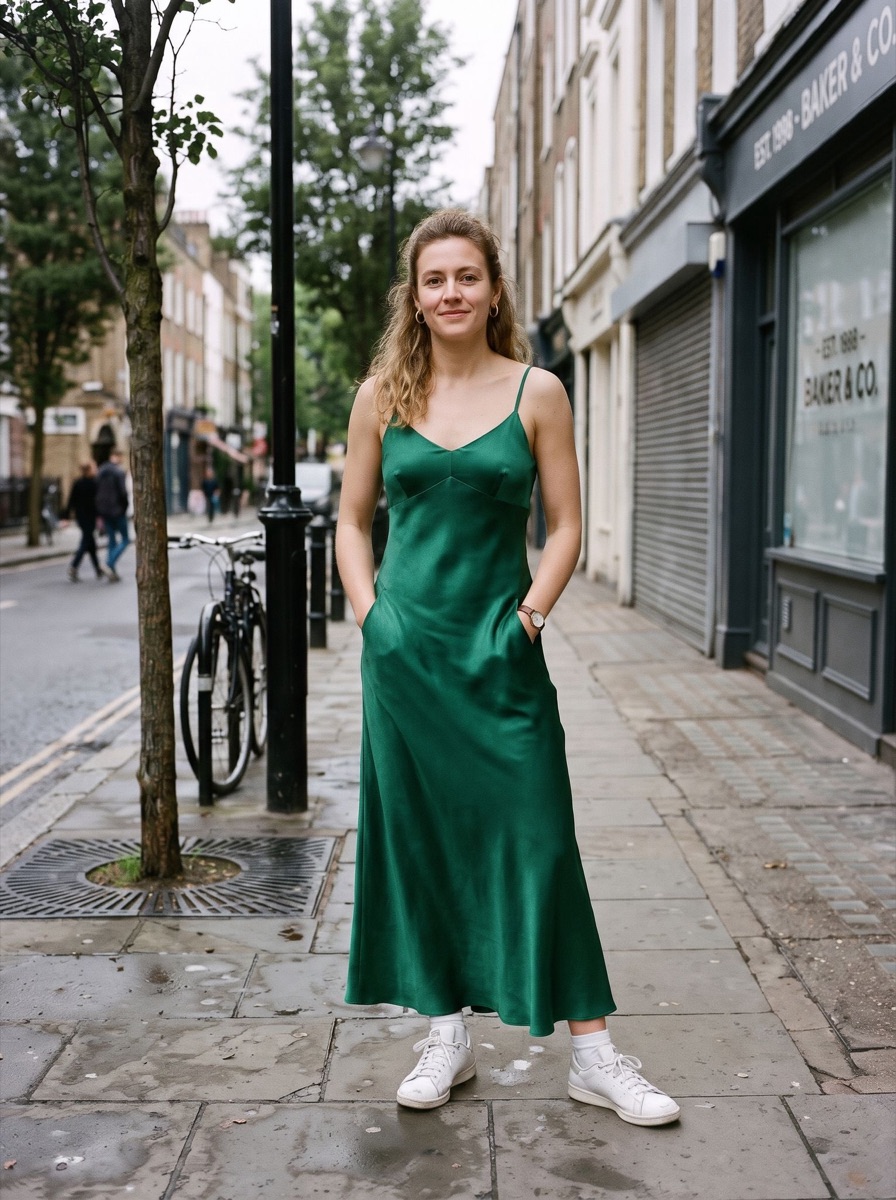
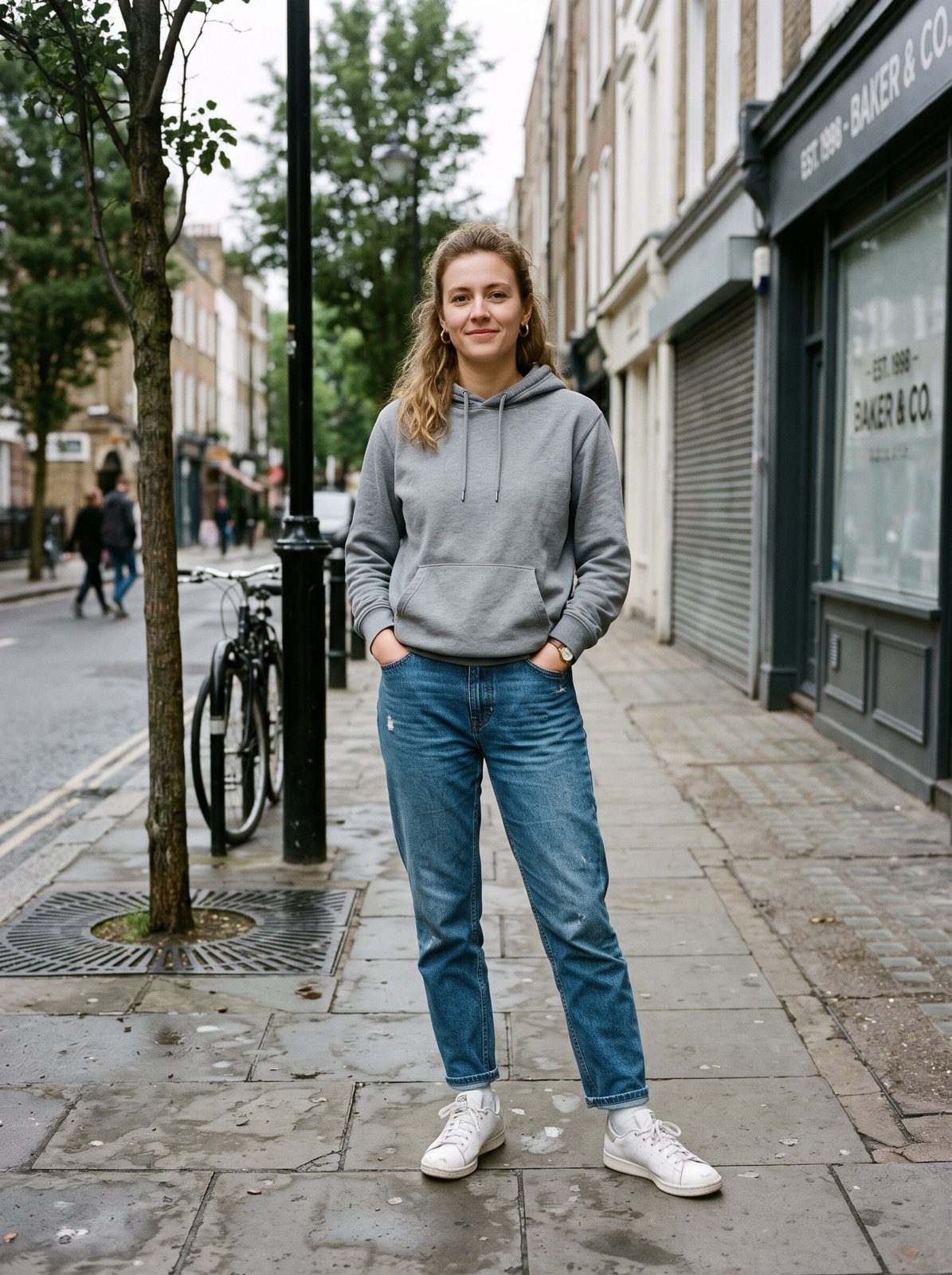
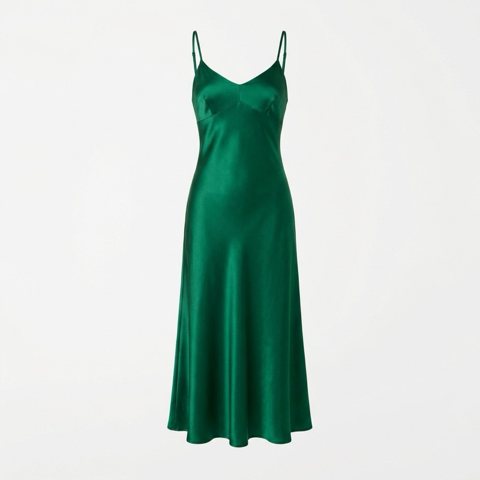
Full body · a satin dress on a street photo
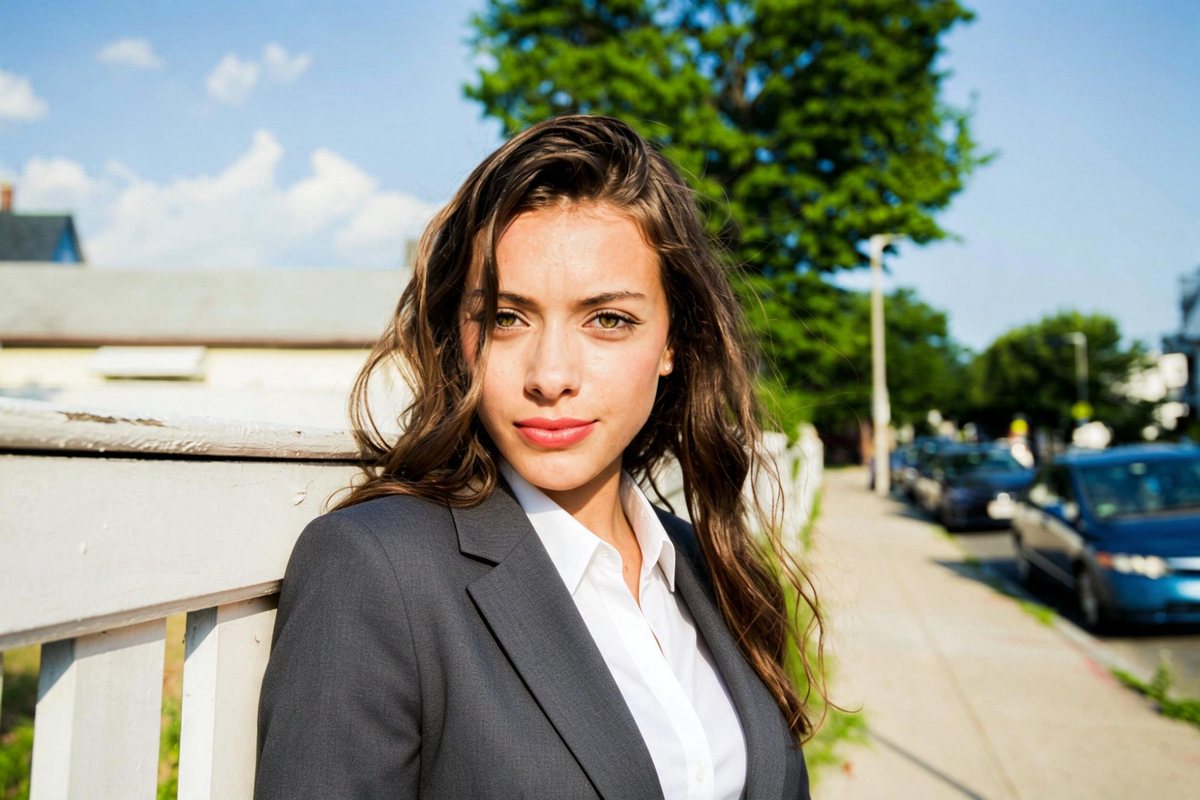
An emerald satin slip dress replaces the hoodie and jeans, from neckline to hem. Her sneakers and the street stay.
BeforeAfter
IllustrationReference
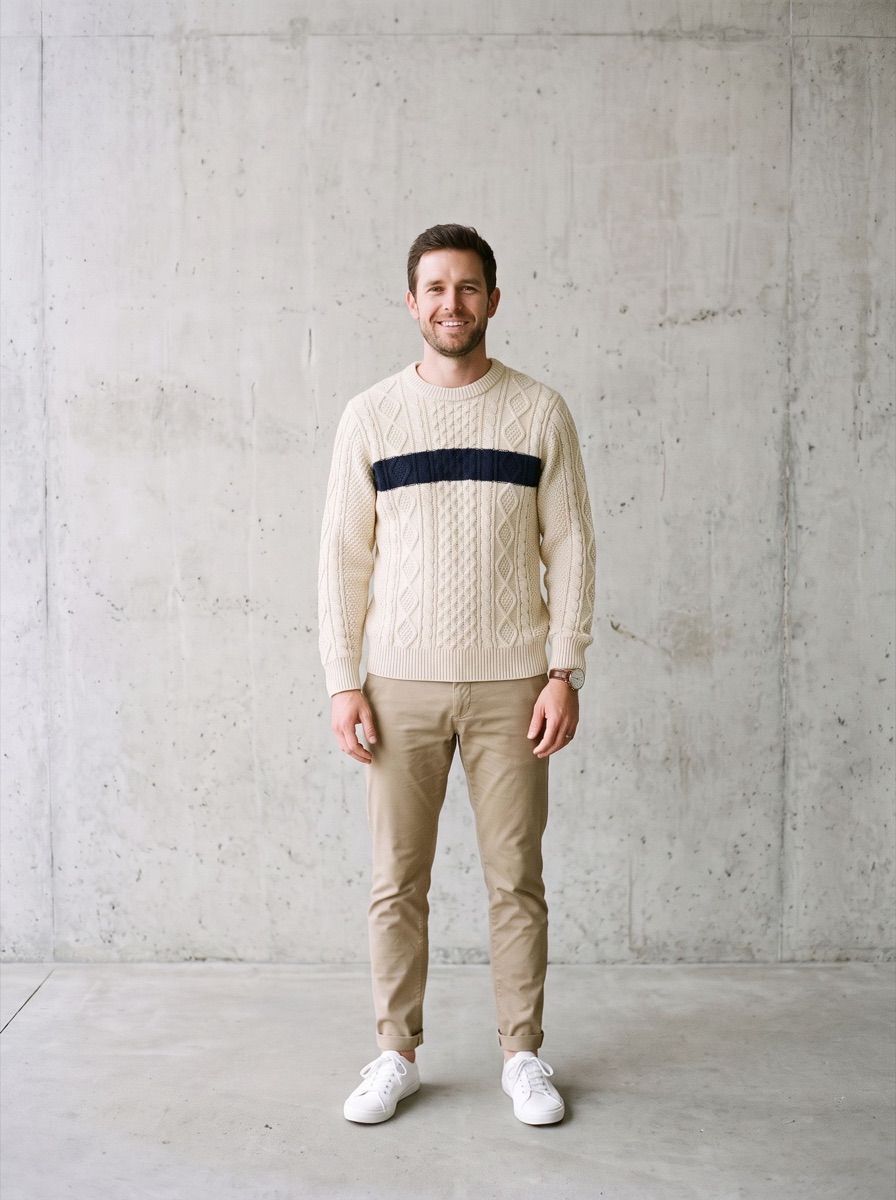
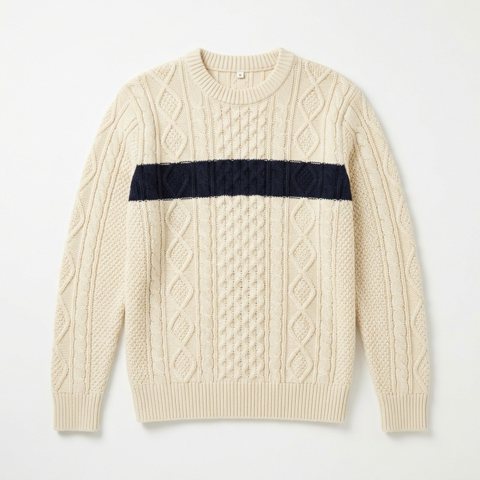
Full body · only the top changes
A cable-knit sweater replaces the T-shirt. The chinos and sneakers below are untouched.
BeforeAfter
Illustration
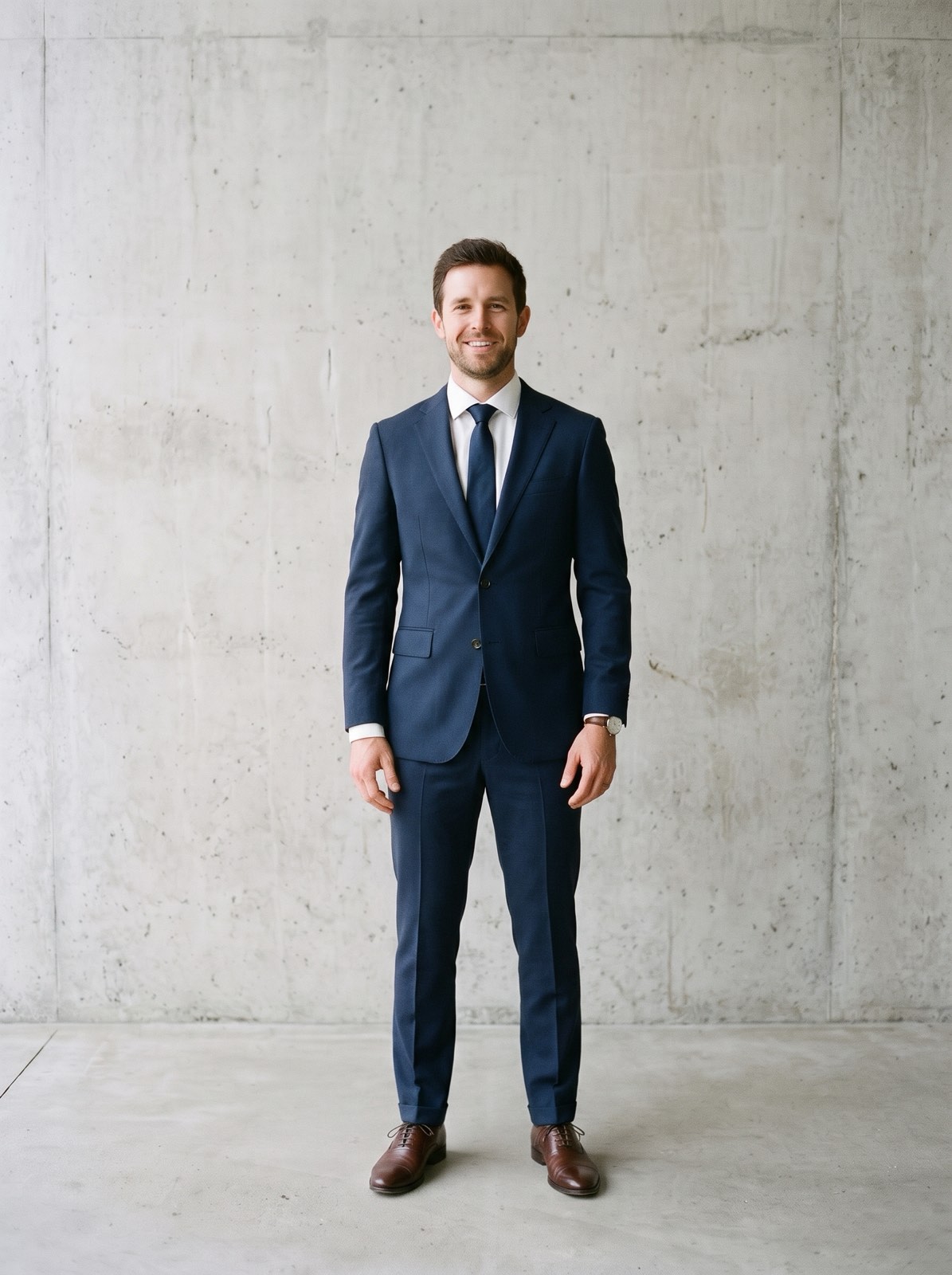
Full body · T-shirt and chinos to a navy suit
Jacket, trousers, shirt, tie and dress shoes all change together, head to toe.
BeforeAfter
Illustration
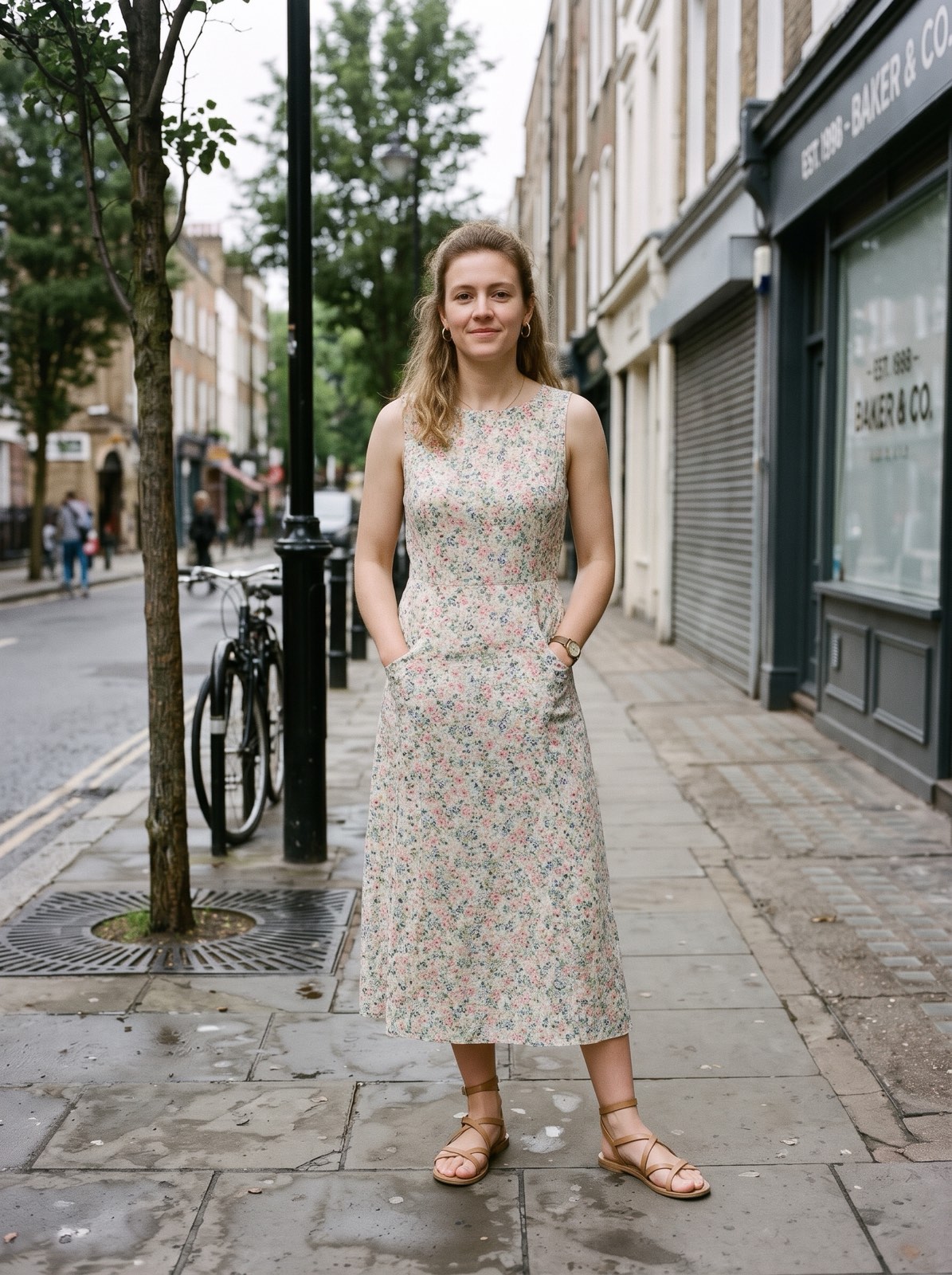
Full body · hoodie and jeans to a summer dress
A floral midi dress and sandals replace the weekend look. Her face, hair and the street stay.
BeforeAfter
Illustration
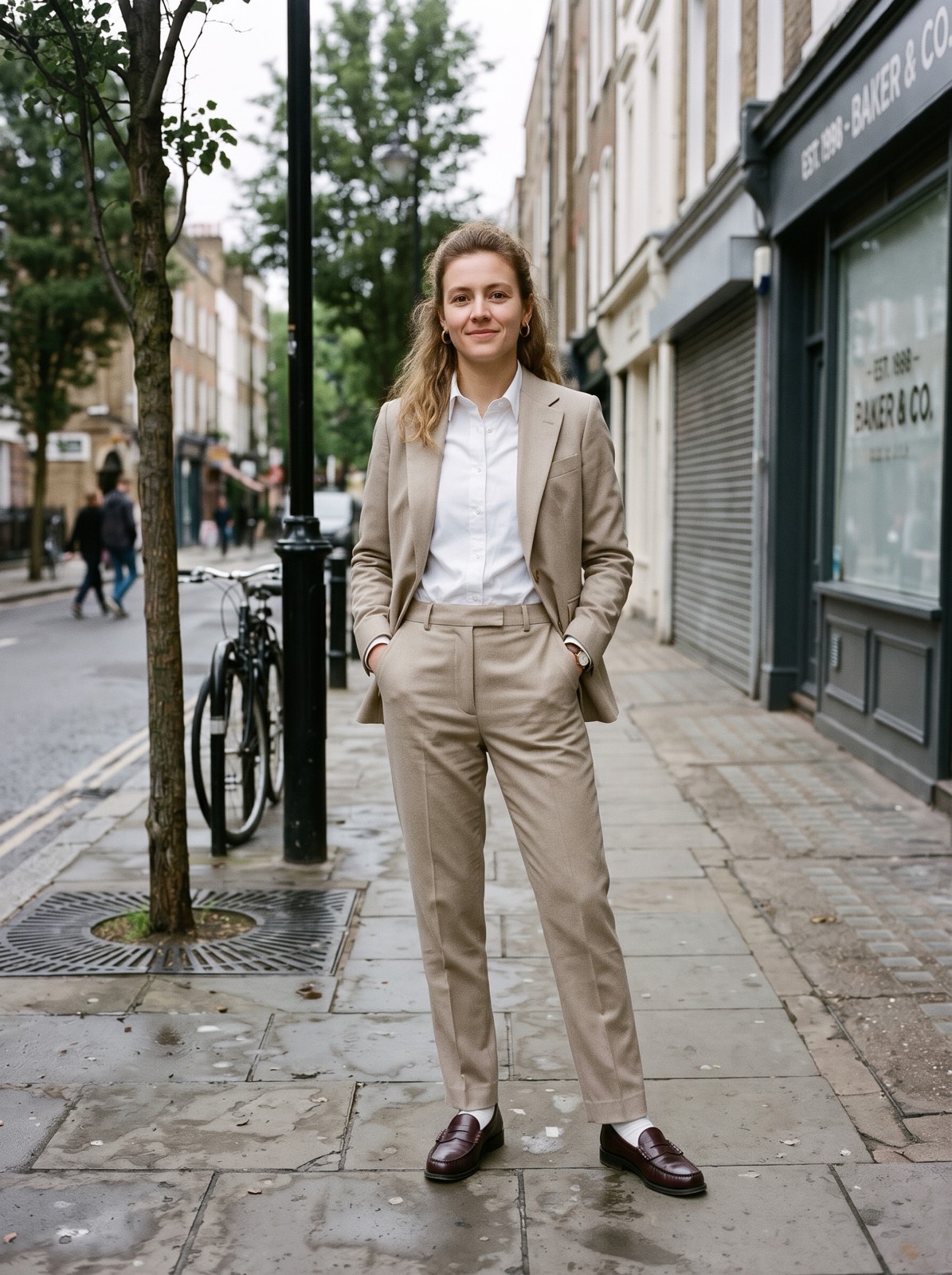
Full body · weekend look to a beige suit
A camel trouser suit with a white shirt and loafers. Same pose, same sidewalk.
BeforeAfter
Real resultReference
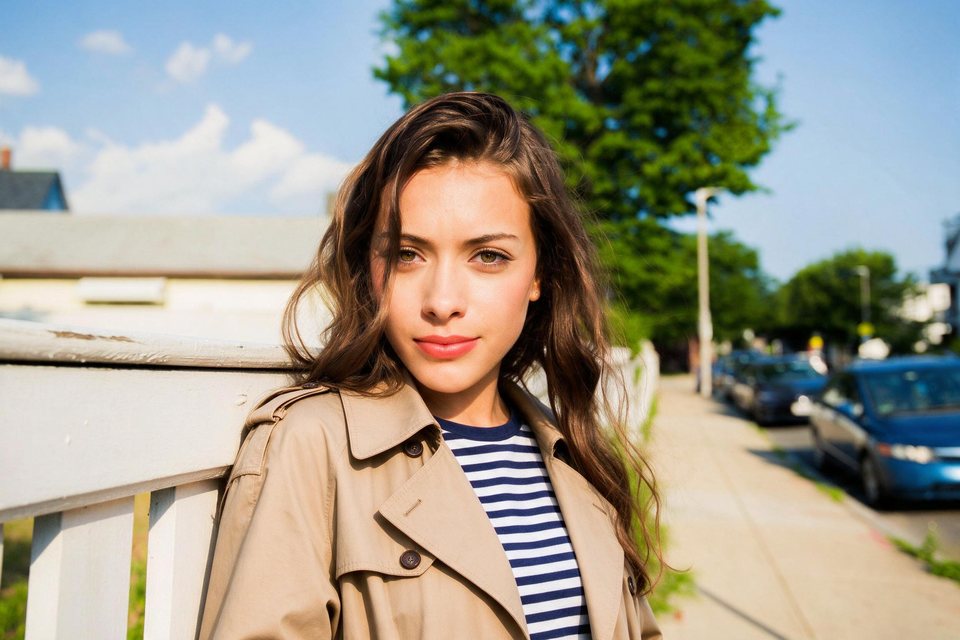
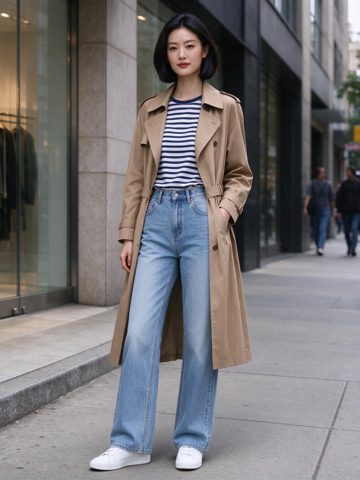
Uploaded outfit · copied from a street photo
The clothing photo is another woman in a full street outfit. The trench coat and striped shirt move over, while her face and hair stay hers. The jeans and sneakers are below the frame.
BeforeAfter
Real resultReference
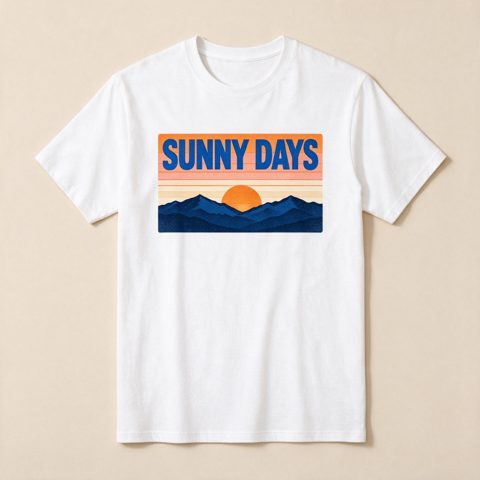
Uploaded outfit · printed T-shirt
The clothing photo is a flat lay of a printed T-shirt. The sunset print and the words SUNNY DAYS come through clearly on his shirt.
BeforeAfter
Real resultReference
Uploaded outfit · someone else's suit
The clothing photo is another man in a pink double-breasted suit. Only the suit, shirt and tie move over; his face, smile and pose stay the same.
BeforeAfter
Real result
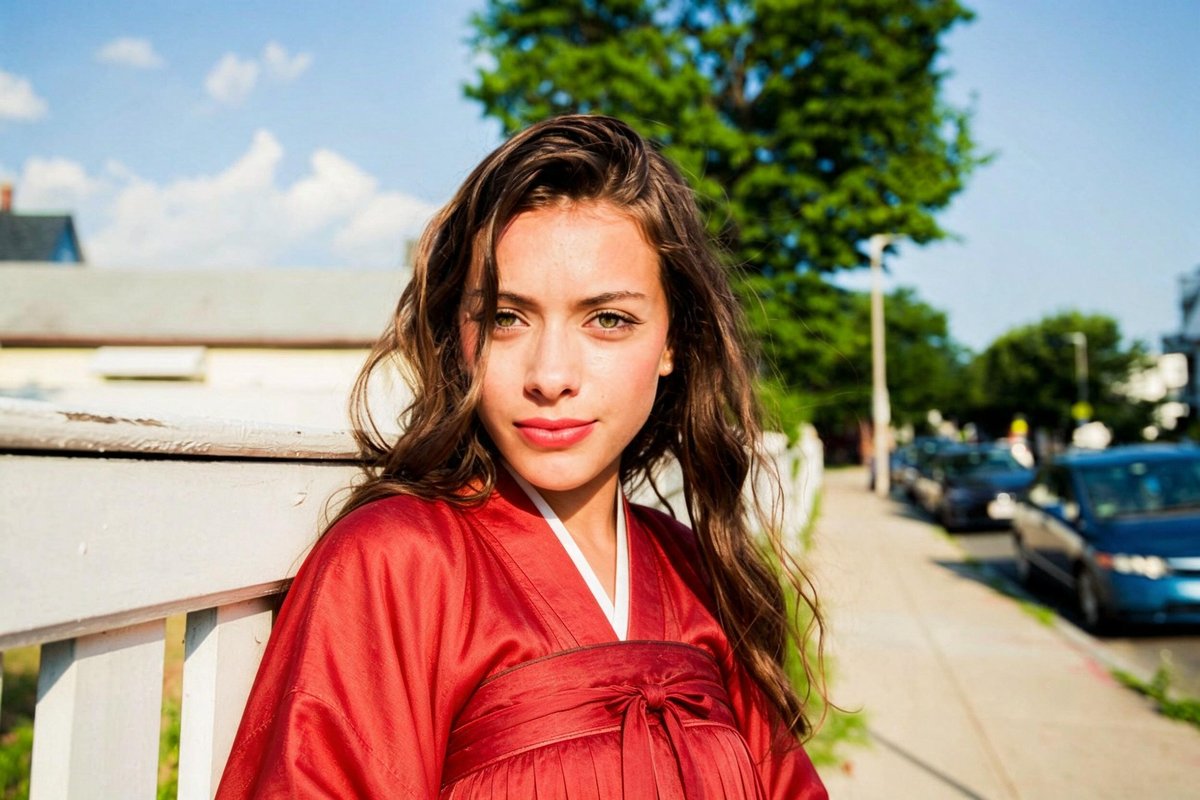
Custom outfit · Red hanfu
Typed as a custom outfit. The orange tank top became a red hanfu with a crossed collar. The hair, the face, and the street stayed.
BeforeAfter
Real result
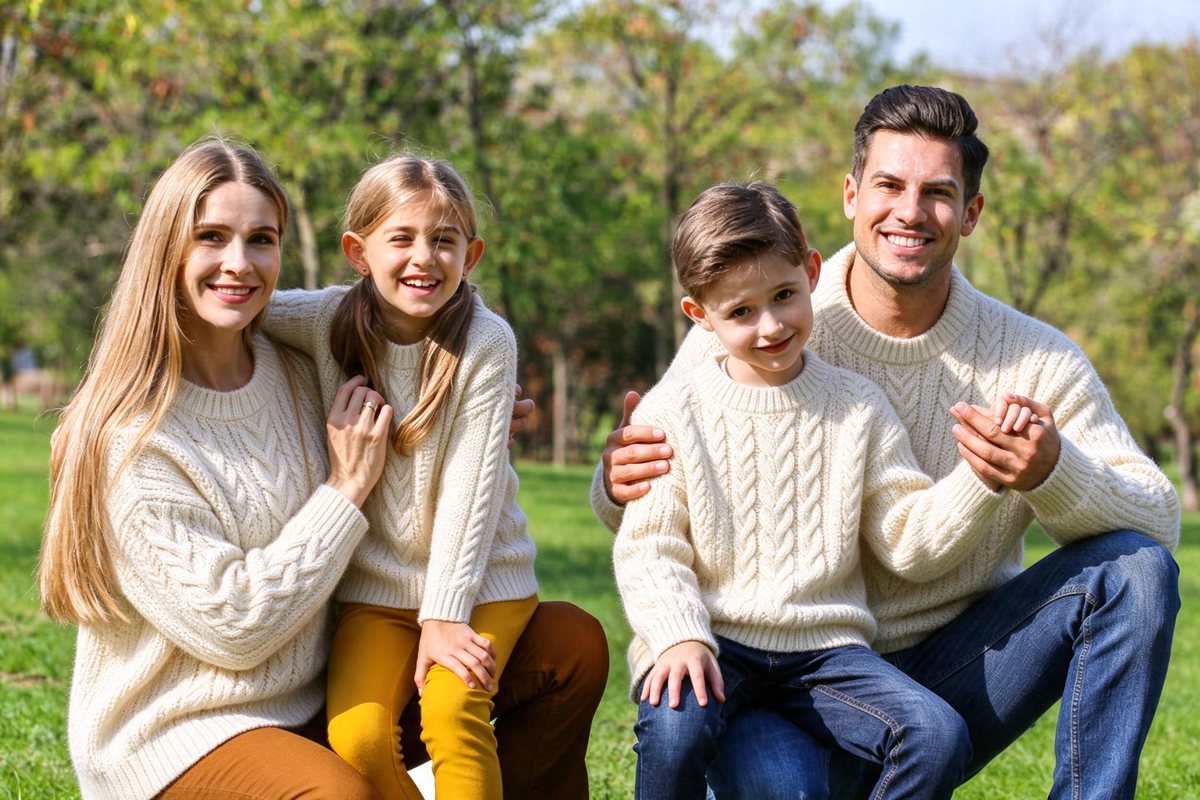
Matching family sweaters
All four got matching cream cable-knit sweaters. The faces, the jeans, and the held hands stayed. Good for a holiday card.
How to change clothes in a photo
Step 1
Pick an outfit
Business suit, tuxedo, wedding dress, streetwear, summer dress and nine more styles, each in any of 10 colors and on 6 backgrounds. Or pick Upload outfit and add up to three garment photos, or Custom to describe one.
Step 2
Upload one photo
A JPG, PNG, or WebP up to 15 MB. The run starts as soon as the photo is uploaded.
Step 3
Compare and download
Drag the slider to see before and after. Pick another outfit and run it again to compare.
At a glance
Price
Standard 4 credits · Pro 6 credits
Free
1 photo a day without an account; 10 credits a day signed in
Files
JPEG, PNG, WebP, up to 15 MB
Watermark
None
Processing time
Usually under a minute
Your files
Deleted after 24 hours; kept 7 days in History when you're signed in
Account
Not needed to buy credits
Works on
Any browser on iPhone, Android, or a computer; no app to install
Last updated
What the AI clothes changer does
It redraws only the clothes in your photo as the outfit you pick. The face, the hair, the pose, the hands, and the background stay the same.
No prompt needed: pick one of 14 styles, change its color or the background if you like, and the same instruction runs every time. Or pick Upload outfit and add up to three garment photos, such as a top, trousers and a jacket, each tagged with what it is: a flat lay, a hanger shot, or someone else wearing it all work. Only the clothing is copied, including prints and text. Or pick Custom and describe an outfit, like a red hanfu. With several people in the photo, everyone gets the outfit: in our test, a family of four got matching sweaters.
Standard runs on the free daily credits. Pro (Nano Banana 2, up to 2K, 6 credits) and HD (the same model at 4K, 8 credits) give larger, sharper images, though Pro can shift the pose or framing a little more. Credit runs can also make 2 or 4 images from one upload; each image is charged on its own.
A person from the waist up or full length, facing the camera, with even light. Family and group photos work; everyone gets the same outfit.
New clothes on the photo you already have
One upload, one outfit. The face, hair, and pose stay where they are.
01
14 styles, your garments, or your words
Fourteen outfit styles in 10 colors and on 6 backgrounds, up to three garment photos at once, or an outfit you describe under Custom.
02
The same person
The instruction tells the model to change only the clothes. In our tests the faces, hair, and hands stayed.
03
No watermark
Free runs export a JPG up to 2048 px. Runs paid with credits keep the model's full size, about 2,500 px on the long side in our tests.
AI clothes changer examples
Every after side is a real run, not a retouched picture. Each card says what changed.
BeforeAfter
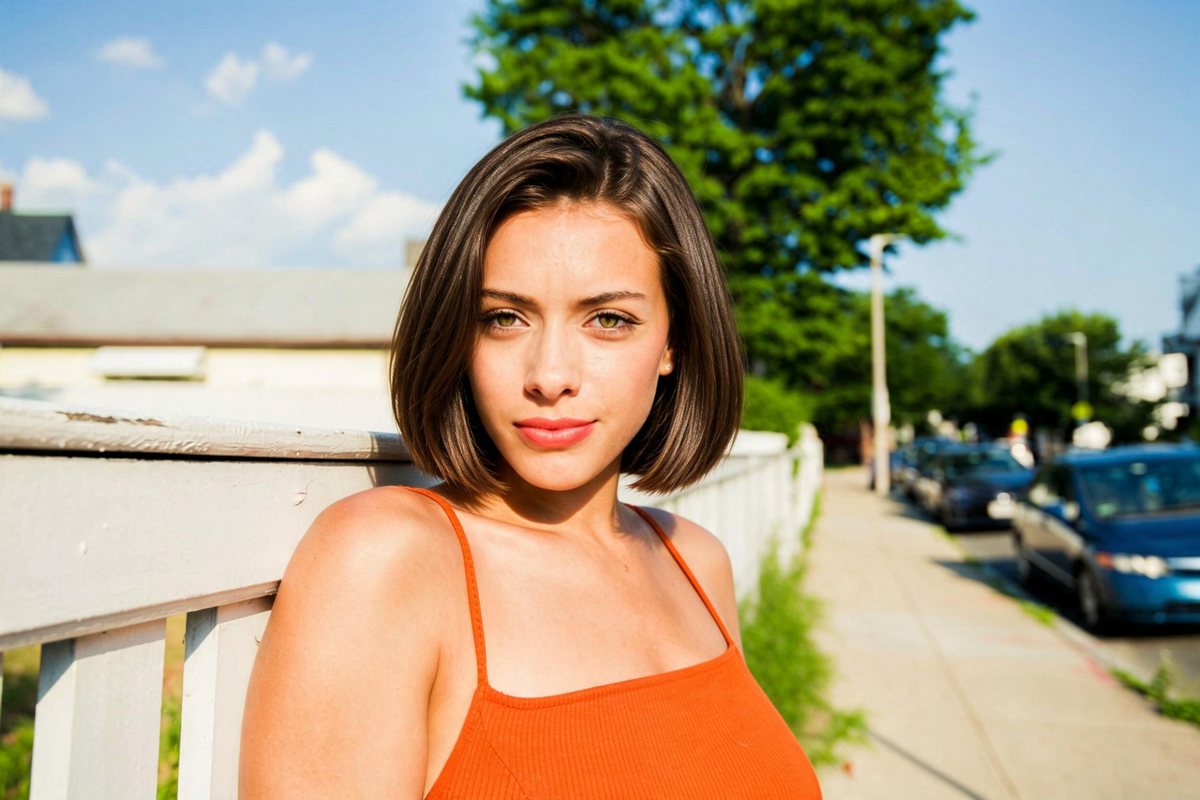
Tank top to a business suit
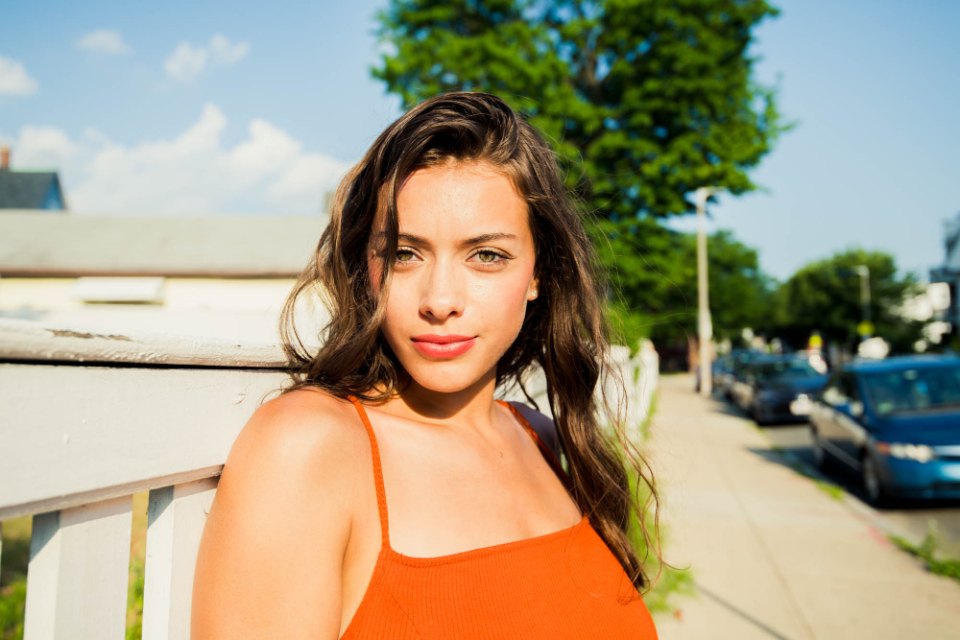
The orange tank top became a charcoal blazer over a white shirt. The hair, the face, and the street stayed.
BeforeAfter
Matching family sweaters
All four got matching cream cable-knit sweaters. The faces, the jeans, and the held hands stayed.
BeforeAfter
Tuxedo
The brown overshirt became a black tuxedo with a bow tie. The smile and the hand in his hair stayed.
What it does not do
Every outfit fully covers the body, preset or typed. The instruction turns revealing requests into modest clothing, so it does not make revealing or nude images: in our test, asking for a bikini gave a long-sleeve top. Uploads and typed descriptions are checked by an automated filter before the edit runs.
Only upload photos of yourself or of people who agreed to it.
It changes only what is in the frame. In our test, a wedding dress on a waist-up photo showed only the top of the dress, and a badge pinned on the old jacket disappeared with the jacket.
Upload outfit copies the look of the clothes, not their real size or fit: it cannot tell you whether a store's shirt will fit your body. Fine details like small logos or buttons may differ slightly.
Uploads and results are deleted after 24 hours (7 days if you're signed in). The photo is sent to the model provider so the edit can run.
Need further adjustments?
If you're happy with the result, it's ready to save. If you also want to upscale, extend the edges, or refine other details, you can continue with:
Pick an outfit on this page and upload the photo. In about half a minute you get the same photo with the person in the new outfit. Drag the slider to compare, then try another outfit.
Yes. Pick Upload outfit, add the clothing photo, then choose your photo. It can be a flat lay, a hanger or mannequin shot, or another person wearing it. Only the clothes move over: in our test, a trench coat outfit from another woman's street photo was copied while the face and hair stayed hers.
Yes, for the look. Save the product photo, pick Upload outfit, add it, then choose a photo of yourself. You see the same garment, color, and print on you in about half a minute. It shows how the clothes look, not how they fit: it cannot tell you your size.
With a whole outfit, every piece that fits in your photo's frame is copied, so a half-length photo shows only the top half. With several people, it picks the outfit that suits you best. To choose yourself, write it in the note, like "only the jacket" or "the outfit on the left".
Yes. Pick Upload outfit and add up to three garments, such as a sweater, jeans and a jacket. Set what each one is (top, bottom, dress, jacket or full outfit) and they are put on together. In our test, a white T-shirt and light jeans became a cream cable-knit sweater and dark wide-leg jeans in one run.
Standard is free with the daily credits. Pro uses Nano Banana 2 at up to 2K for 6 credits, and HD uses the same model at 4K for 8 credits. Pro and HD are larger and sharper, but in our tests Pro sometimes moved the pose or framing a little more than Standard.
Yes. With a preset style you can pick one of 10 main colors, and with any outfit change you can keep your background or move to a studio, a city street, an office, a beach or an evening party. Uploaded garments keep their own colors.
Yes, to try. Each run uses 4 of your 10 free daily credits once you sign in, and you get one free try without an account. Free runs export a JPG up to 2048 px with no watermark. After that, you can buy a credit pack without creating an account, or subscribe to Pro for 400 credits a month. Pro uses the same model at the same credit cost.
No, not for the first try. You get one free try without an account. Sign in for 10 free credits a day, or buy credits without an account.
No. Open this page in the browser on your iPhone, Android phone, or computer, pick a photo, and download the result. There is no app to install.
Yes. Pick Business suit. In our test, a tank top became a charcoal blazer over a white shirt with the face unchanged. It is still an edited photo, so check that it looks like you.
Yes. Pick Wedding dress for a white lace dress with long sleeves and a high neckline. A waist-up photo shows only the top of the dress; use a full-length photo to see the whole dress.
Yes. Upload one family photo and pick Knit sweater. In our test, all four people got matching cream sweaters and kept their faces and poses.
It should not. The instruction keeps the face, hair, body shape, and pose, and in our tests they stayed. Compare faces before you share the result.
You can type your own outfit: pick Custom and describe it, like a red hanfu or a kimono. You cannot remove clothes. Every outfit fully covers the body, and the tool does not make revealing or nude images.
Uploads and results are deleted after 24 hours (7 days if you're signed in). The photo is sent to the model provider so the edit can run.
 lumenfix