 lumenfix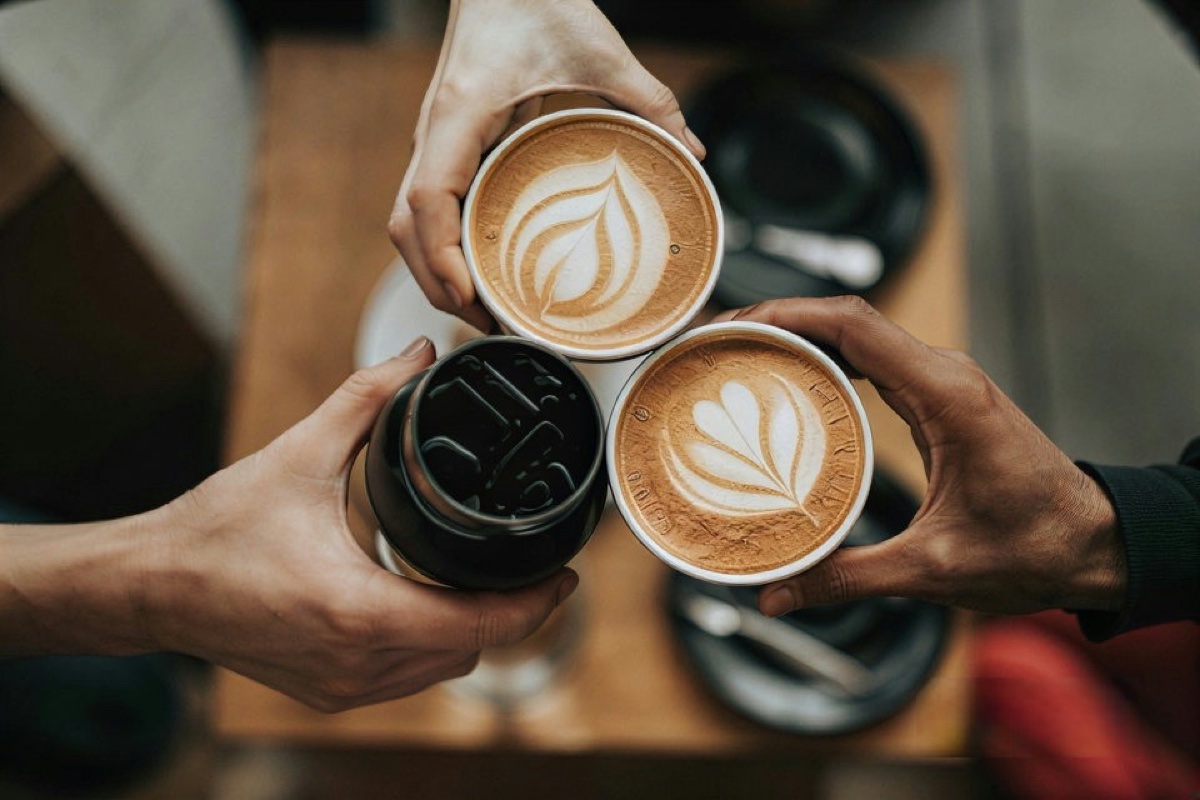
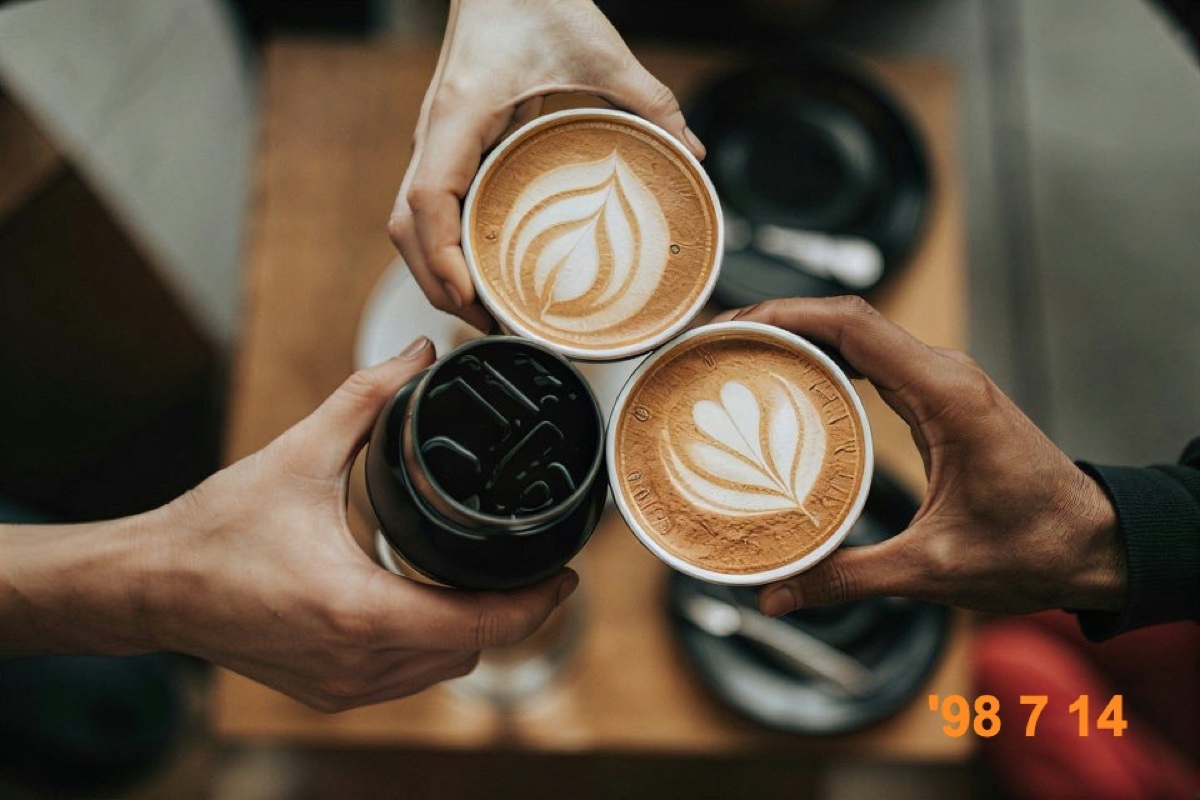
Real result
Camera date stamp
An orange date stamp in the corner of a blurred café background. The background was filled in with no visible patch.
No account required
Brush over the text you want gone. AI fills in what was behind it, and everything you didn't brush stays as it was.
A date stamp, a caption, and a price tag added on top of real photos, then removed with one brushed pass each. Drag the slider and look closely at the area that was covered.
An orange date stamp in the corner of a blurred café background. The background was filled in with no visible patch.
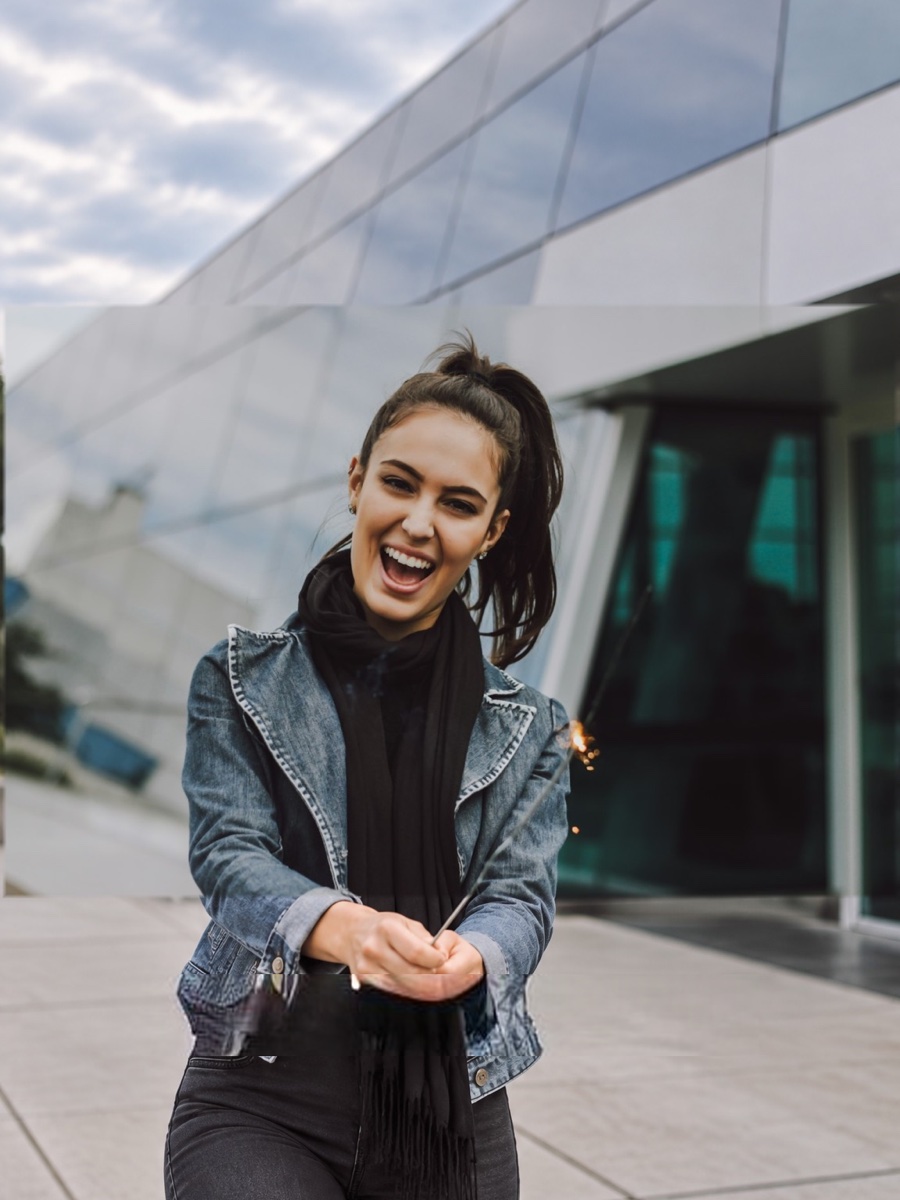
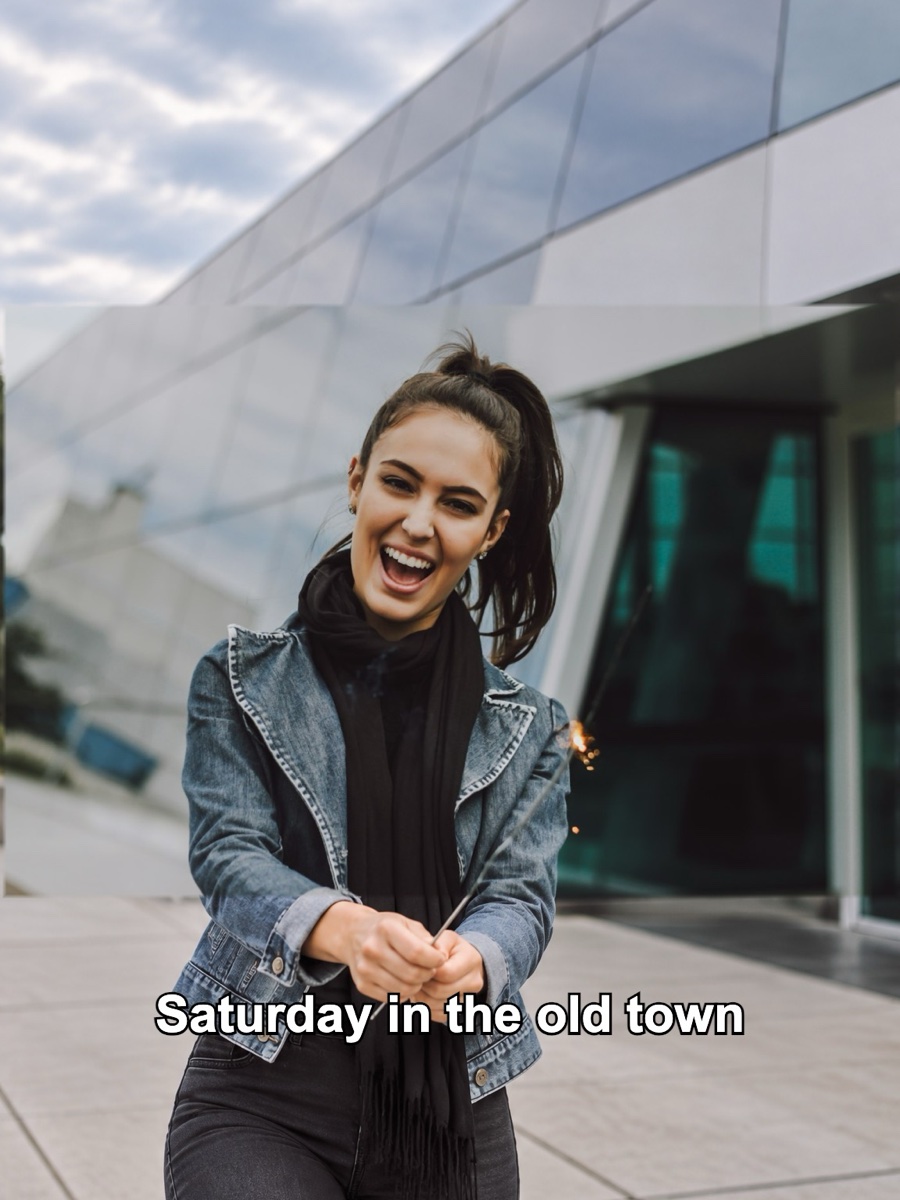
A white caption with a black outline over a jacket and hands. The jacket, hands, and pavement behind the words were filled back in; the face was never touched.
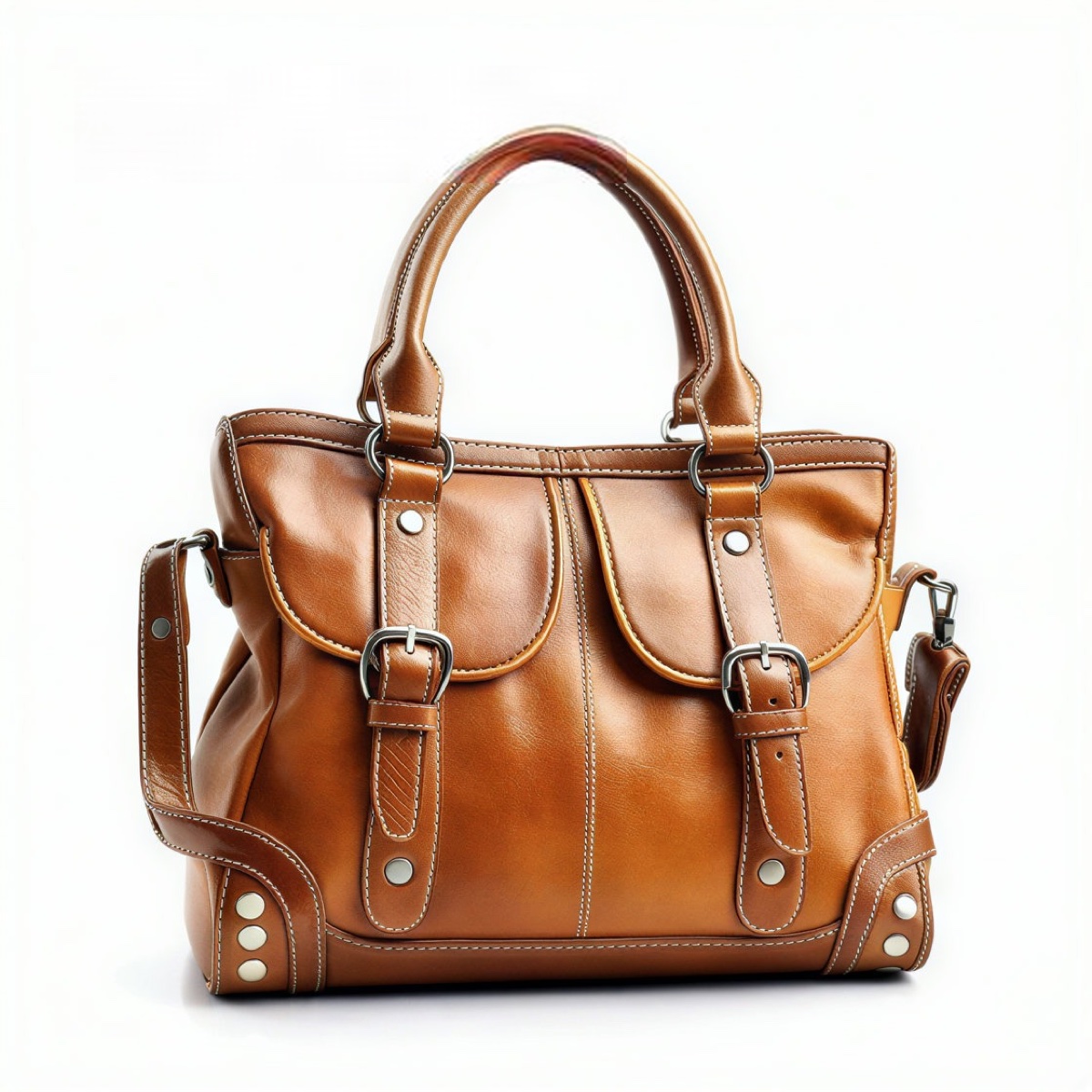
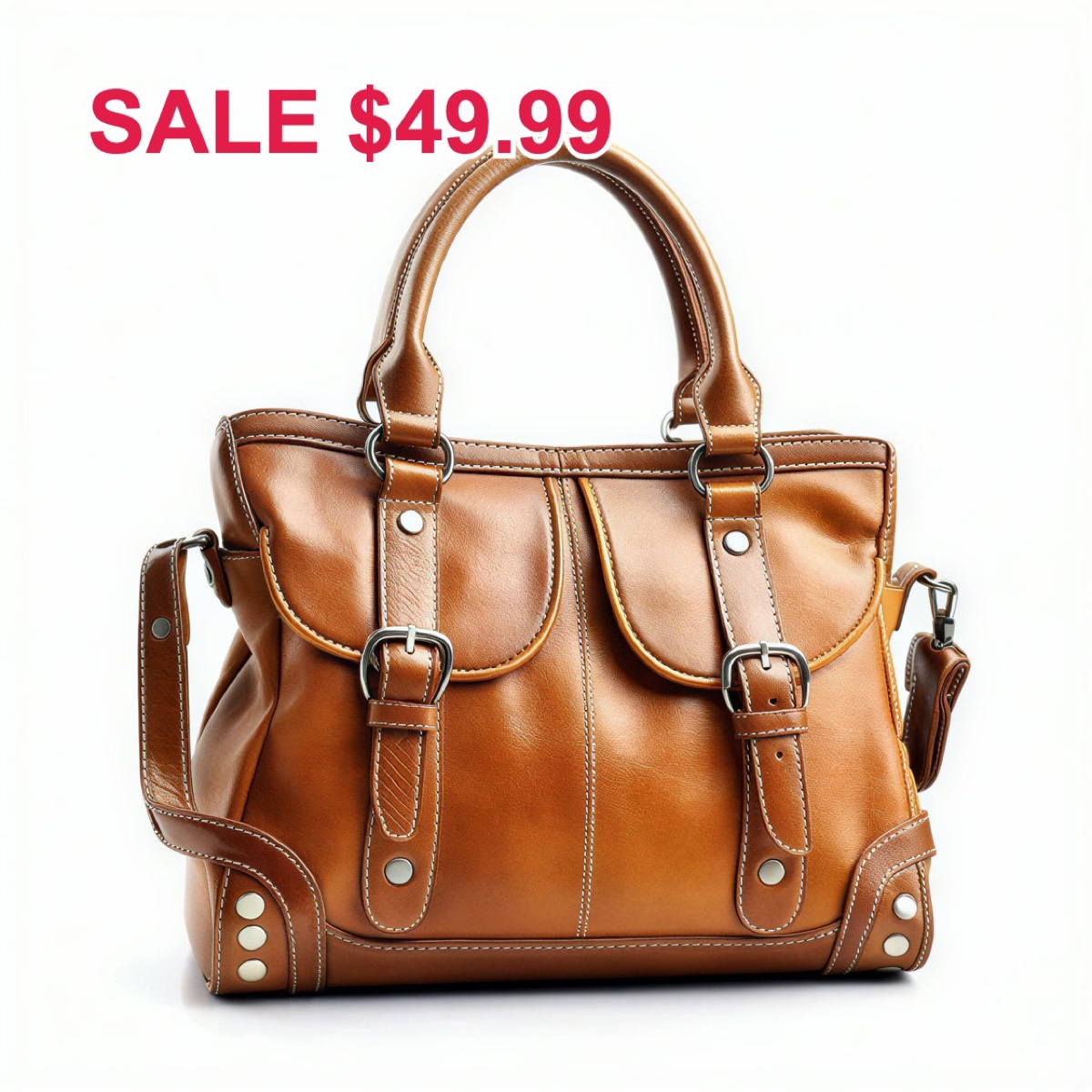
A red sale tag that overlapped the top of a bag handle. The text is gone and the handle was redrawn, but a faint red tint is left where the letters crossed it.
Step 1
Add a photo or screenshot as JPEG, PNG, or WebP up to 15 MB.
Step 2
Paint over each word, date, or caption you want removed. Cover the letters with a small margin; you can undo strokes and change the brush size.
Step 3
AI fills the brushed area from the surrounding background. Compare before and after, then download the clean image.
Captions, date stamps, subtitles, stickers, and price tags sit on top of a picture you want to keep. Brush over them and an AI model paints in the background that should be behind the text: sky, wall, fabric, skin, or a product surface.
Only the brushed area changes. After the model runs, every pixel you didn't brush is taken back from your original, so faces, logos, and other text elsewhere in the frame are not redrawn.
The result keeps the size of your upload. Each removal costs 6 credits, and you can buy a credit pack without creating an account first.
Uploads and results are removed automatically and are never used to train models.
Captions and emoji text on social photos, date stamps from old cameras, burned-in subtitles in screenshots, handwriting on a photo, price stickers on product shots, and names or notes added on top of a picture. It works best when the text sits on a simple or repeating background.
If you're happy with the result, it's ready to save. If you also want to upscale, extend the edges, or refine other details, you can continue with:

Sharpen blurry text in screenshots and documents.
Try with this photoEnhance
6General AI image enhancement. Standard 2×, Pro for finer detail and color.
Credits · Pro
Fix motion blur and soft focus in photos and portraits.
Credits · Pro
Sharpen blurry text and screenshots cleanly.
Credits · Pro
Take glare off glasses, camera flash, and sun.
4 credits
Repair scratches, creases, and tears on an old print.
4 credits
Add natural, lifelike color to black-and-white photos.
Credits · Pro
Restyle
6Put the people in your photo into a Christmas scene.
4 credits
Turn a photo into an oil painting or watercolor.
4 credits
Turn a photo into a pencil drawing.
4 credits
Turn a photo into a page to print and color.
4 credits
Turn a photo into a cartoon.
4 credits
Make a color photo black and white in your browser.
Free · Local
Upscale & extend
2Erase
2Free convert
10Convert WebP images to lossless PNG.
Free
Convert JFIF files to standard JPG format.
Free
Convert AVIF images to standard JPG format.
Free
Optimize PNG images into lightweight WebP.
Free
Convert JPG photos to lightweight WebP.
Free
Convert JPEG stills to WebP for the web.
Free
Convert WebP images to standard JPG.
Free
Convert WebP images to JPEG files.
Free
Convert PNG stills to smaller JPG photos.
Free
Convert JPG photos to PNG for editing.
Free