 lumenfix

Real result
Portraits stay the same face
Skin and edges look cleaner. We don’t invent a new person.
No account required
Sharpen a blurry photo, portrait, or product shot in about 30 seconds. The people and objects stay the same; only the blur goes.
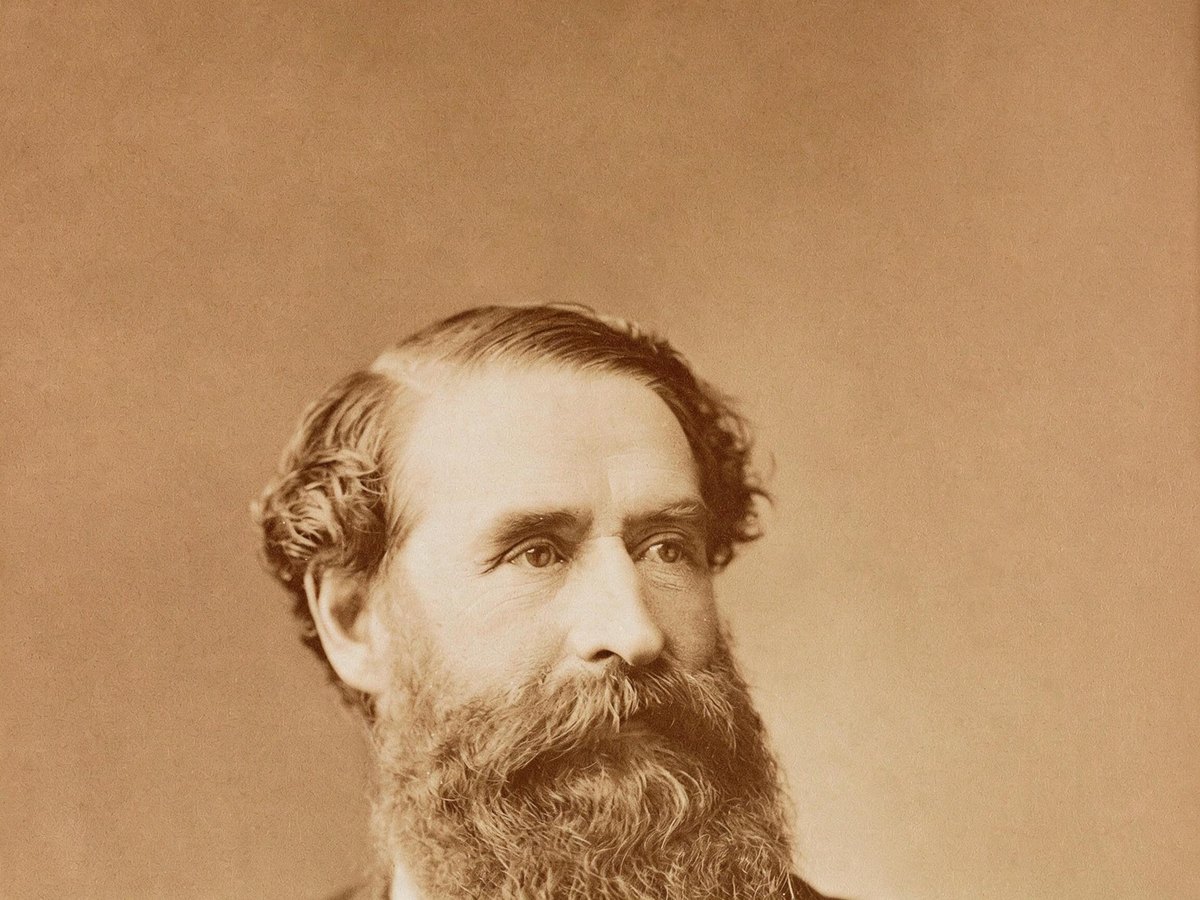
A soft portrait, a product shot, and an old print. Drag the slider to compare the blurry original with the sharpened result.
Skin and edges look cleaner. We don’t invent a new person.
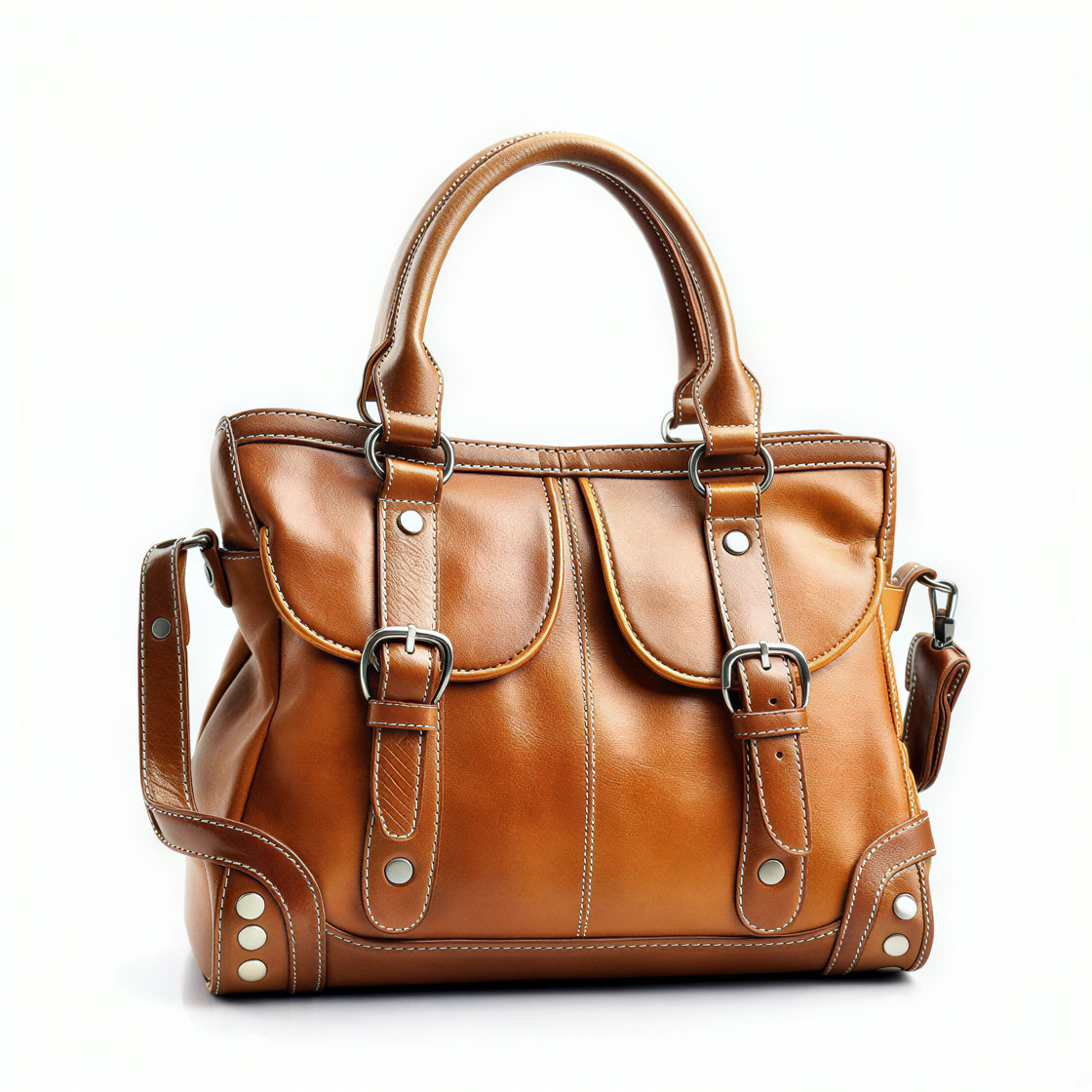
Boxes, logos, and tabletop shots. Edges stay edges.
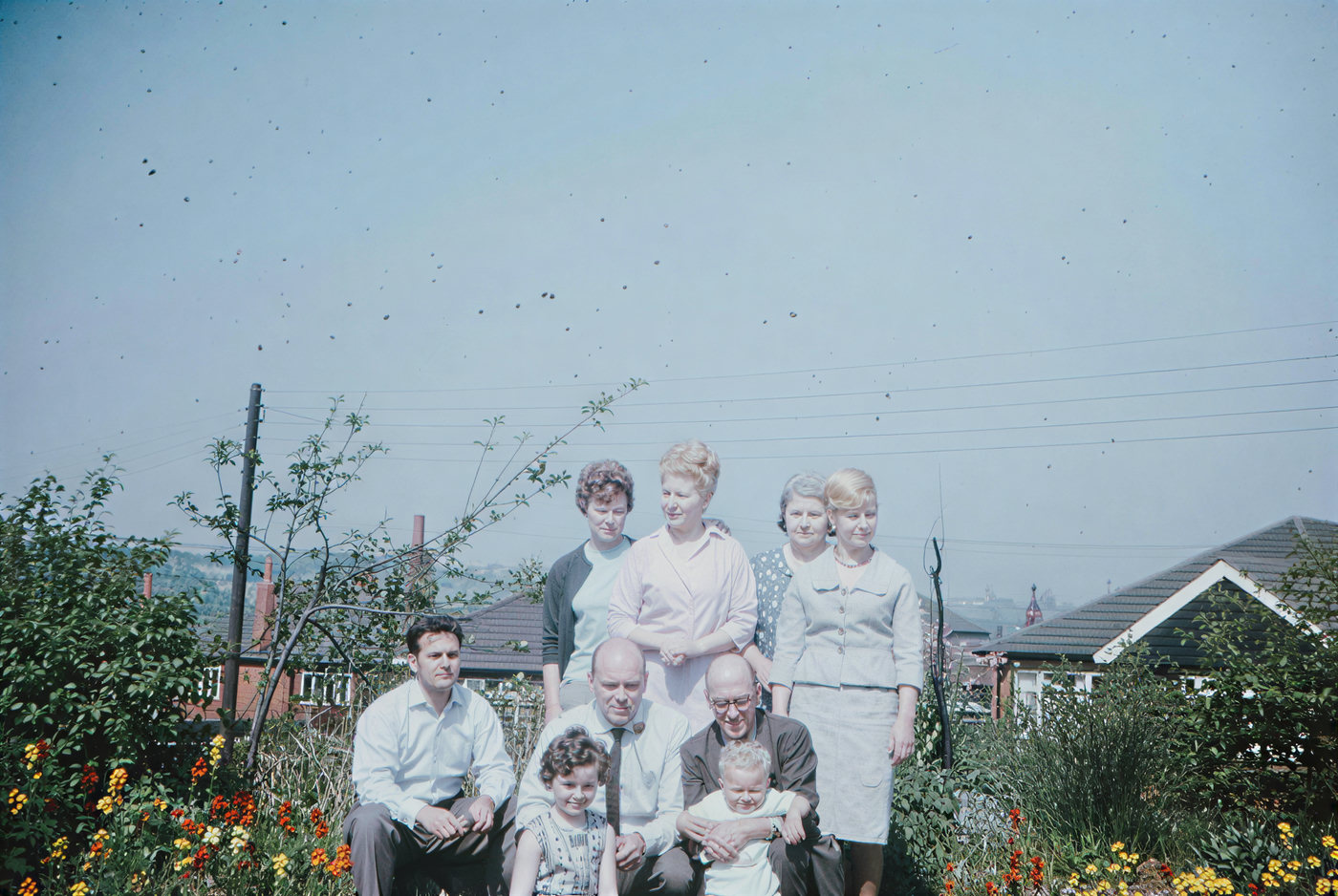
Faded or black-and-white stills. Color and clarity, not a new face.
Step 1
Drop a JPEG, PNG, or WebP up to 15 MB: a shaky phone shot, a soft portrait, or a photo that got compressed in a chat app.
Step 2
Standard removes blur and doubles the resolution, usually in under 30 seconds. Pro uses a higher-fidelity model for finer texture and more natural color.
Step 3
Drag the before/after slider to check faces and edges, then download the sharp version. No watermark, no downsizing.
Photos go soft for a handful of reasons: the camera or subject moved, autofocus picked the wrong spot, the light was low, or a messaging app recompressed the file. Lumenfix runs the photo through an AI enhancement model that rebuilds edges and texture so the picture reads as sharp again.
It works on the whole frame, so portraits, pets, products, landscapes, and everyday phone shots all come back cleaner while keeping their composition and colors.
Faces stay recognizable. The model sharpens what is already there instead of swapping in a different face or adding people who were not in the shot.
Uploads and results are deleted after 24 hours and are never used to train models.
Slightly shaky phone photos, portraits where focus landed on the background, low-light snapshots, product photos with soft edges, and pictures that lost sharpness after being sent through a chat app. The more of the original detail that is still visible, the better the result.
If you're happy with the result, it's ready to save. If you also want to upscale, extend the edges, or refine other details, you can continue with:

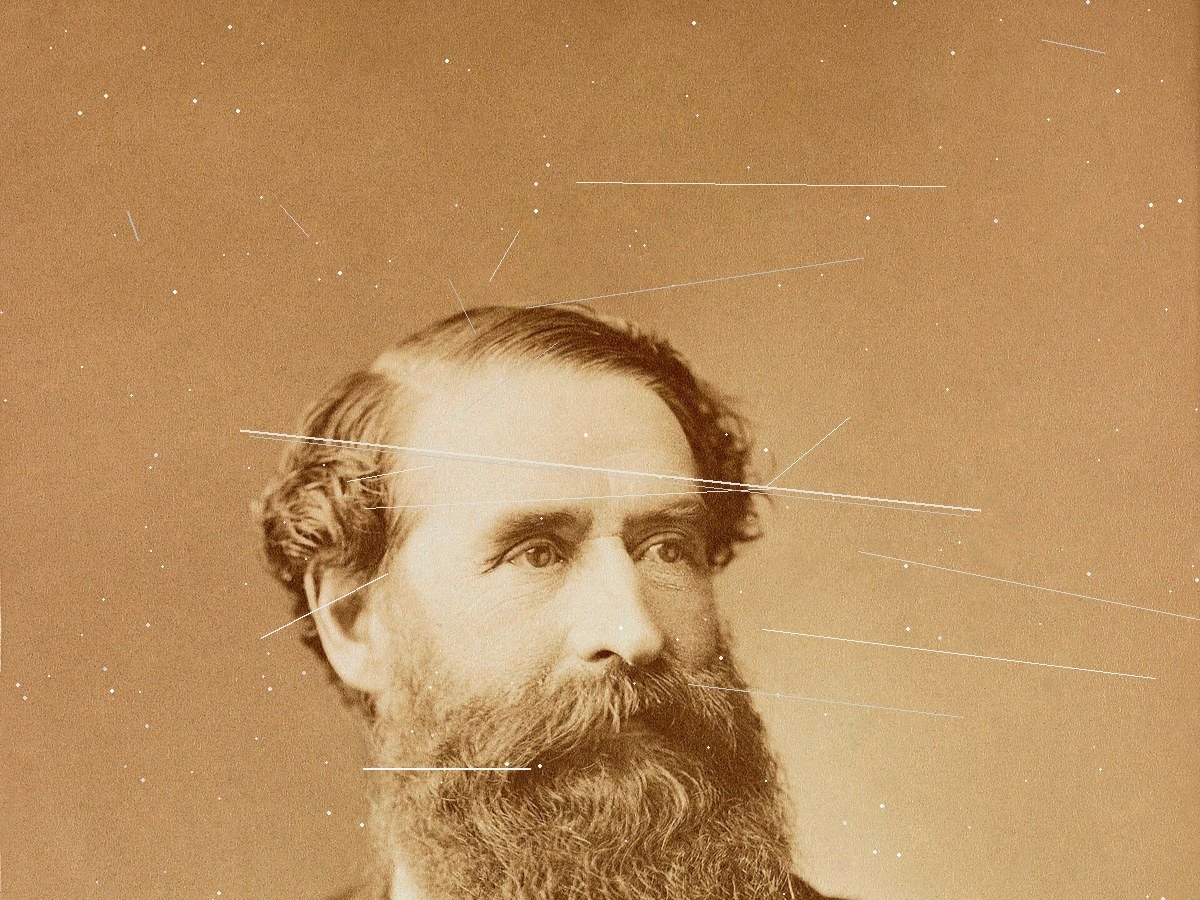
Repair creases, tears, and fading on scanned photos.
Try with this photoEnhance
6General AI image enhancement. Standard 2×, Pro for finer detail and color.
Credits · Pro
Fix motion blur and soft focus in photos and portraits.
Credits · Pro
Sharpen blurry text and screenshots cleanly.
Credits · Pro
Take glare off glasses, camera flash, and sun.
4 credits
Repair scratches, creases, and tears on an old print.
4 credits
Add natural, lifelike color to black-and-white photos.
Credits · Pro
Restyle
6Put the people in your photo into a Christmas scene.
4 credits
Turn a photo into an oil painting or watercolor.
4 credits
Turn a photo into a pencil drawing.
4 credits
Turn a photo into a page to print and color.
4 credits
Turn a photo into a cartoon.
4 credits
Make a color photo black and white in your browser.
Free · Local
Upscale & extend
2Erase
2Free convert
10Convert WebP images to lossless PNG.
Free
Convert JFIF files to standard JPG format.
Free
Convert AVIF images to standard JPG format.
Free
Optimize PNG images into lightweight WebP.
Free
Convert JPG photos to lightweight WebP.
Free
Convert JPEG stills to WebP for the web.
Free
Convert WebP images to standard JPG.
Free
Convert WebP images to JPEG files.
Free
Convert PNG stills to smaller JPG photos.
Free
Convert JPG photos to PNG for editing.
Free