 lumenfix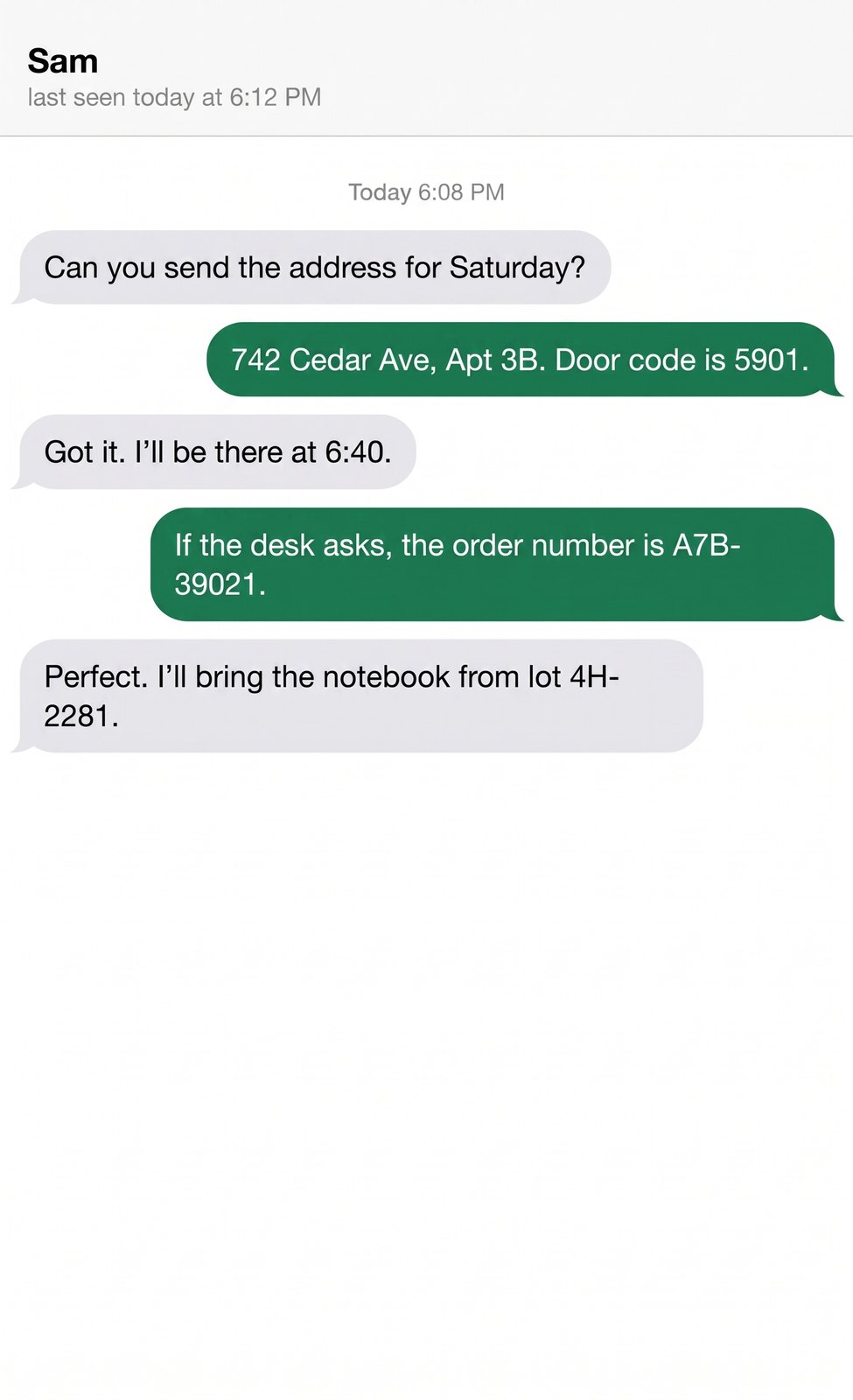
Real result
Unblur chat screenshots
A chat thread saved as a low-quality JPG, restored with Standard. Every message and number stayed the same. We blurred a clear original ourselves, so this is not a real user's screenshot.
No account required
Fix blurred text images from screenshots, scans, and hard-to-read handwriting with AI. Free to try, with exports up to 4K.
Chat screenshots, documents, handwritten notes, and receipts. Each sample starts from a clear original that we blurred ourselves, then restored with Unblur text. Drag the slider to compare, and check every number against the original.
A chat thread saved as a low-quality JPG, restored with Standard. Every message and number stayed the same. We blurred a clear original ourselves, so this is not a real user's screenshot.
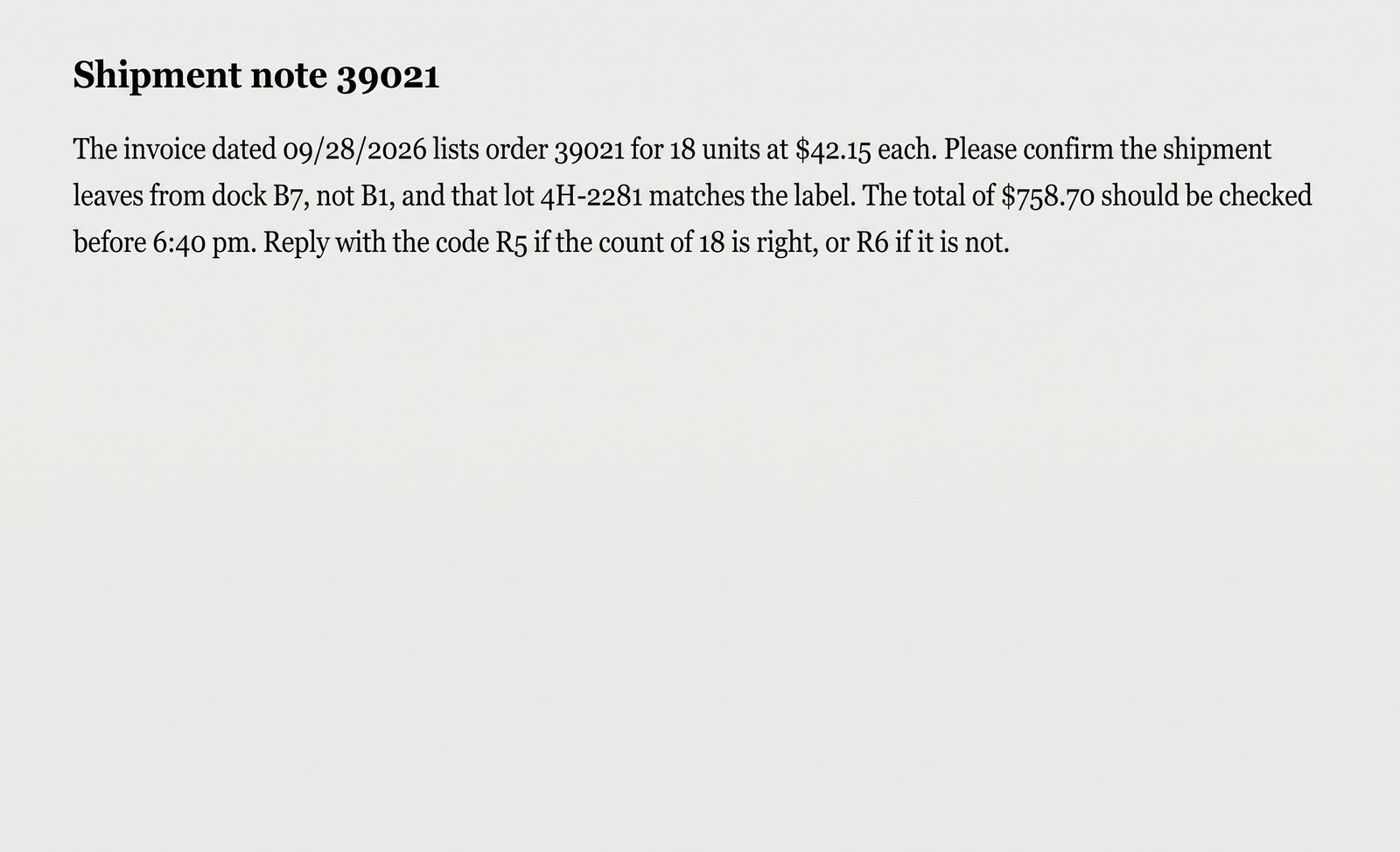
A shipment note blurred with a Gaussian filter, restored with Standard. The order number, amounts, and dock code stayed the same, but the page color shifted from cream to light gray.
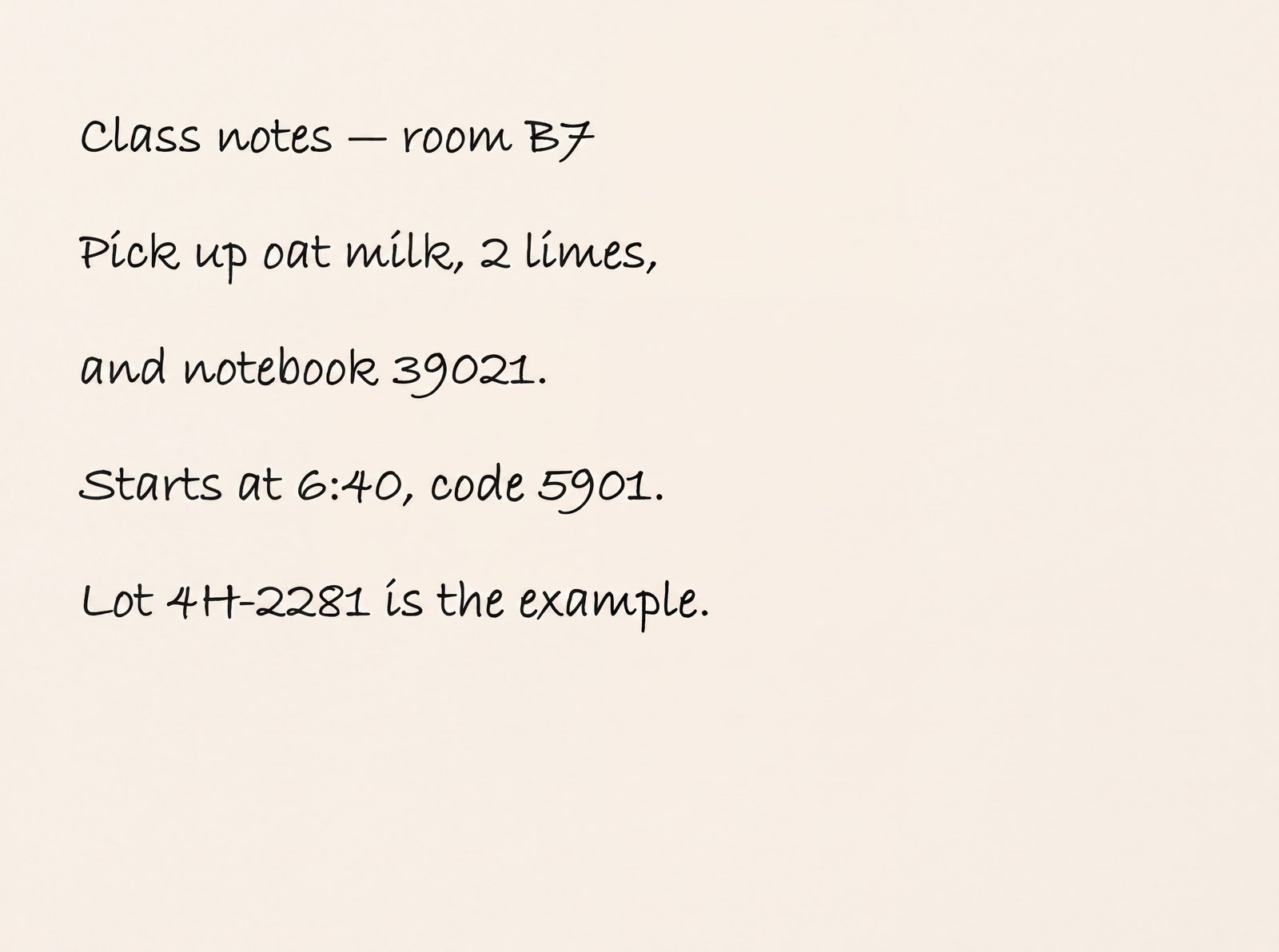
Handwriting with a motion blur, restored with Pro at 4K. The words, times, and numbers came back correctly. Still check dates and codes against the original.
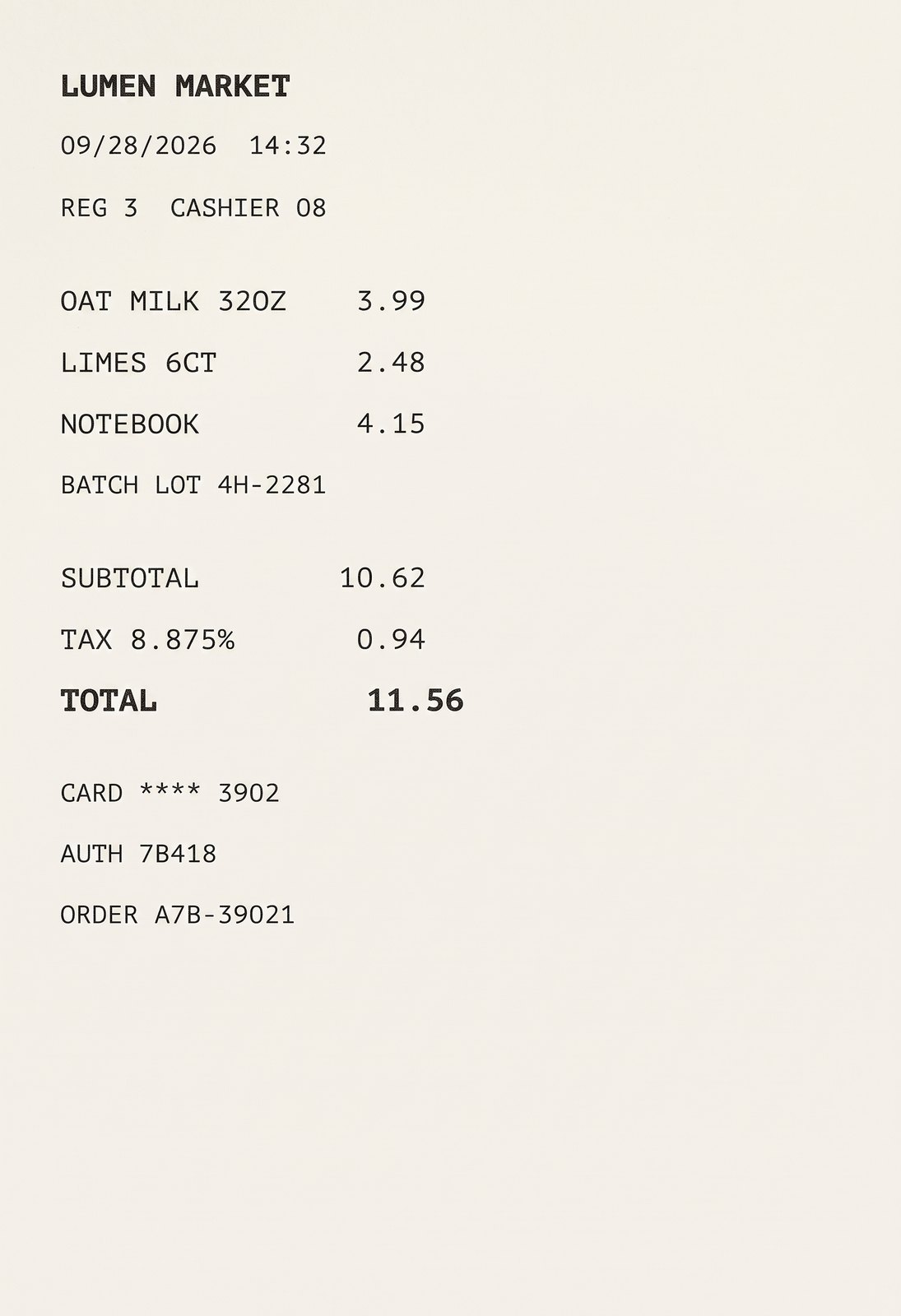
A receipt we blurred ourselves, restored with Standard. Prices, totals, and the date came back right, but the cashier code 8B was read as 08. Always check codes and numbers against the original.
Step 1
Add a messaging app screenshot, document scan, or phone photo of paper as JPG, PNG, or WebP up to 15 MB.
Step 2
Standard exports up to 2K resolution. Pro exports in 4K for close-up inspection and printing. The AI enhances stroke clarity in seconds.
Step 3
Drag the interactive before-and-after slider to inspect character details, then save your clear result. Always verify critical numbers against the original.
Text becomes unreadable when messaging apps recompress screenshots, camera autofocus misses a document, or scans lack resolution. Characters blur together and lose edge definition. Lumenfix redraws the blurry letters with a generative AI model so they come back clean and legible.
It processes the whole image, so chat threads, papers, whiteboard notes, receipts, and product labels keep their layout. The AI can still shift the paper color, restyle a font, or add a small mark that wasn't there, so compare the result with your original.
Dual-tier flexibility: Standard is the lower-cost option for quick legibility checks; Pro provides up to 4K high-resolution output ideal for slide presentations, cropping, and sharp physical printing.
A readability aid, not a copy of the original: the AI draws each letter from what it can still see, so it can get some letters or numbers wrong, and it can add lines or marks that weren't in the image. Always check names, amounts, dates, and codes against the original.
Screenshots from messaging apps and software, scanned papers and reports, classroom and meeting notes, store receipts, product labels, and posters or notices. It works best when the text is soft but still partly readable. The heavier the blur and the smaller the text, the more letters and numbers it gets wrong.
Once the text is readable, choose Copy text under the result to get it as plain text you can paste into notes, a spreadsheet, or a translator. We read both your original upload and the restored image, and highlight the words the two readings disagree on, because those are the words the AI may have changed.
SIRVASE CITAR
E.T-14
El día 26 del actual fué examinado en Ciénaga el
Maquinista de esa División señor Guillermo Vázquez Feito No. 2003
por el Inspector Jefe señor Alfredo Echeverría, quedando autoriza
para el manejo de las Locomotoras Diesel hidráulicas ( ALEMANAS )
por haber sido aprobado en la prueba de capacidad.-
N.G.Wall
INGENIERO JEFE MECANICO
Both highlighted words are wrong: the original reads E.1-14 and N.C.Wall. The word “la” should be “esa”, but both readings agreed on it, so it isn't highlighted.
Sharper letters and cleaner edges, with the page layout kept in place.
01
The AI redraws soft, clustered small text with clean edges, so letters that ran together are easier to tell apart.
02
Cleans up blur and artifacts from messaging app compression or missed focus in seconds, so small print is easier to read.
03
Tables, margins, and surrounding graphics stay where they were. Paper color and fonts can shift slightly and small marks can appear, so check the result against the original.
04
Pro tier provides up to 4K resolution exports, ideal for deep-zoom inspection, presentations, or physical paper printing.
Works on most documents and screen captures where faint stroke outlines are still visible.
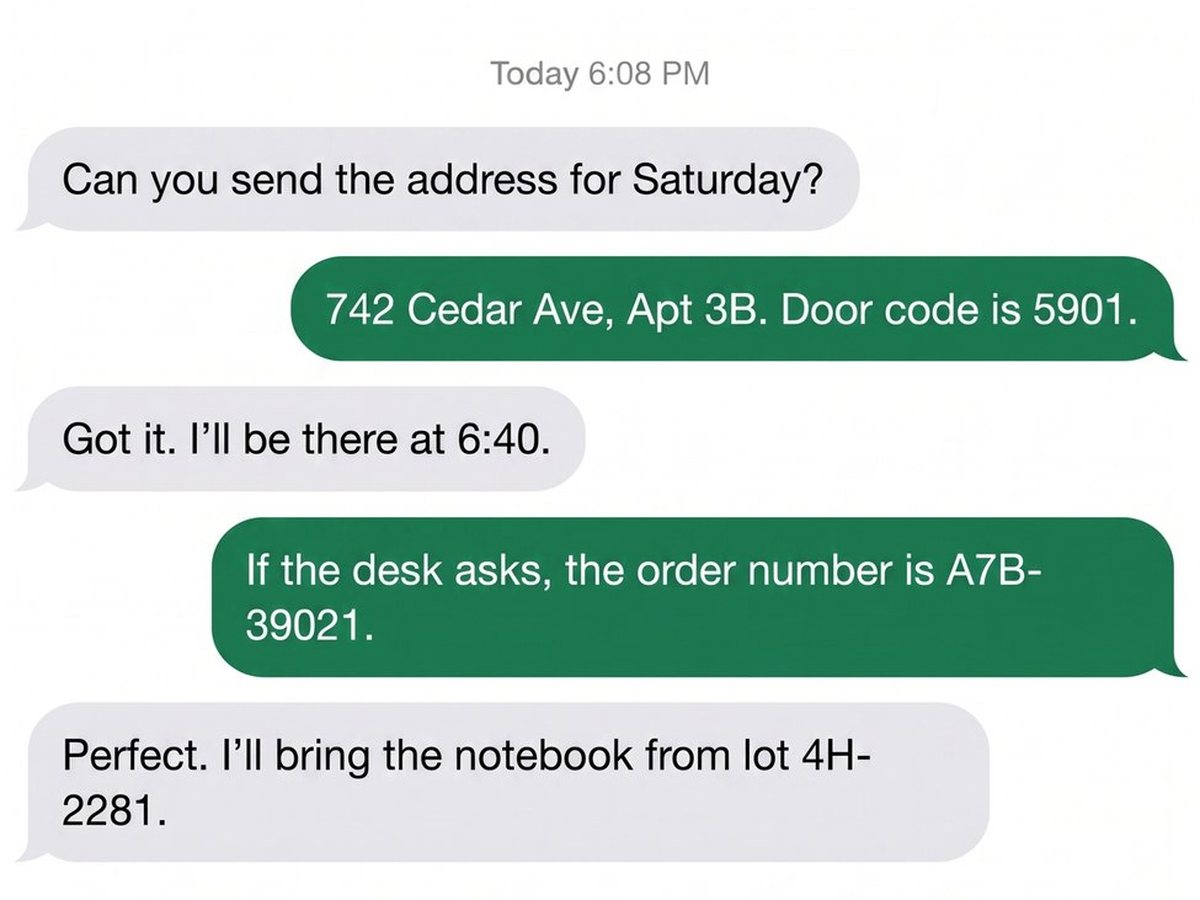
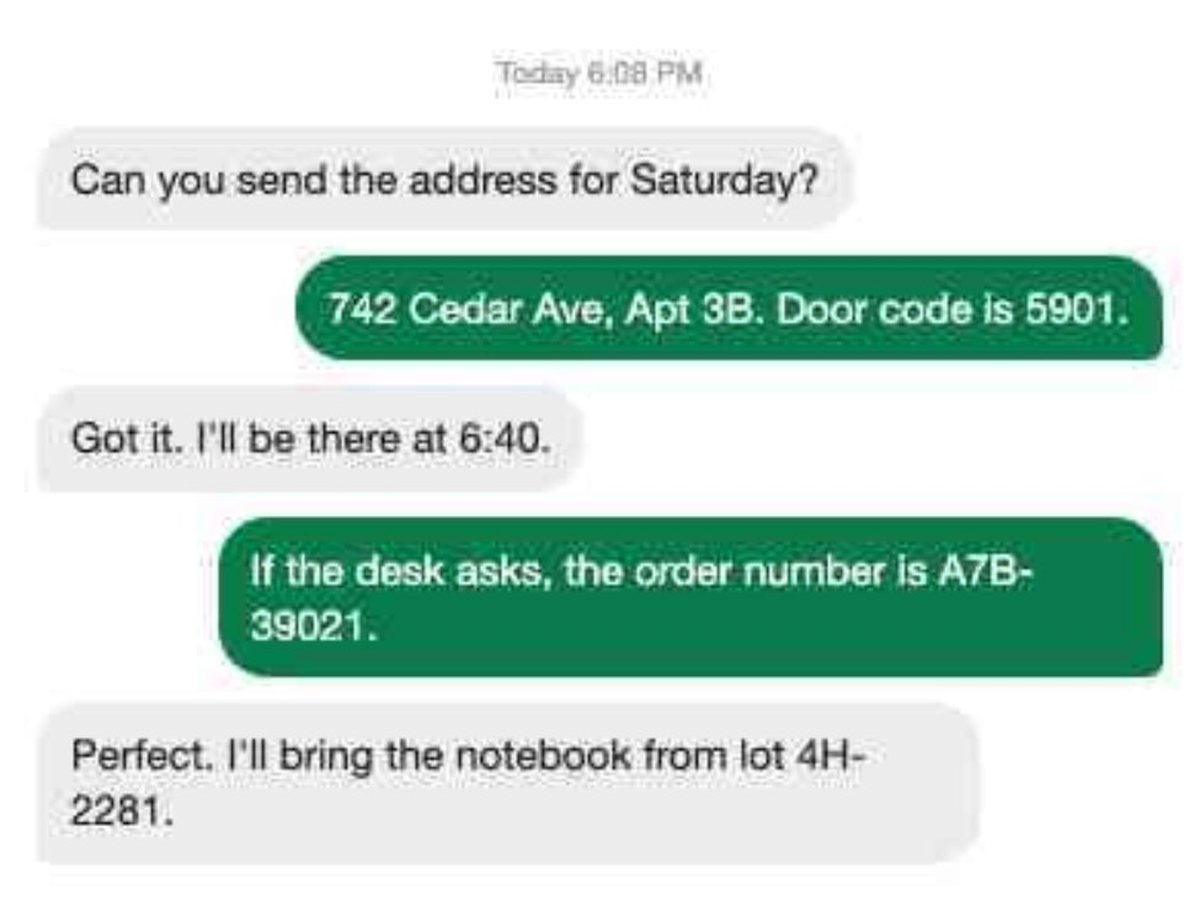
Clarify conversation logs, subtitles, webpage captures, and software labels degraded by repeated forwarding or scaling. Sample: a chat we blurred ourselves, restored with Standard. Every message and number came back unchanged.
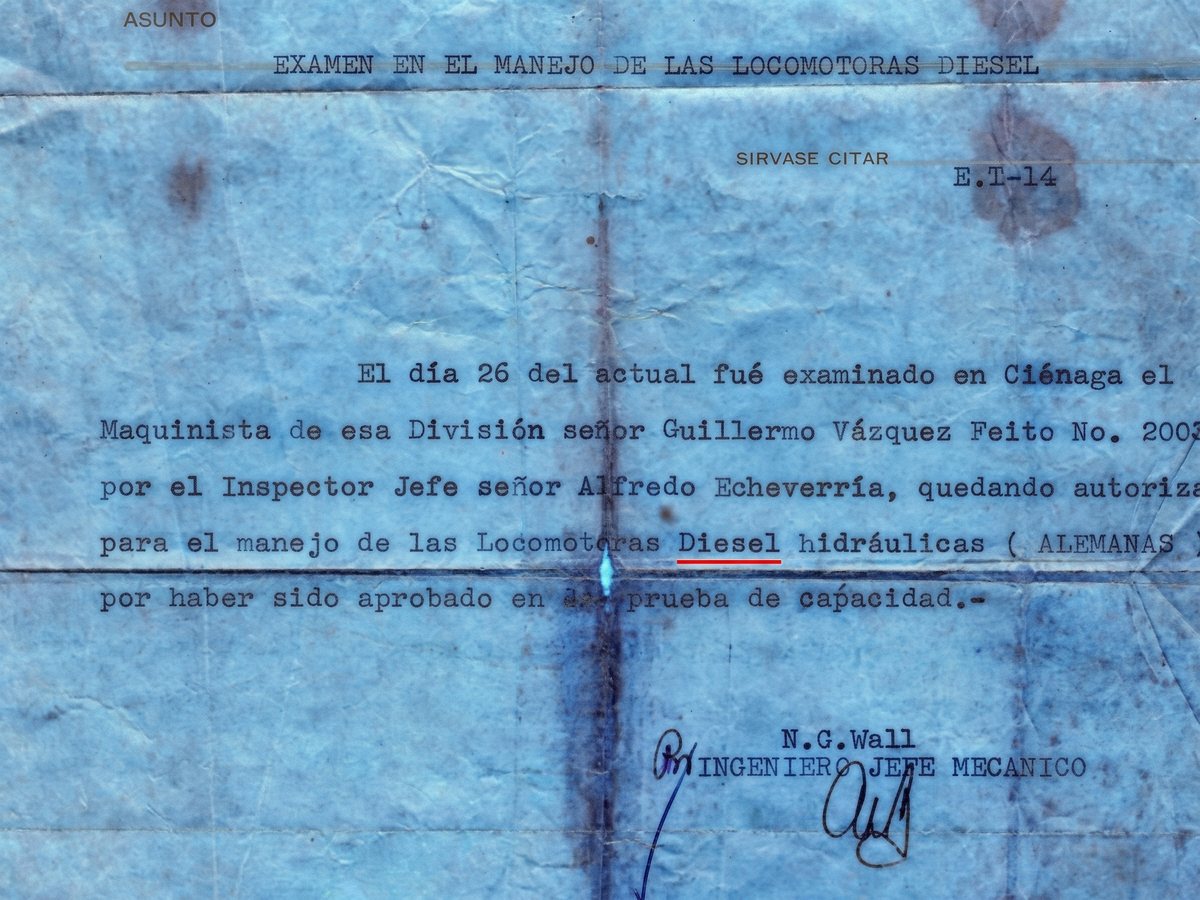
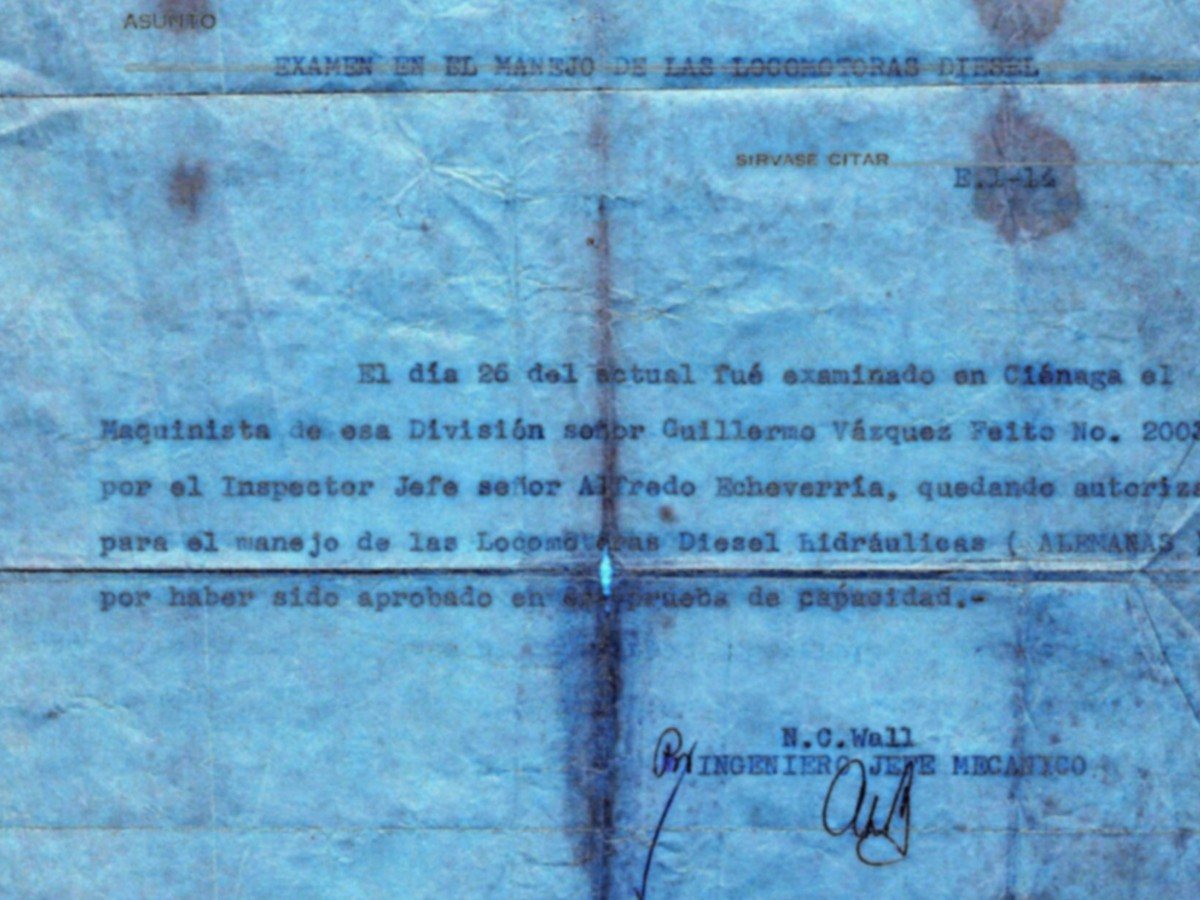
Enhance paragraph text, data tables, citation footnotes, and fine margin notes in scans and PDF page exports. Sample: a 1958 typed letter we blurred from a clear scan, restored with Standard. The typed words matched the original, but the reference code E.1-14 became E.T-14 and a red underline appeared under “Diesel” that isn’t in the original.
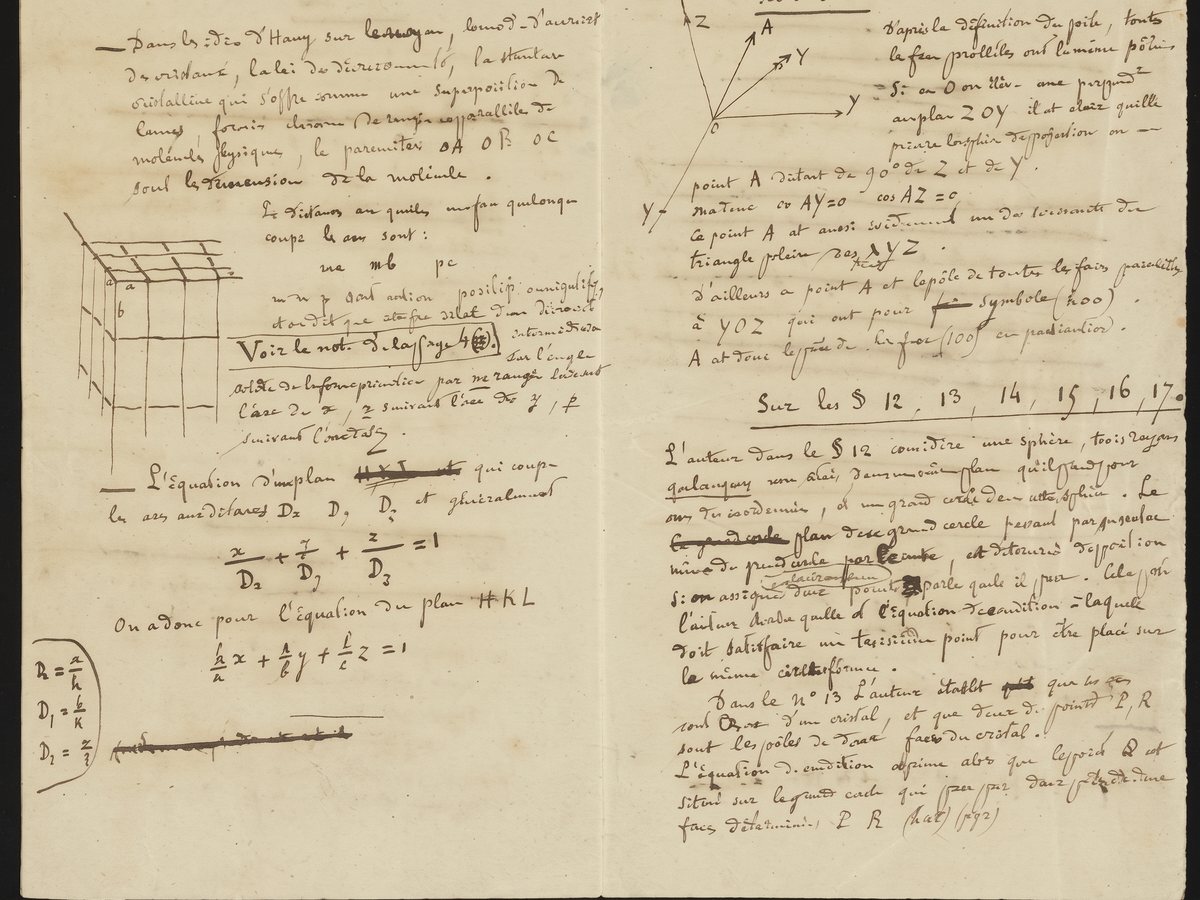
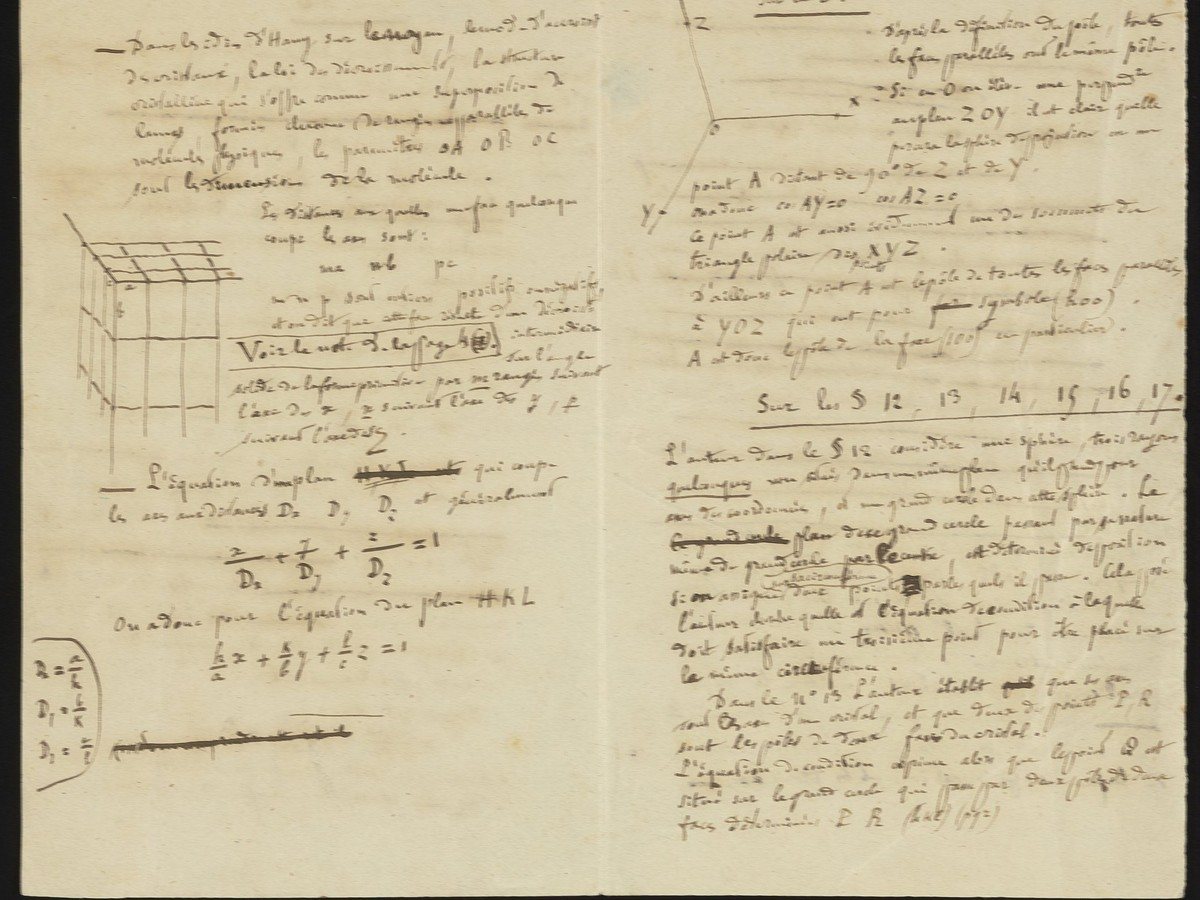
Rescue study notes, whiteboard brainstorms, and handwritten drafts softened by camera shake or low light. Sample: 19th-century notes by Louis Pasteur we blurred with a motion blur, restored with Standard. Most of the writing matches the original, but the small diagram at the top right gained arrows and letters that aren’t in the original.
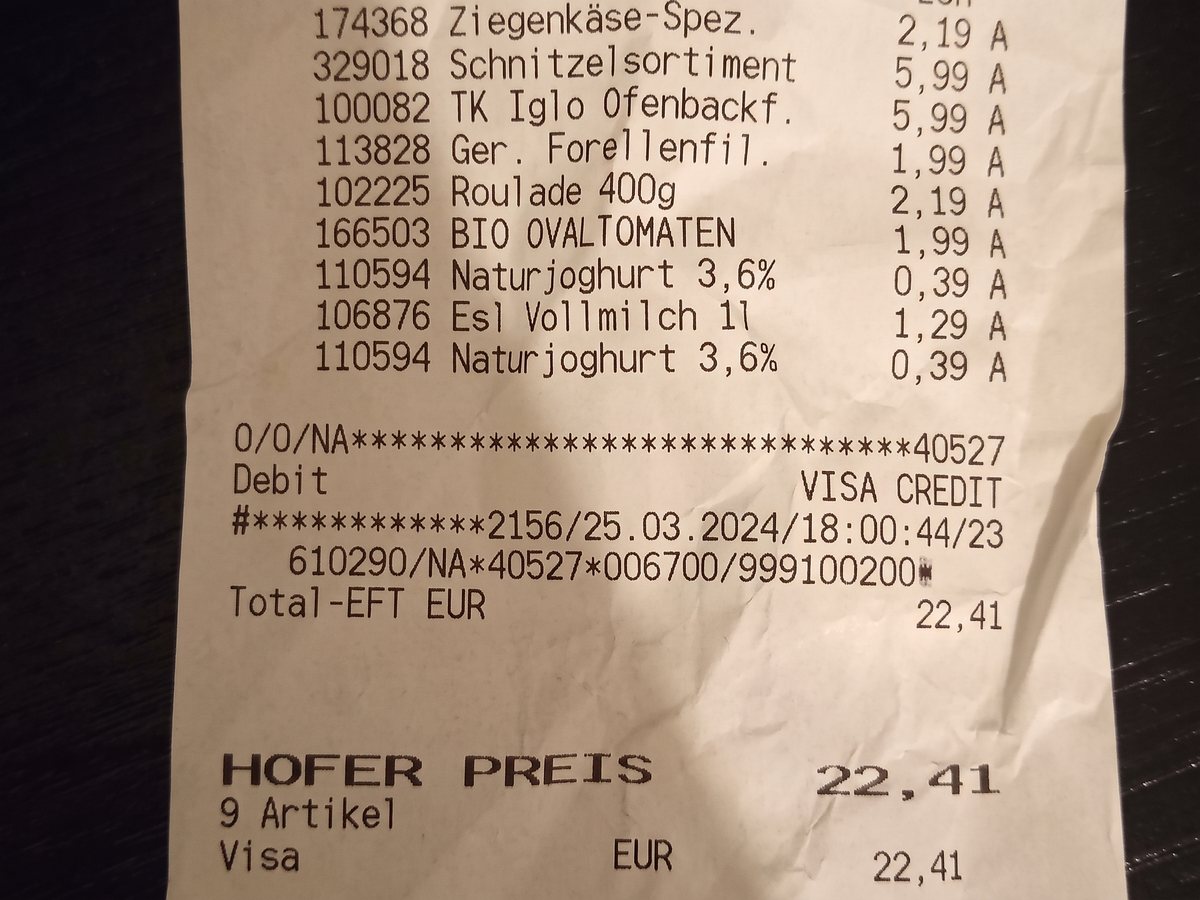
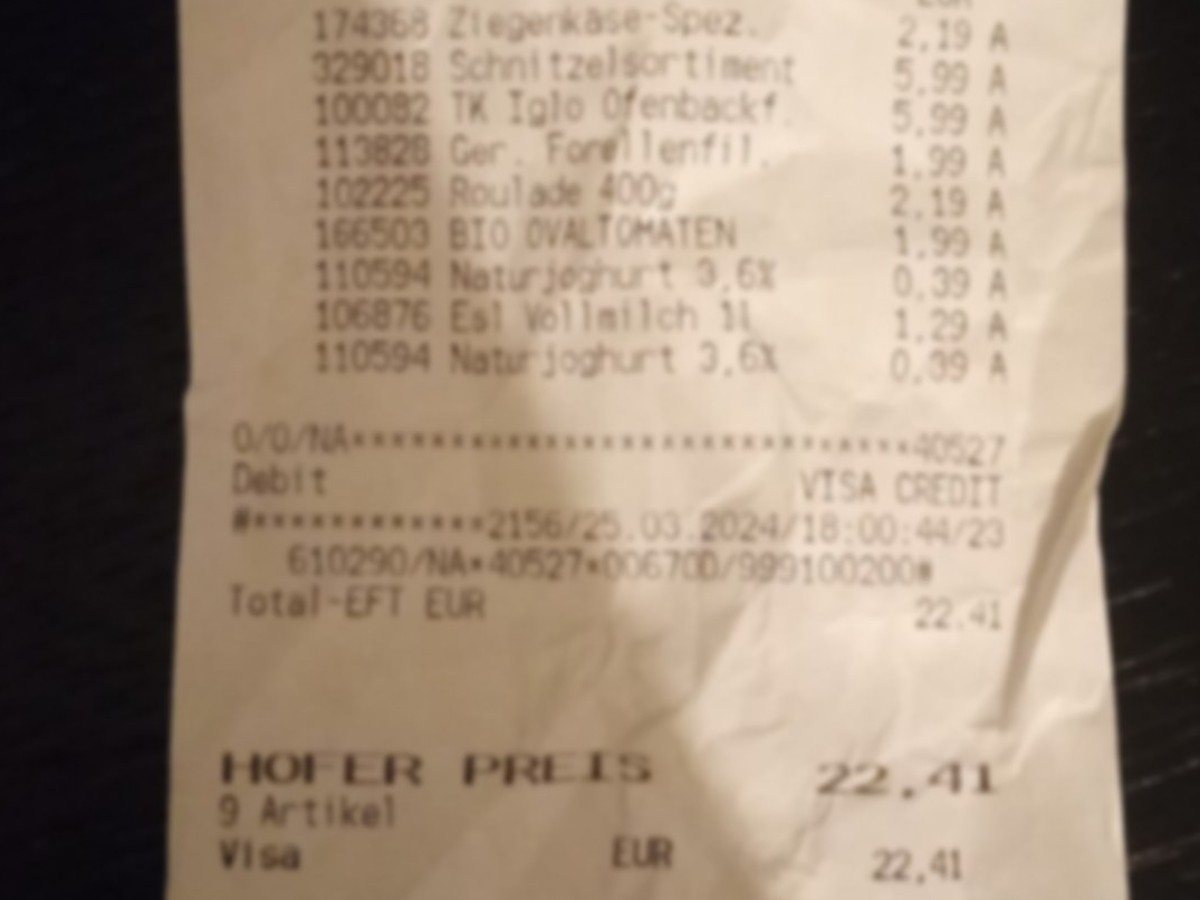
Restore faded thermal paper receipts, item totals, and date stamps for clear accounting and expense reconciliation. Sample: a receipt we blurred from a clear photo, restored with Standard. All items and prices came back right, but a transaction code changed from 00670D to 006700 and one amount was printed as 22,41 instead of 22.41.
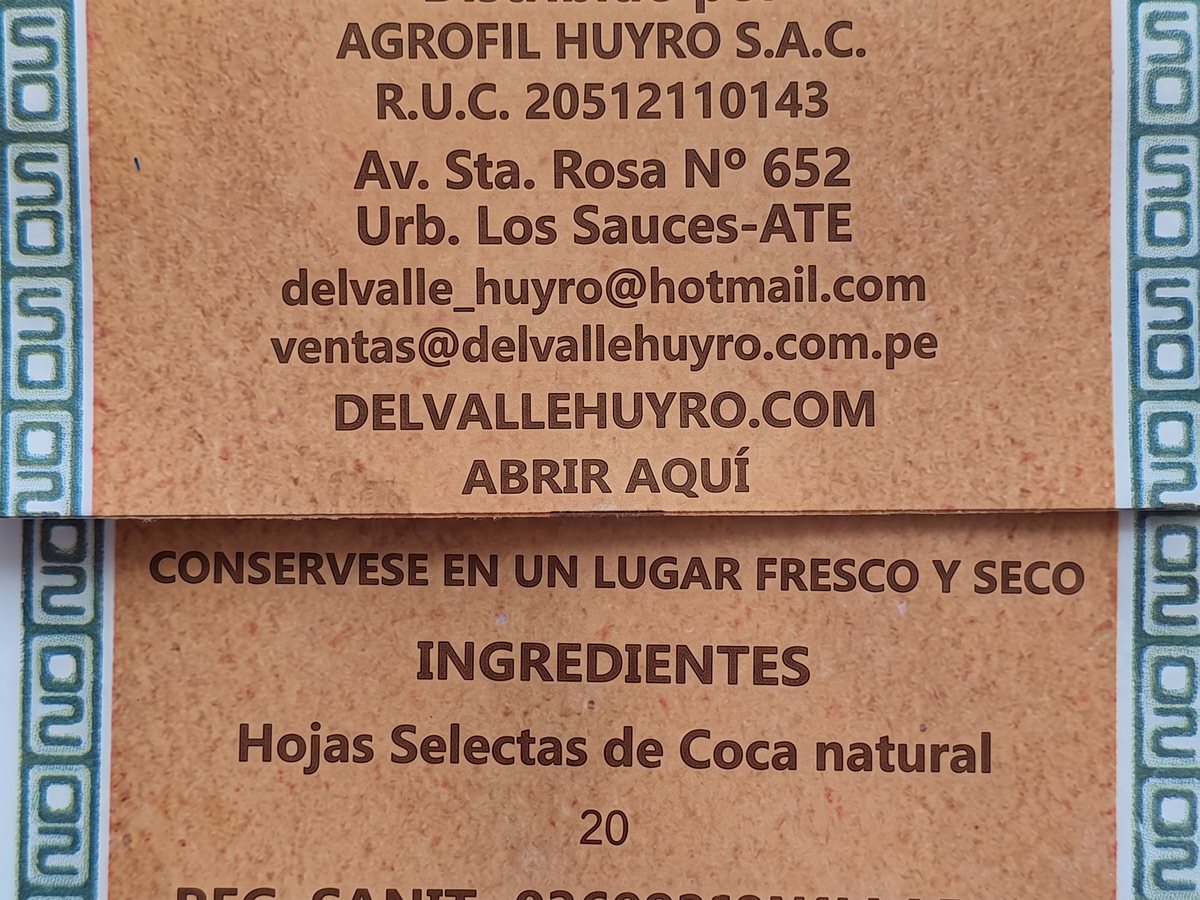
Make tiny ingredients, serial codes, medicine dosage directions, and product specification plates easily readable. Sample: the back of a Peruvian herbal tea bag we blurred from a clear photo, restored with Standard. The ingredients, company name, address, tax ID, and emails came back right, but a “20” appeared under the ingredients that isn’t on the pack.
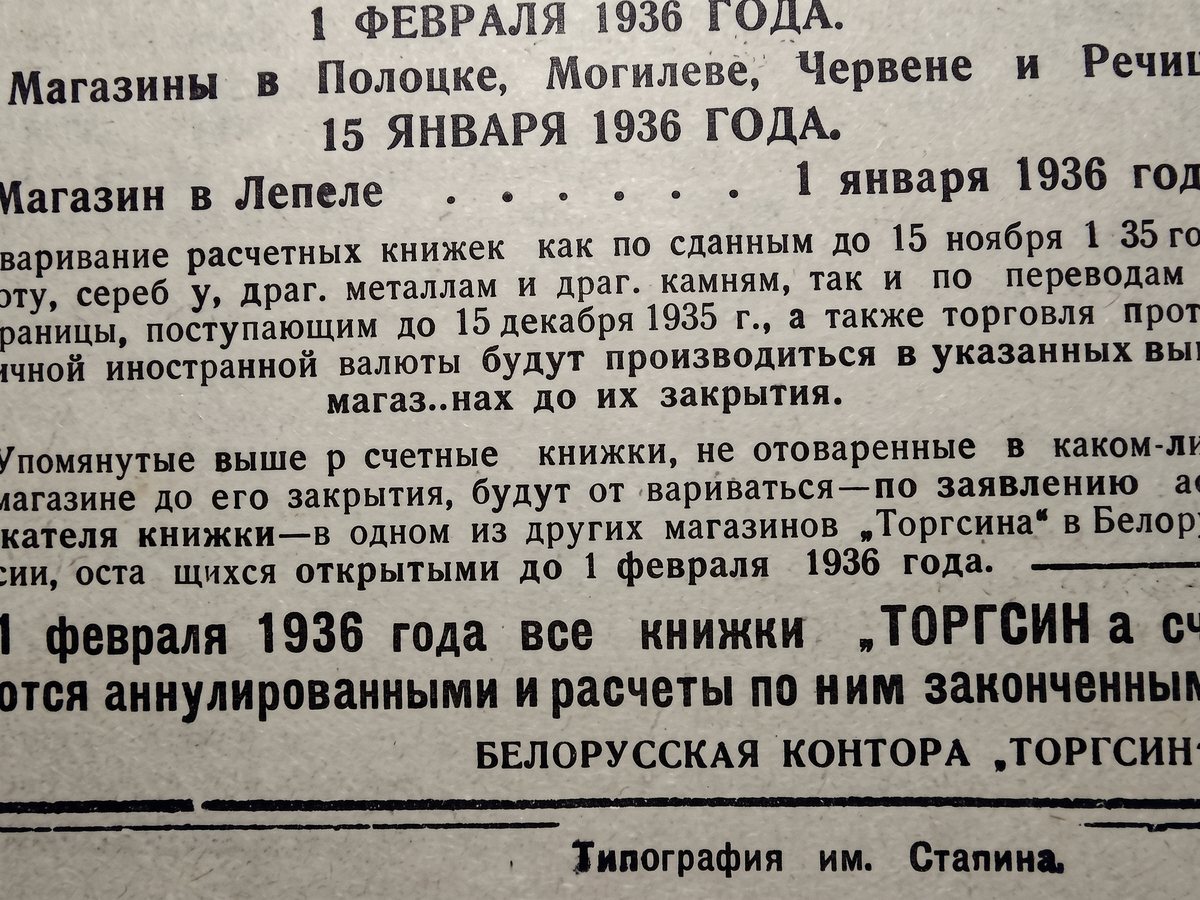
Sharpen small print in posters, printed notices, flyers, and old newspaper clippings photographed at an angle or from a distance. Sample: a 1935 notice we blurred from a clear photo, restored with Standard. One letter changed (нак became нах); the rest matched the original.
Follow these guidelines to get clearer results with fewer character mistakes.
If you only need a specific paragraph or label, crop away excess background before uploading to concentrate model detail.
Whenever possible, upload the original screenshot or camera capture instead of low-resolution thumbnails from chat apps.
For faded thermal receipts or pencil handwriting, photograph under bright, even light and retain the color photo.
Copy text reads both your original and the result and highlights words that disagree. Check every highlighted word, and every number and code, before you paste the text anywhere that matters.
If you're happy with the result, it's ready to save. If you also want to upscale, extend the edges, or refine other details, you can continue with:
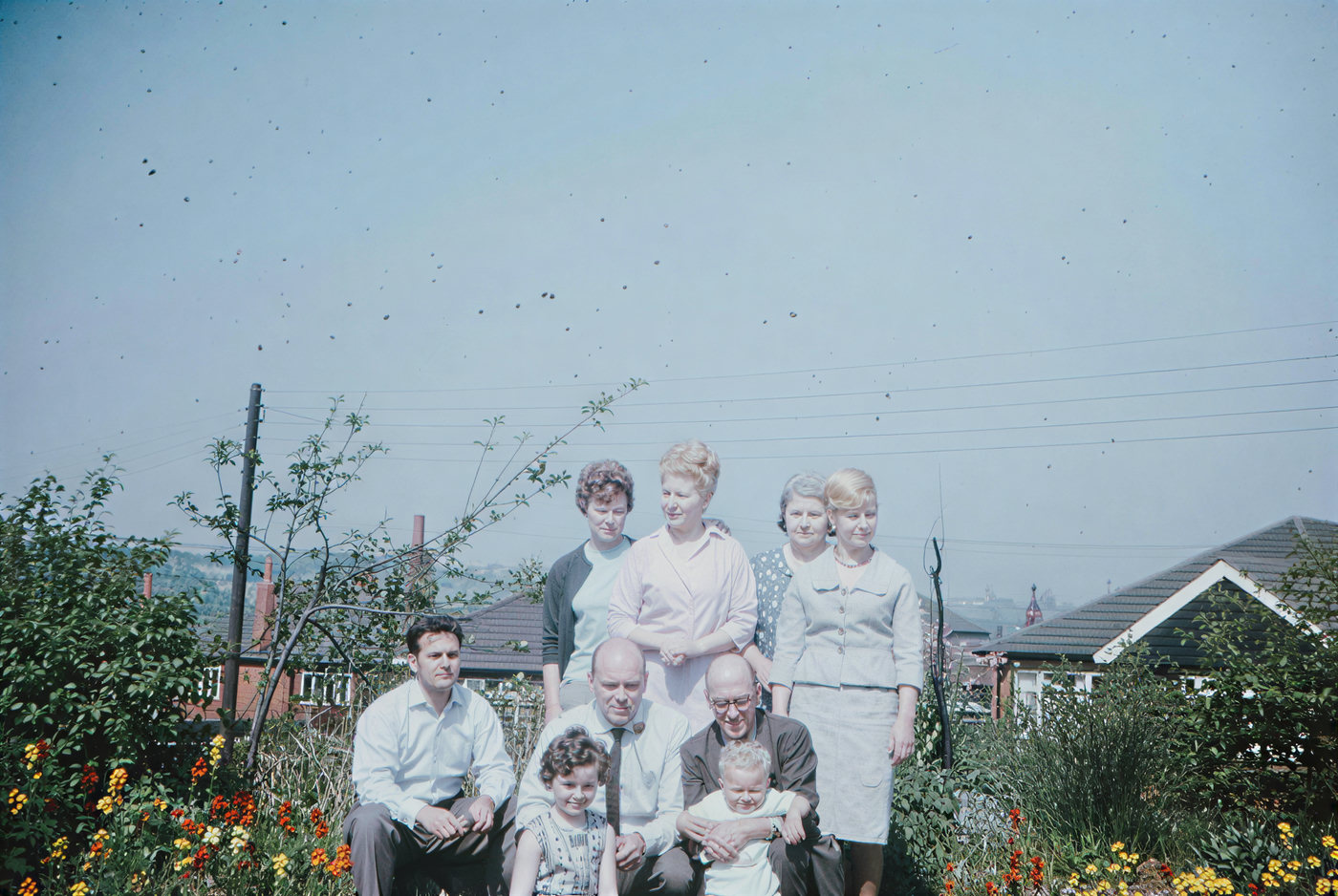
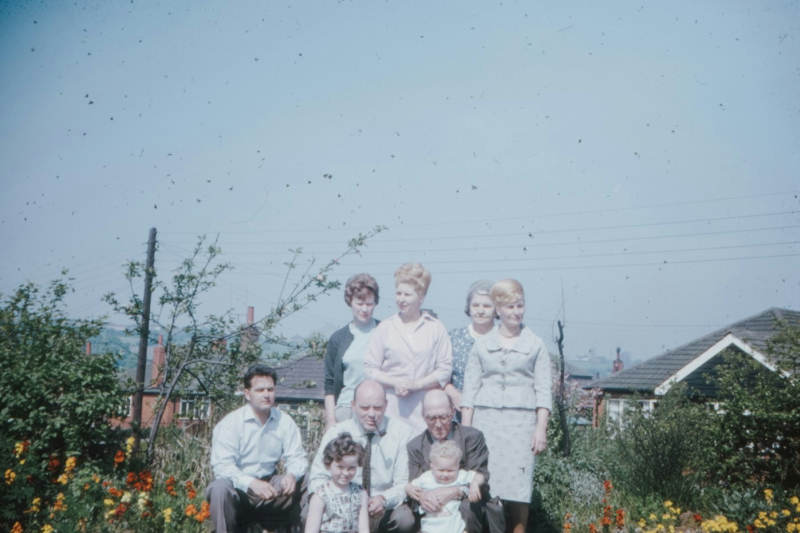
Sharpen the whole photo when more than the text looks soft or noisy.
Try with this photo

Widen a cropped screenshot or scan so the full page fits a slide, banner, or document.
Try with this photo

Check whether a screenshot or scan was AI-generated before you share or restore it.
Try with this photo
Paint over unwanted watermarks or captions to remove them cleanly.
Try with this photoEnhance
6General AI image enhancement. Standard 2×, Pro for finer detail and color.
Credits · Pro
Fix motion blur and soft focus in photos and portraits.
Credits · Pro
Sharpen blurry text and screenshots cleanly.
Credits · Pro
Take glare off glasses, camera flash, and sun.
4 credits
Repair scratches, creases, and tears on an old print.
4 credits
Add natural, lifelike color to black-and-white photos.
Credits · Pro
Restyle
6Put the people in your photo into a Christmas scene.
4 credits
Turn a photo into an oil painting or watercolor.
4 credits
Turn a photo into a pencil drawing.
4 credits
Turn a photo into a page to print and color.
4 credits
Turn a photo into a cartoon.
4 credits
Make a color photo black and white in your browser.
Free · Local
Upscale & extend
2Erase
2Free convert
10Convert WebP images to lossless PNG.
Free
Convert JFIF files to standard JPG format.
Free
Convert AVIF images to standard JPG format.
Free
Optimize PNG images into lightweight WebP.
Free
Convert JPG photos to lightweight WebP.
Free
Convert JPEG stills to WebP for the web.
Free
Convert WebP images to standard JPG.
Free
Convert WebP images to JPEG files.
Free
Convert PNG stills to smaller JPG photos.
Free
Convert JPG photos to PNG for editing.
Free