 lumenfix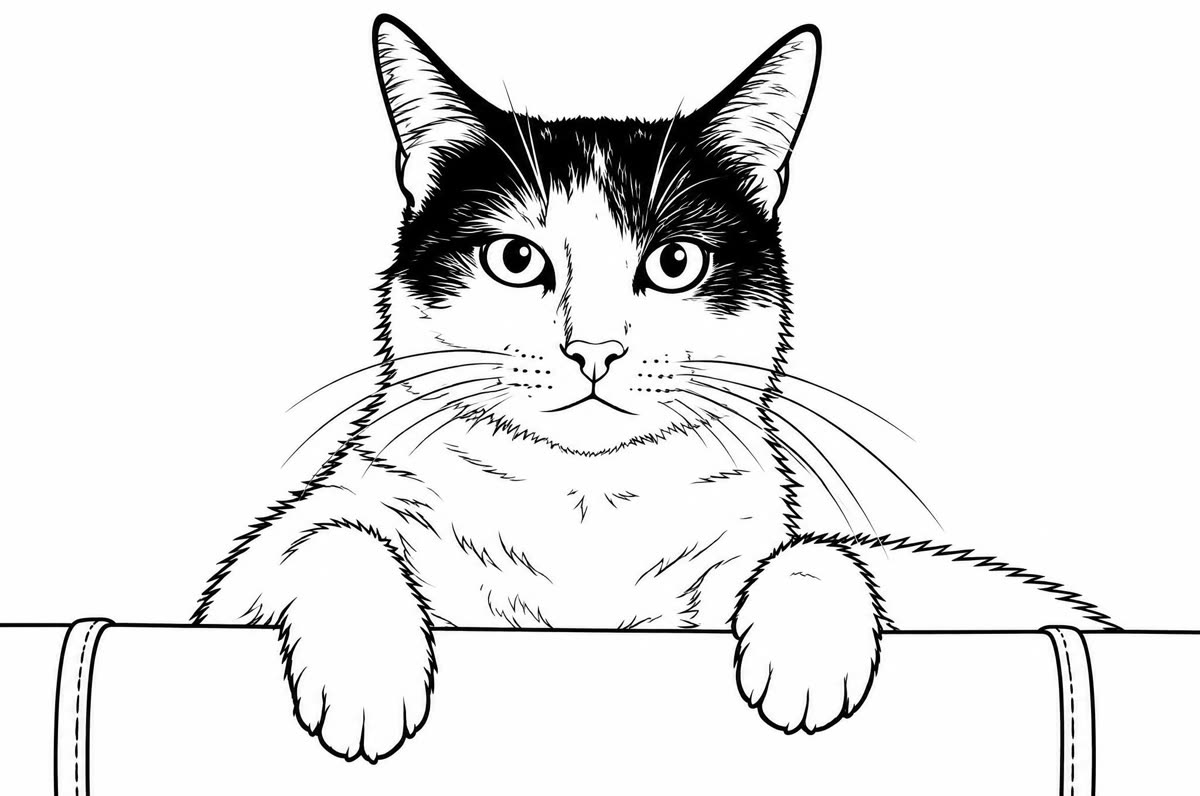
Real result
Cat
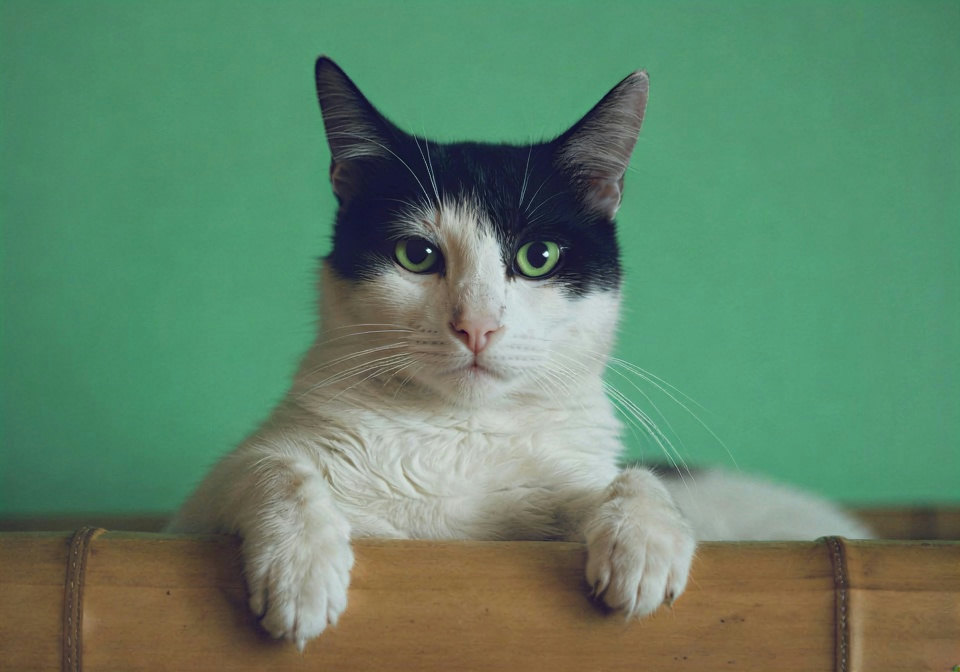
Clean outlines for the body, paws, and ledge. The black ear and face patches were filled solid black.
Free · no account required
Upload a photo of your kids, your pet, or your family and get black outlines on white, ready to print and color.
A cat, two people, and a simple portrait. Every after side is a real result.
Clean outlines for the body, paws, and ledge. The black ear and face patches were filled solid black.
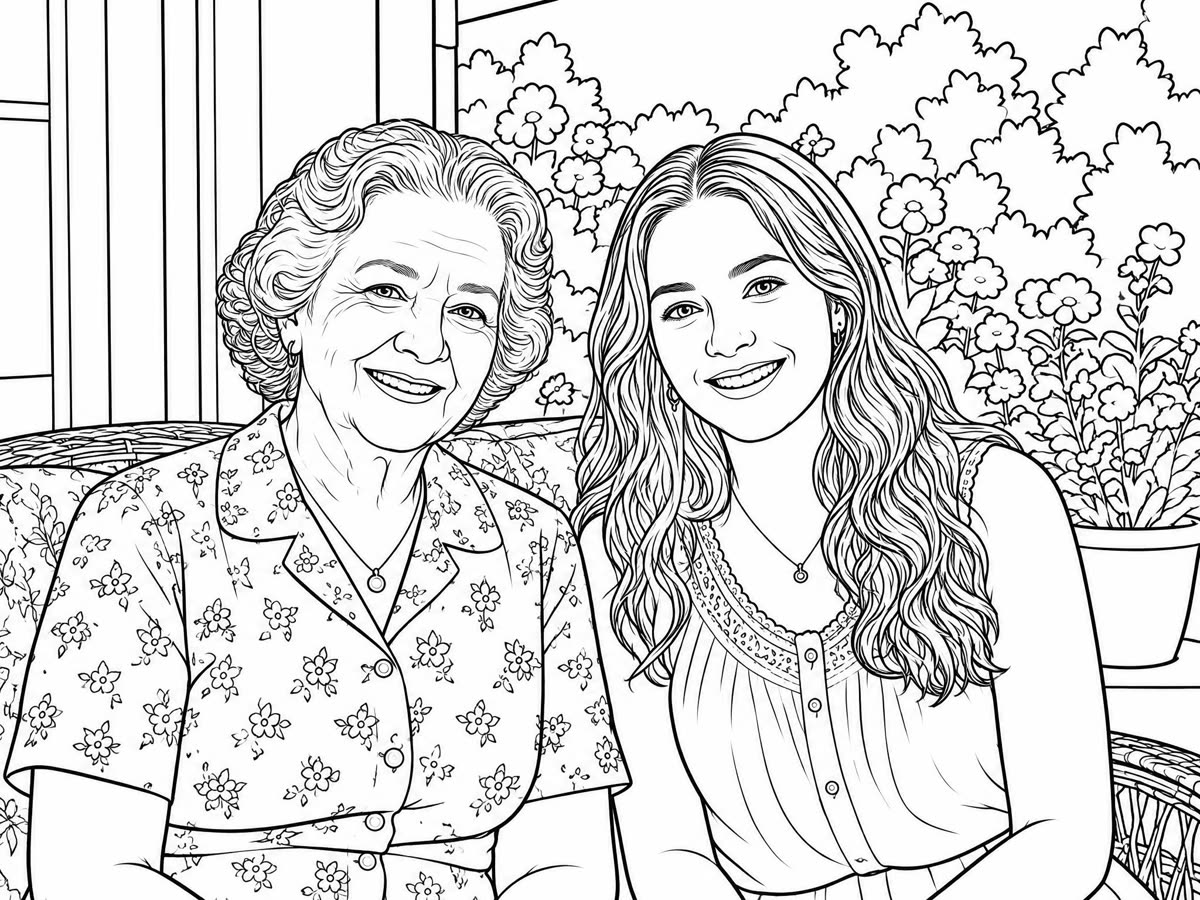
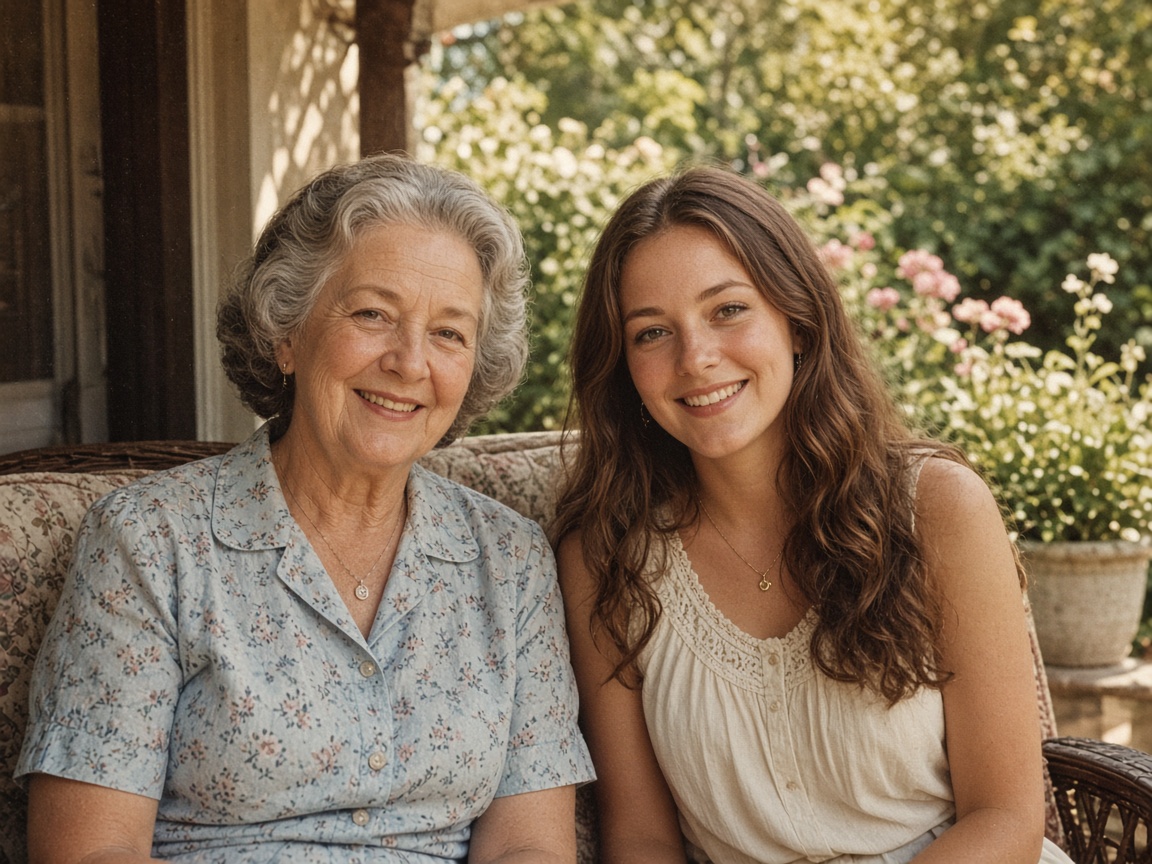
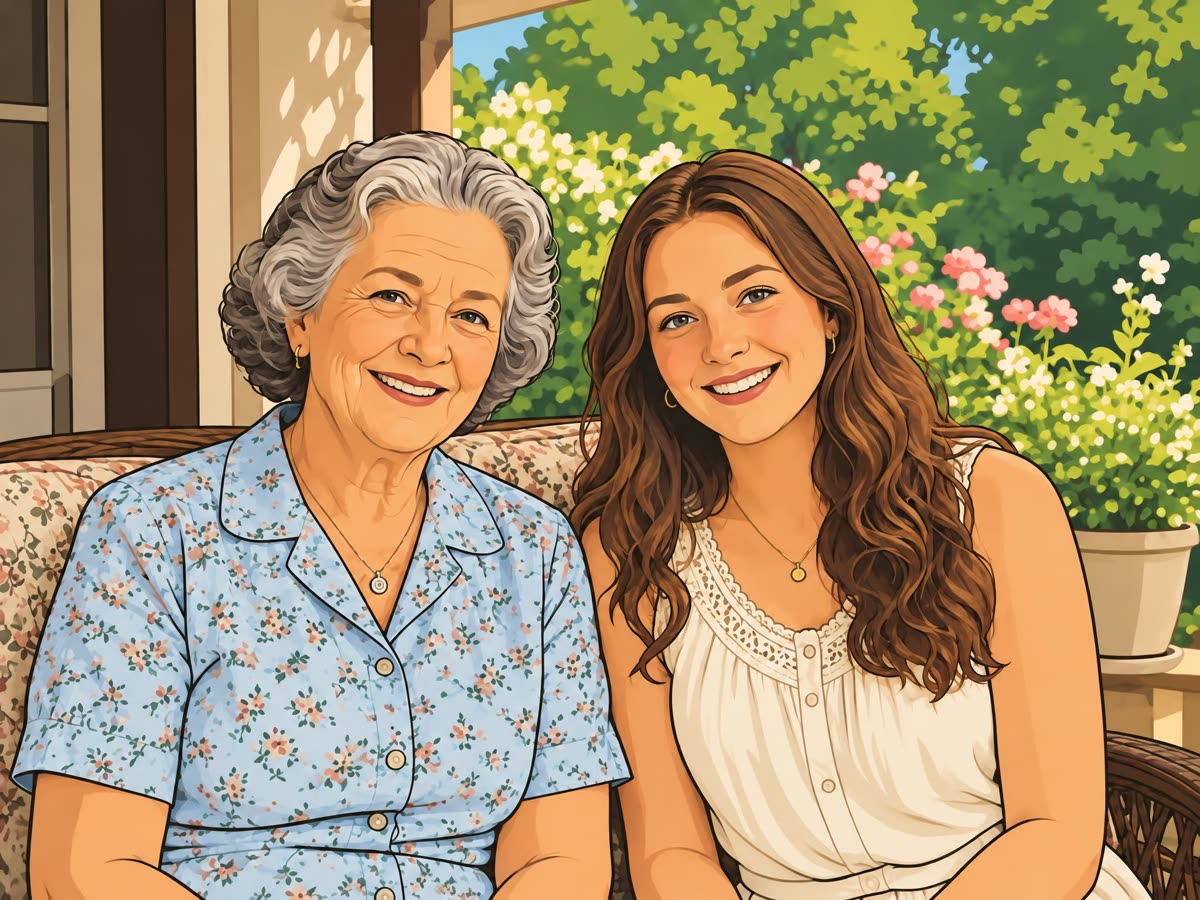
Both faces stayed recognizable. The flowers and the porch became many small areas, better for older kids and adults.
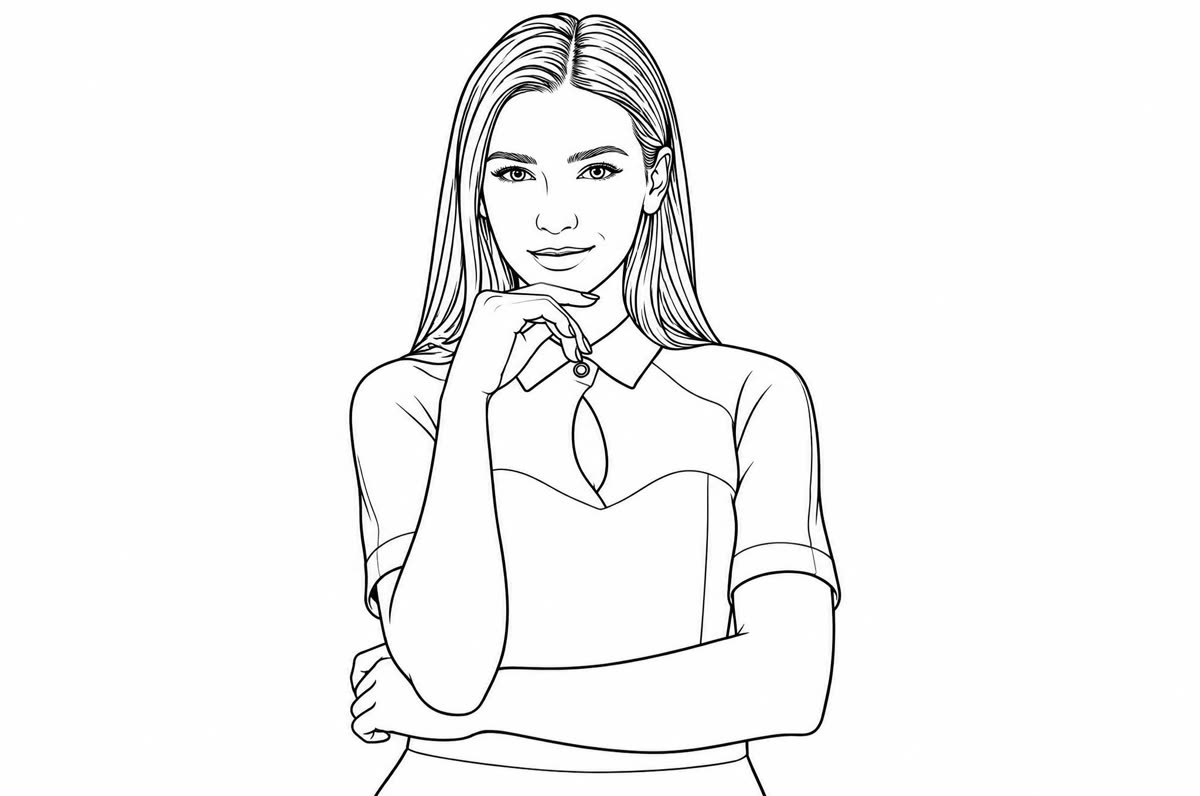

A plain background gave a simple page with large areas, the easiest for young kids.
Step 1
A JPG, PNG, or WebP up to 15 MB. The run starts right away and uses your daily free credits when you still have them.
Step 2
Drag the slider. Look for areas that are too small to color, or patches filled in black.
Step 3
Print it on letter or A4 paper. Run it again for a different version.
It turns your photo into a coloring book page: clean black outlines on a plain white background, with no shading and no color.
Faces, pets, and the scene stay recognizable, so a child can color their own dog, their family, or themselves.
Busy photos make busy pages. A simple portrait gives large areas for young kids; a garden or a crowd gives fine detail for older kids and adults.
Kids, pets, family portraits, and a favorite place. Each card below is a real result and says what changed.
One upload, one printable page.
01
Plain white background, no gray and no shading, ready to print.
02
Your kid, your dog, or your grandma, as a page to color.
03
Simple photos give big areas; busy photos give fine detail.
04
A free run exports a JPG up to 2048 px on the long side, with no watermark.
Every after side is a real run. Each card says what changed.
Clean outlines for the body, paws, and ledge. The black ear and face patches were filled solid black.
Both faces stayed recognizable. The flowers and the porch became many small areas, better for older kids and adults.
A plain background gave a simple page with large areas, the easiest for young kids.
Tips for the photo you upload.
One person or one pet on a plain background gives big areas to color.
Dark areas can turn into solid black patches.
Crop to the face or the pet so the lines are big and clear.
Markers and paint bleed less on heavier paper.
If you're happy with the result, it's ready to save. If you also want to upscale, extend the edges, or refine other details, you can continue with:
Enhance
5General AI image enhancement. Standard 2×, Pro for finer detail and color.
Free · Pro
Sharpen blurry text and screenshots cleanly.
Free · Pro
Take glare off glasses, camera flash, and sun.
Free · 4 credits
Repair scratches, creases, and tears on an old print.
Free · 4 credits
Add natural, lifelike color to black-and-white photos.
Free · Pro
Restyle
5Put the people in your photo into a Christmas scene.
Free · 4 credits
Turn a photo into an oil painting or watercolor.
Free · 4 credits
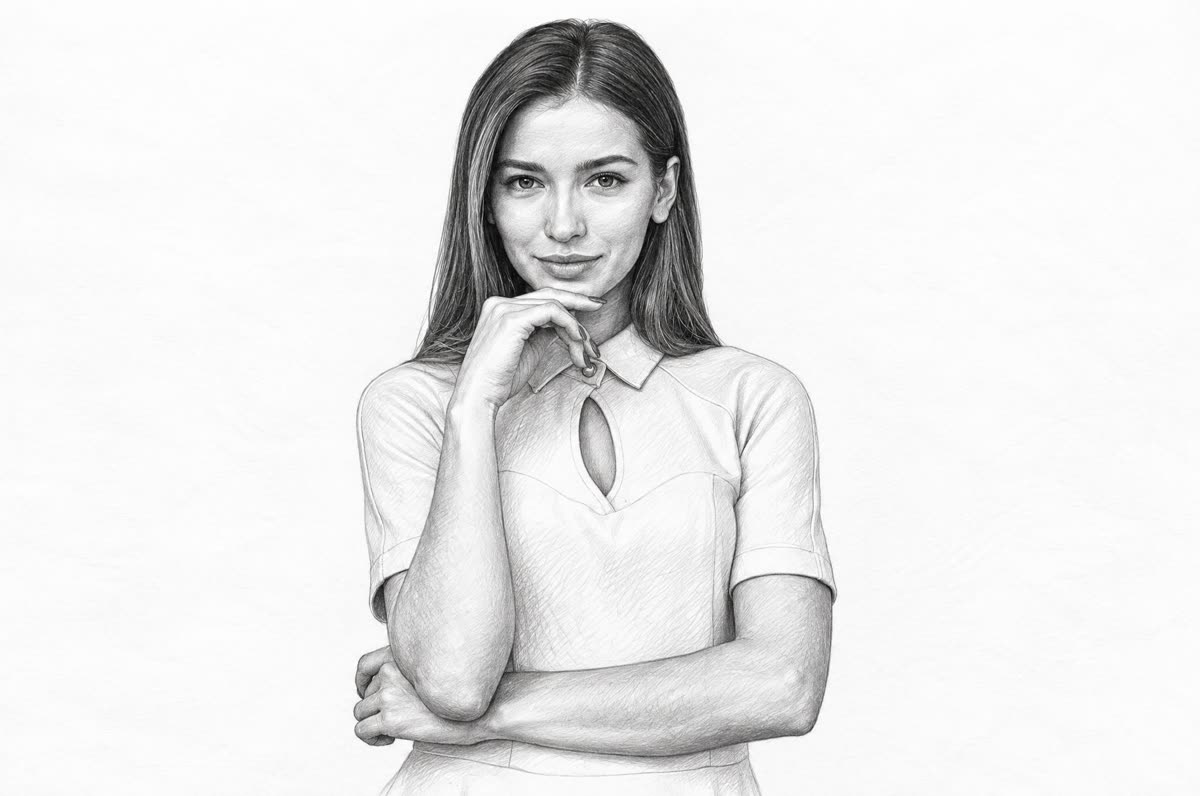
Turn a photo into a pencil drawing.
Free · 4 credits
Turn a photo into a page to print and color.
Free · 4 credits
Turn a photo into a cartoon.
Free · 4 credits
Upscale & extend
2Free convert
10Convert WebP images to lossless PNG.
Free
Convert JFIF files to standard JPG format.
Free
Convert AVIF images to standard JPG format.
Free
Optimize PNG images into lightweight WebP.
Free
Convert JPG photos to lightweight WebP.
Free
Convert JPEG stills to WebP for the web.
Free
Convert WebP images to standard JPG.
Free
Convert WebP images to JPEG files.
Free
Convert PNG stills to smaller JPG photos.
Free
Convert JPG photos to PNG for editing.
Free