 lumenfix
Detected locally in your browser — your image was never uploaded.
AI Image Detector
Not sure whether a photo is real or AI-generated? Drop it here and get a verdict in seconds. The whole check runs inside this browser tab, so the file is never uploaded.
- Free, no account
- Runs in this tab
- Nothing is uploaded
- JPEG · PNG · WebP · AVIF
What runs when you drop a file
Provenance
C2PA Content Credentials and generator metadata are read first — the strongest evidence, when an image still carries it.
AI Pattern Classifier
An on-device model scores the pixels. No upload, no server round trip, no queue.
Forensic Analysis
Error level analysis, a noise map, and camera EXIF, so you can see what the score is based on.
Generators this AI image checker looks for
It reads the provenance markers and pixel fingerprints left by the tools people actually publish with — and it still returns a score when an image carries no markers at all.
- Midjourney
- DALL·E
- Stable Diffusion
- Flux
- Gemini / Imagen
- Ideogram
- Adobe Firefly
- ComfyUI workflows
- GAN faces
What you can check with this image detector
Anything you would hesitate to take at face value. These are the images people bring to a detector most often.
Profile pictures and avatars
Spot the synthetic faces behind fake accounts, catfish profiles, and bot networks.
Social media posts
Check a viral image from Instagram, X, or Reddit before you repost it to your own audience.
News and editorial images
Verify a press photo before it runs, without sending the source file to a third party.
Marketplace and product photos
See whether a listing photo was rendered rather than shot, and whether the seller reused it.
Receipts and payment proof
Review refund screenshots and payment slips that look a little too clean to be real.
IDs and scanned documents
Inspect identity documents and scans for signs of generation or heavy retouching.
Digital art and illustration
Tell AI artwork from hand-made work before you license it, commission it, or judge it.
Edited and enhanced photos
Real capture with AI cleanup on top? The score plus the forensic maps show you the mix.
Screenshots you were sent
Anything that arrives through chat, email, or a group thread and asks you to act on it.
Is this image AI? Check it in three steps
Three steps, a few seconds, and nothing leaves your device at any point.
Step 1
Add your image
Drop a file, click to browse, or paste from the clipboard. JPEG, PNG, WebP, and AVIF are supported. There is no upload step — the file stays in this tab.
Step 2
Three checks run locally
Lumenfix validates C2PA Content Credentials and generator metadata, runs an on-device classifier over the pixels, and builds forensic maps from compression and noise.
Step 3
Read the verdict and the evidence
You get an AI probability, a plain-language verdict, and the detail behind it: provenance fields, error level analysis, a noise map, and any camera EXIF.
Who this AI image detector is for
Anyone who has to decide whether a picture can be trusted — whether that is a refund queue, a newsroom, or a group chat.
Trust and safety teams
Screen user-submitted images and keep moderation calls consistent across reviewers.
Fraud, payments, and claims
Review receipts, invoices, and claim photos before a refund or payout is approved.
Identity checks and onboarding
Look for synthetic or retouched selfies and ID images during account verification.
Marketplaces and e-commerce
Watch listing photos, delivery proof, and seller accounts for image-based fraud.
Journalists and fact-checkers
Verify a photo before publication while keeping the source file on your own machine.
Teachers and reviewers
Check submitted artwork, portfolios, and coursework images for AI generation.
Designers and art directors
Know what you are licensing or commissioning before the invoice is signed.
Legal and compliance
Assess evidence images and document authenticity, with detail you can explain in writing.
Everyone else online
Decide whether the picture in your feed is worth believing, sharing, or arguing about.
Why use this AI photo detector
Most detectors ask you to upload the exact image you are unsure about. This one does not have anywhere to upload it to.
Nothing leaves your device
The check runs on this device only. Your image is never sent to our servers or to anyone else. Close the tab and the file stays with you.
Evidence, not just a number
Every result ships with the provenance fields, error level analysis, noise map, and EXIF behind it, so you can explain the call to someone who disagrees.
It admits when it is unsure
Heavily recompressed or repeatedly screenshotted files are labeled Uncertain instead of being forced into a confident yes or no.
Free, no account, no quota
No signup, no credits, no queue. The detector component is cached after the first run, so later checks work even offline.
What it does not do
A detector is only useful if you also know where it stops.
It never uploads or stores your image
No server copy, no analytics payload, no third-party request with your file inside it.
It is evidence, not proof
The score is a probability. Treat it as one input to a decision, not a verdict you can publish or accuse someone with on its own.
It struggles with degraded files
Screenshots of screenshots, aggressive compression, and tiny crops erase the sensor patterns the check depends on. Those come back as Uncertain by design.
It does not separate every kind of edit
A fully generated scene, a heavy retouch, and AI cleanup on a real photo are different things. The forensic maps help you tell them apart; the score alone will not.
It does not read video or PDFs
Still images only. Video frames need to be exported first, and documents need to be rendered to an image.
It does not identify people
No face recognition, no reverse image search, no attempt to say who is in the photo or where it came from.
Need further adjustments?
Detection is only the first step. If the image turns out to be real and you want to work on it, these tools pick up from here:
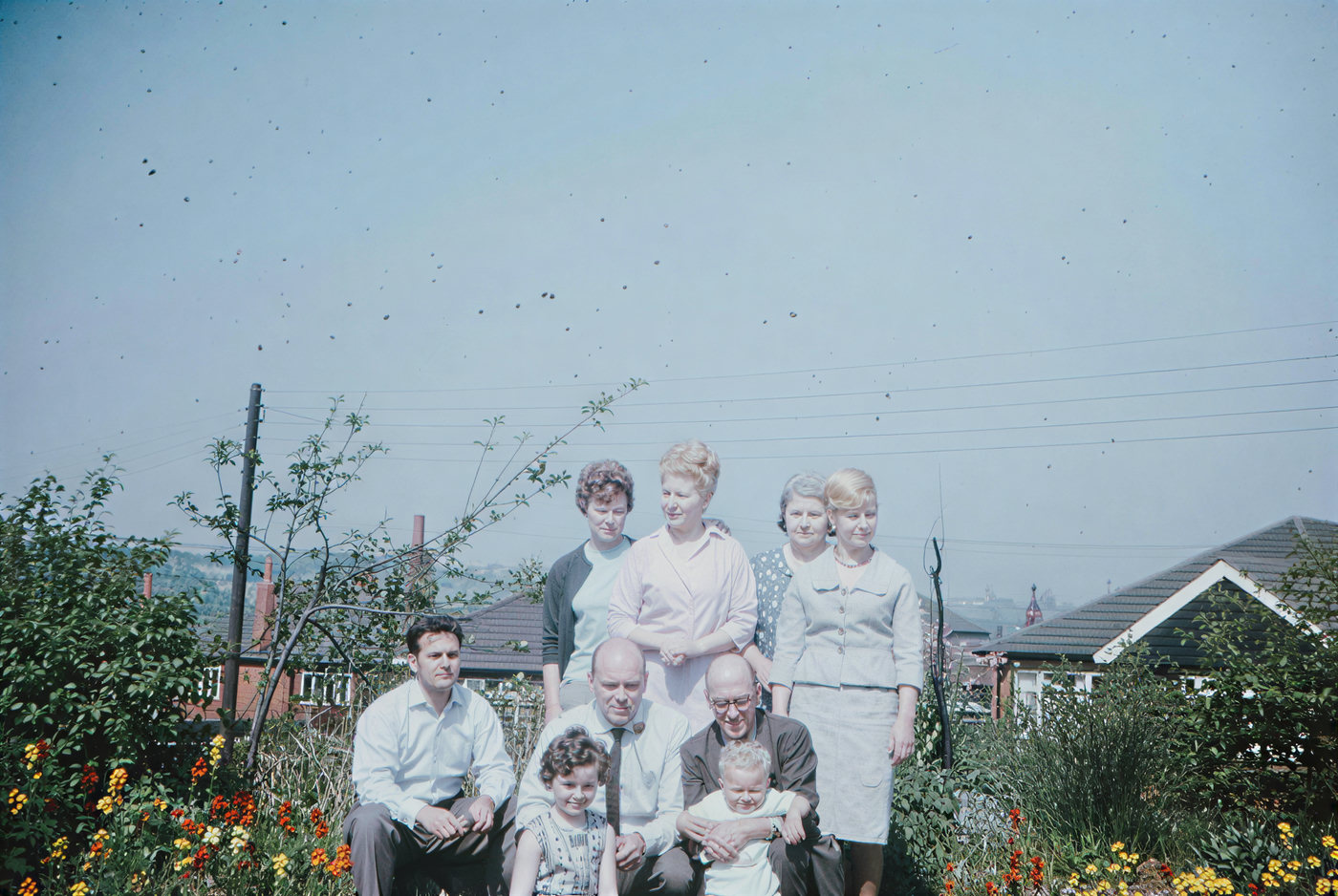 BeforeAfter
Turned out to be a real photo?
Restore detail and clean it up with the photo enhancer.
Try with this photo BeforeAfter
Need it at a larger size?
Enlarge the same image up to 4K or 8K without repainting it.
Try with this photo
FAQ
All tools
Enhance
6Image & photo enhancer
General AI image enhancement. Standard 2×, Pro for finer detail and color.
Credits · Pro
Unblur imageNew
Fix motion blur and soft focus in photos and portraits.
Credits · Pro
Unblur text
Sharpen blurry text and screenshots cleanly.
Credits · Pro
Remove glareNew
Take glare off glasses, camera flash, and sun.
4 credits
Photo restorationNew
Repair scratches, creases, and tears on an old print.
4 credits
Photo colorizerNew
Add natural, lifelike color to black-and-white photos.
Credits · Pro
Restyle
6AI Christmas photoNew
Put the people in your photo into a Christmas scene.
4 credits
Photo to paintingNew
Turn a photo into an oil painting or watercolor.
4 credits
Photo to sketchNew
Turn a photo into a pencil drawing.
4 credits
Photo to coloring pageNew
Turn a photo into a page to print and color.
4 credits
Photo to cartoonNew
Turn a photo into a cartoon.
4 credits
Photo to black and whiteNew
Make a color photo black and white in your browser.
Free · Local
Upscale & extend
2Erase
2Free convert
10WebP to PNG
Convert WebP images to lossless PNG.
Free
JFIF to JPG
Convert JFIF files to standard JPG format.
Free
AVIF to JPG
Convert AVIF images to standard JPG format.
Free
PNG to WebP
Optimize PNG images into lightweight WebP.
Free
JPG to WebP
Convert JPG photos to lightweight WebP.
Free
JPEG to WebP
Convert JPEG stills to WebP for the web.
Free
WebP to JPG
Convert WebP images to standard JPG.
Free
WebP to JPEG
Convert WebP images to JPEG files.
Free
PNG to JPG
Convert PNG stills to smaller JPG photos.
Free
JPG to PNG
Convert JPG photos to PNG for editing.
Free