 lumenfix

Real result
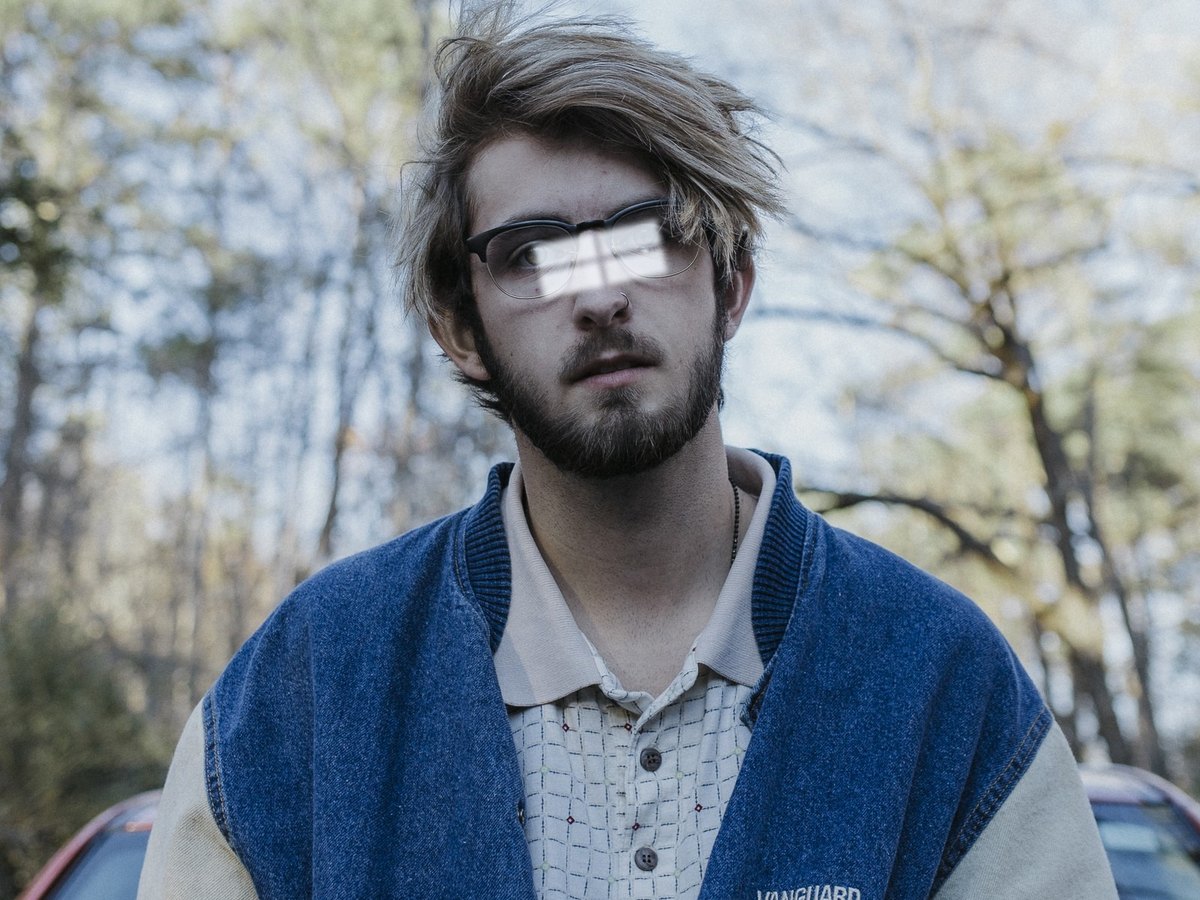
Thin frames on a color portrait
Standard removal on a color portrait. The frames, lenses, and nose pads are gone and the colors stayed. The eyes are redrawn and stay close to how they looked through the lenses.
No account required
Take the eyeglasses off a portrait you already have. The eyes behind the lenses are redrawn from the photo, so compare the face before you use it.
Thin frames on a color portrait, thick frames on a black-and-white close-up, and glasses with outdoor glare. Every after side is a real Standard result. Drag the slider and compare the eyes.
Standard removal on a color portrait. The frames, lenses, and nose pads are gone and the colors stayed. The eyes are redrawn and stay close to how they looked through the lenses.
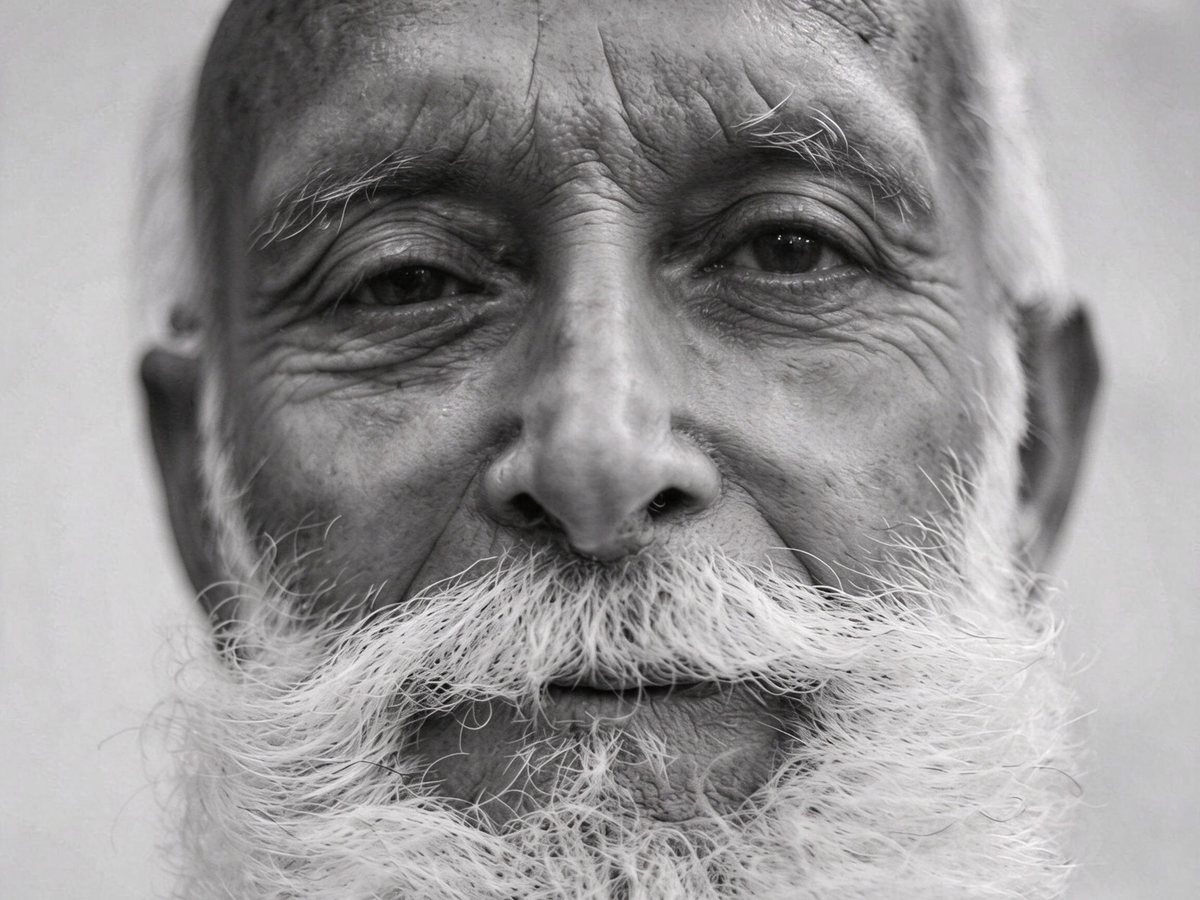
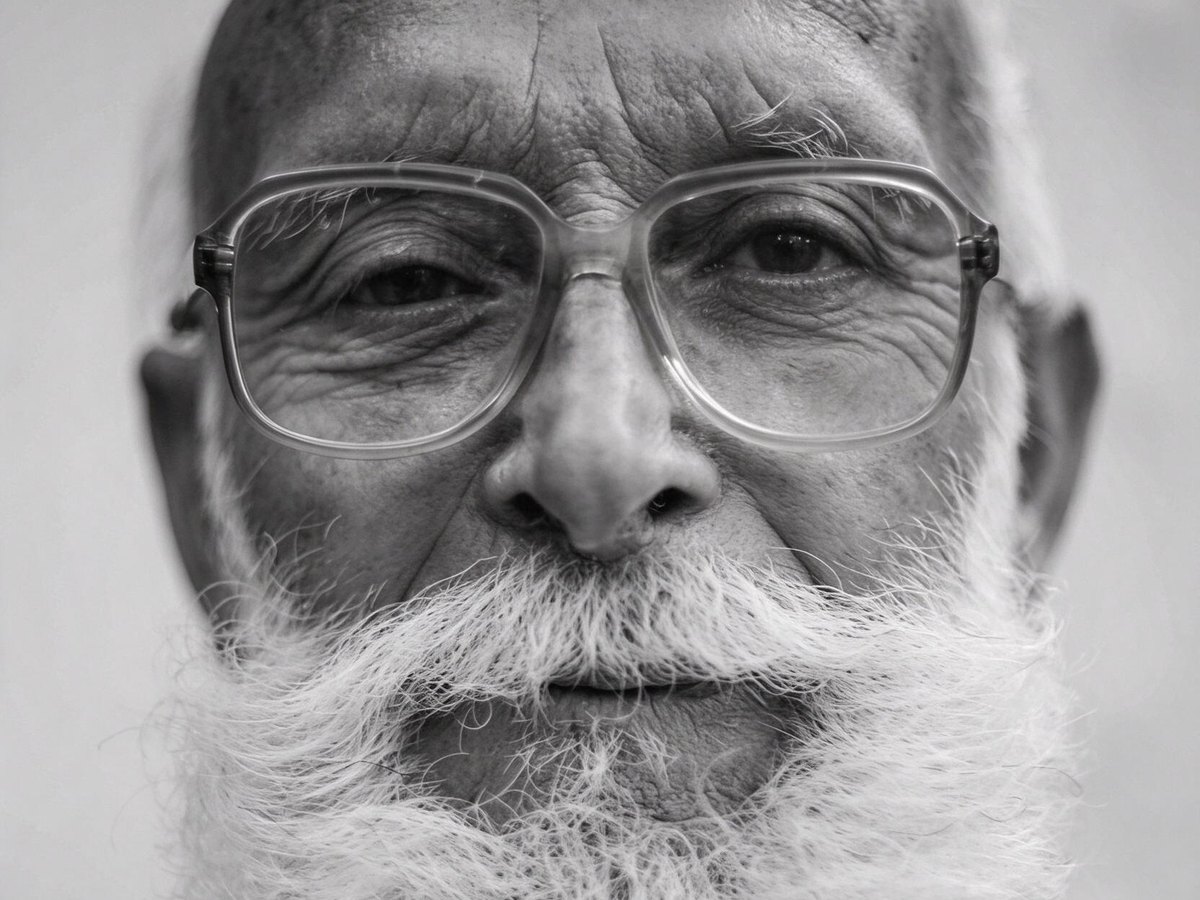
Standard removal on a black-and-white close-up with heavy plastic frames. The result stayed black-and-white and kept the wrinkles. The eyes were behind thick lenses, so they are redrawn; compare their size and shape.
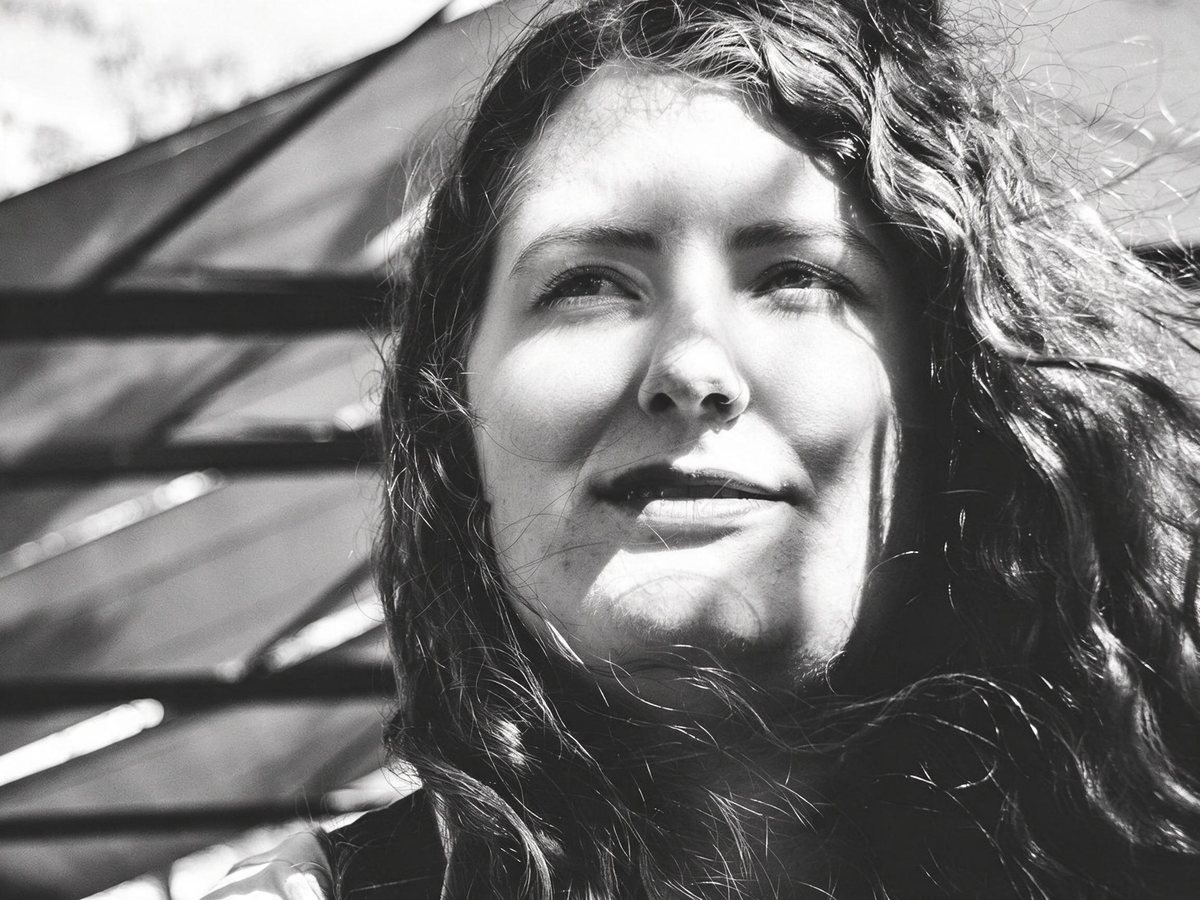
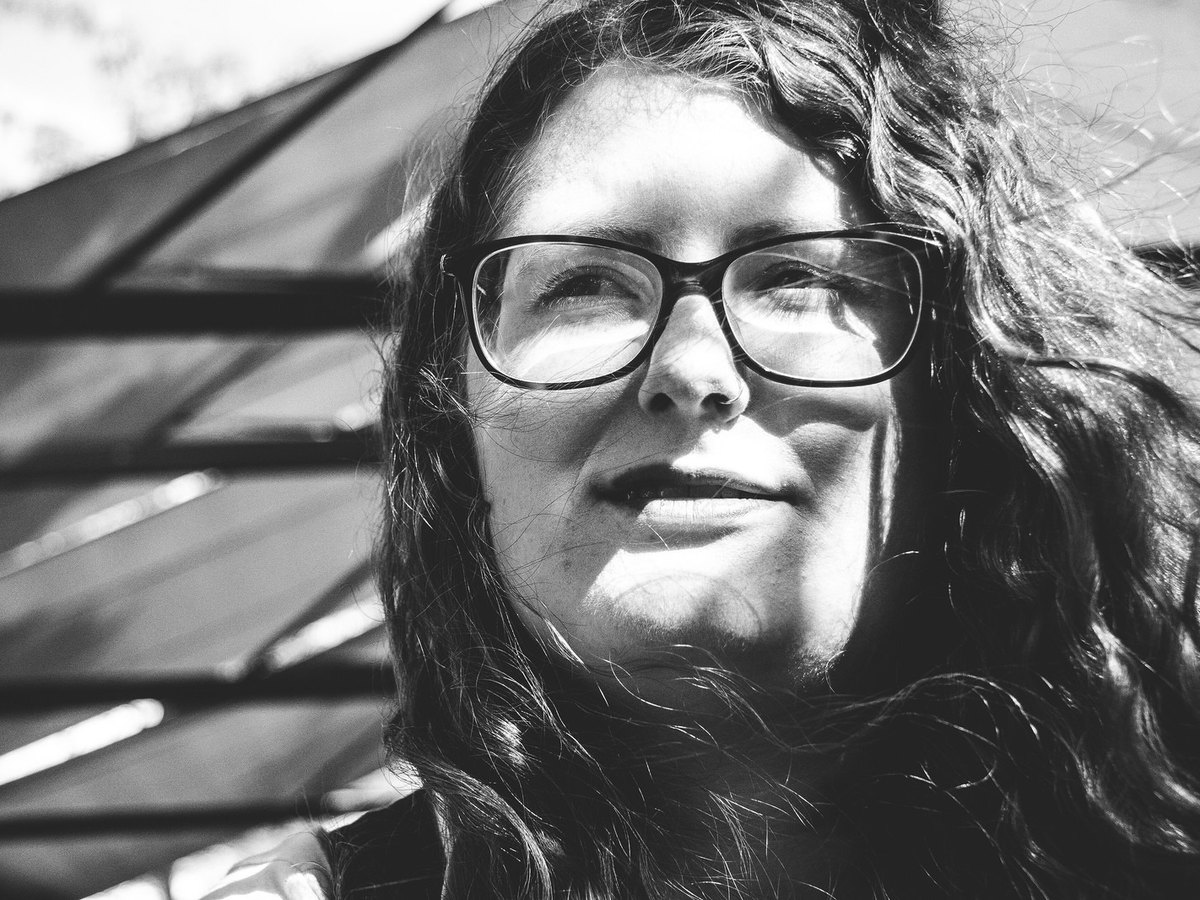
A real outdoor portrait with glare on the lenses, then Standard removal. The glasses and the glare are both gone and the squint stayed. The eyes under the glare are inferred.
Step 1
Choose a JPG, PNG, or WebP up to 15 MB. A phone photo straight from your library works in the browser.
Step 2
There is one option and no presets. The AI takes the frames, lenses, nose pads, and arms off the face.
Step 3
Drag the before-and-after slider, look closely at both eyes, then download.
It removes eyeglasses from a face: the frames, the lenses, the nose pads, and the arms over the ears. The skin where the frames sat is filled in, and the eyes and eyebrows are shown without glass in front of them.
The eyes are redrawn, not uncovered. The AI paints them from what it can see through the lenses, so the shape, size, or gaze can shift. Thick prescription lenses make eyes look larger or smaller, and the redrawn eyes may not match that look. In our tests the person stayed recognizable and the expression stayed.
The rest of the photo stays: hair, clothing, lighting, and background. A black-and-white photo stayed black-and-white in testing.
It runs in the browser on iPhone, Android, and desktop, so it works like a glasses remover app without installing one. To keep the glasses and only clear the reflections, use Remove Glare from Glasses.
Profile pictures where you want a look without glasses, family portraits, photos where the frames hide the eyes, and pictures with heavy glare on the lenses. It works best on clear lenses with the eyes visible behind them.
The glasses go. The face, hair, and background are meant to stay, and the eyes are redrawn.
01
Thin metal frames, thick plastic frames, and the marks where they rest are removed in one run.
02
The AI paints the eyes behind the lenses from what is visible. Compare their shape and gaze with the original.
03
Color portraits kept their color and black-and-white portraits stayed black-and-white in testing.
04
Open the page on iPhone, Android, or a computer, pick a photo, and download the result.
05
Free runs export a JPG up to 2048 px with no watermark. Runs paid with credits are not downsized.
If you're happy with the result, it's ready to save. If you also want to upscale, extend the edges, or refine other details, you can continue with:
Enhance
6General AI image enhancement. Standard 2×, Pro for finer detail and color.
Credits · Pro
Fix motion blur and soft focus in photos and portraits.
Credits · Pro
Sharpen blurry text and screenshots cleanly.
Credits · Pro
Take glare off glasses, camera flash, and sun.
4 credits
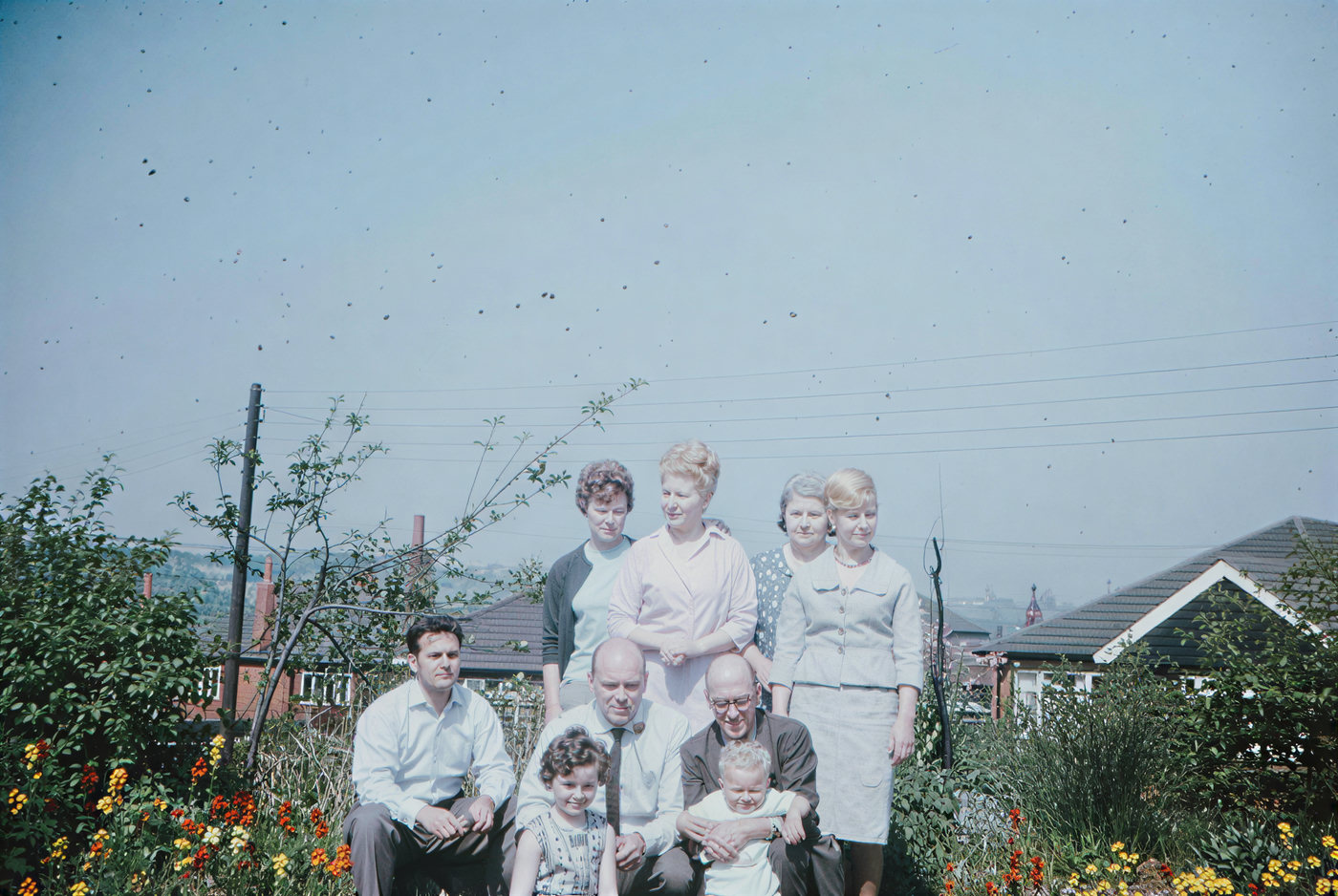
Repair scratches, creases, and tears on an old print.
4 credits
Add natural, lifelike color to black-and-white photos.
Credits · Pro
Restyle
6Put the people in your photo into a Christmas scene.
4 credits
Turn a photo into an oil painting or watercolor.
4 credits
Turn a photo into a pencil drawing.
4 credits
Turn a photo into a page to print and color.
4 credits
Turn a photo into a cartoon.
4 credits
Make a color photo black and white in your browser.
Free · Local
Upscale & extend
2Erase
2Free convert
10Convert WebP images to lossless PNG.
Free
Convert JFIF files to standard JPG format.
Free
Convert AVIF images to standard JPG format.
Free
Optimize PNG images into lightweight WebP.
Free
Convert JPG photos to lightweight WebP.
Free
Convert JPEG stills to WebP for the web.
Free
Convert WebP images to standard JPG.
Free
Convert WebP images to JPEG files.
Free
Convert PNG stills to smaller JPG photos.
Free
Convert JPG photos to PNG for editing.
Free