 lumenfix
AI photo enhancer that restores the clarity your images always deserved
Instant browser-based AI image enhancer: sharpen blur, restore vintage prints, and upscale to 8K print resolution. No face replacement, no new people in the frame. Pay per use, no signup required to buy credits.


Same face
Authentic Detail
Restores texture without swapping faces
Up to 8K
Print Resolution
Deep learning super-resolution with crisp, sharp edges
24 Hours
Auto-Purge
Files automatically deleted; strictly protects your privacy
AI photo enhancer features
Sharpen, restore, and reframe images and photos you already have. No registration, no software. Pay per use, files deleted after 24 hours.
- BeforeAfter
AI image enhancement
Sharpen the frame and recover authentic detail still in your image file.
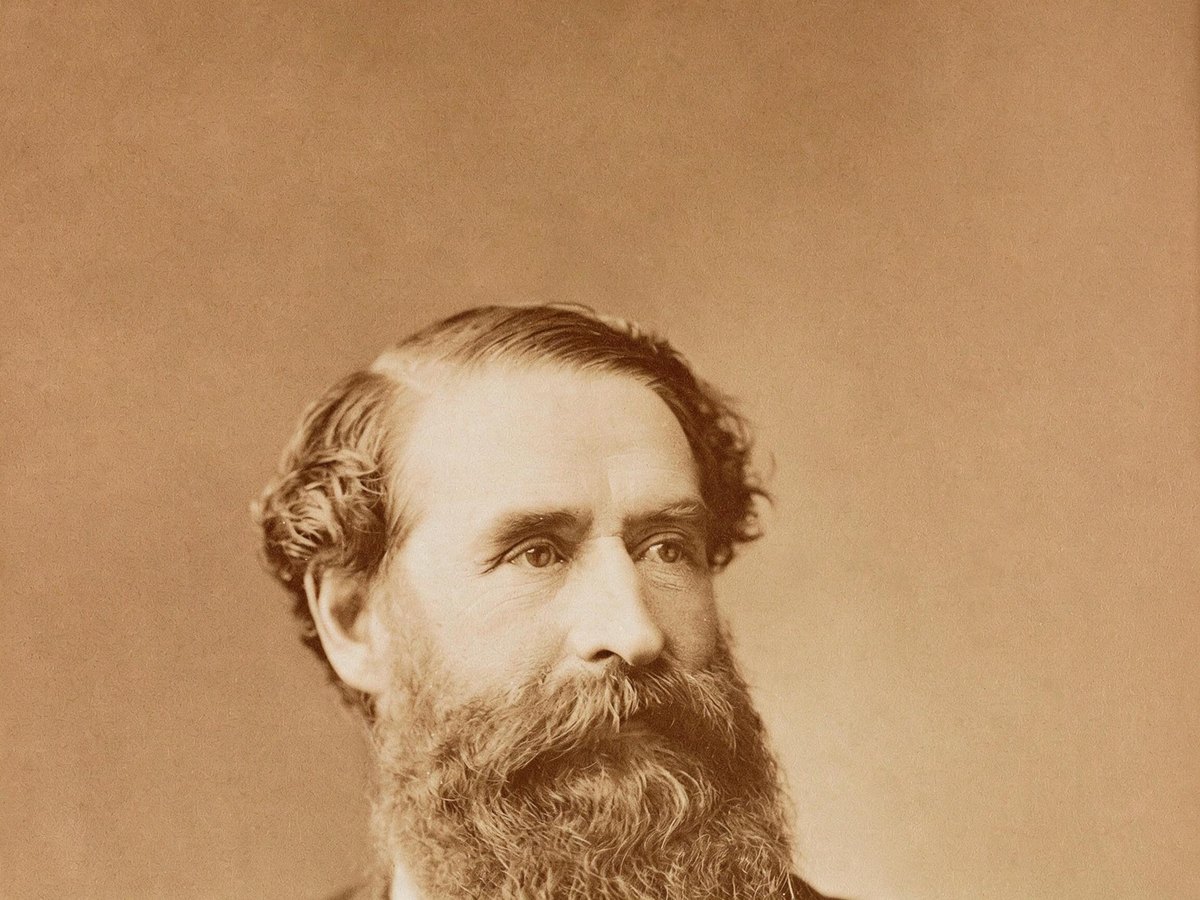
 BeforeAfter
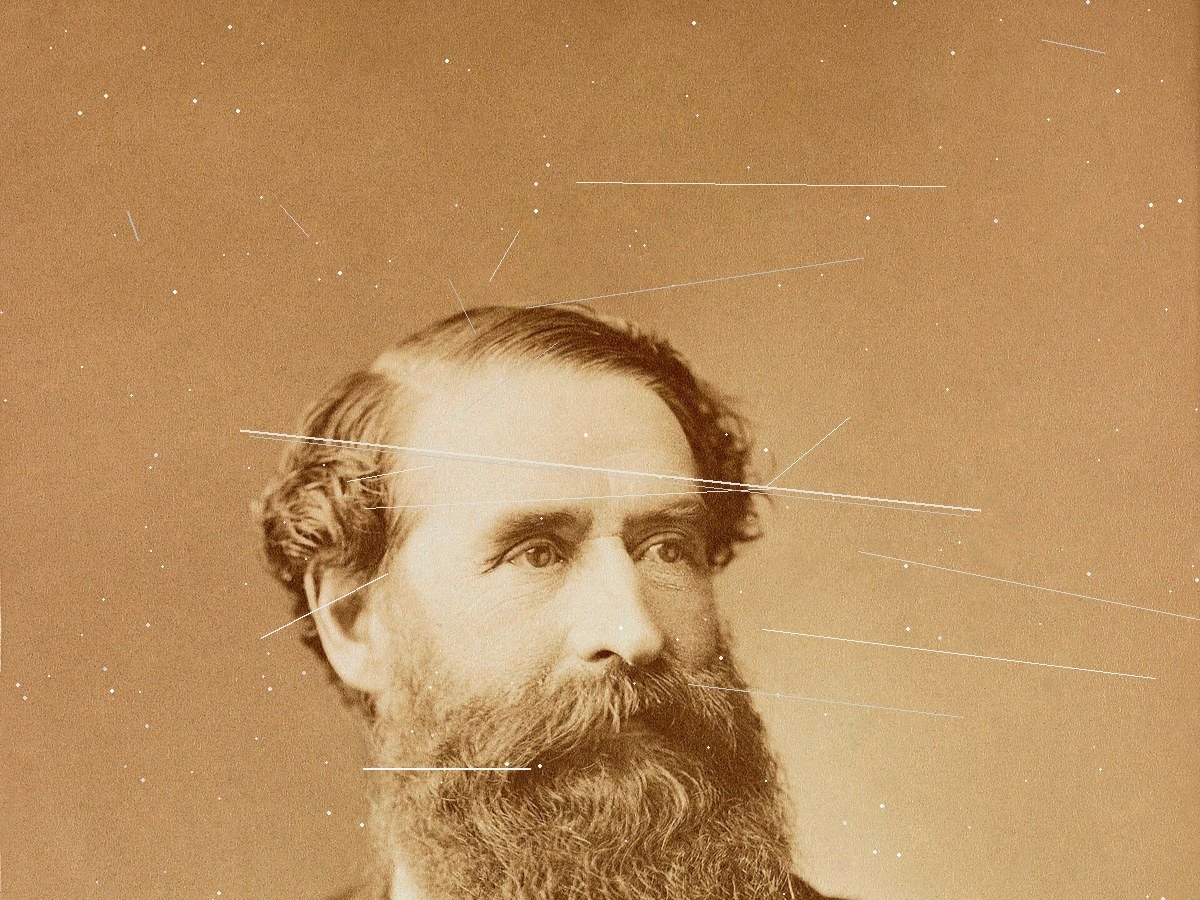
Old photo restoration
Repair scratches, creases, tears, and stains on a print you already have.

 BeforeAfter
Product photos
Recover texture and edges — no invented branding.

 BeforeAfter
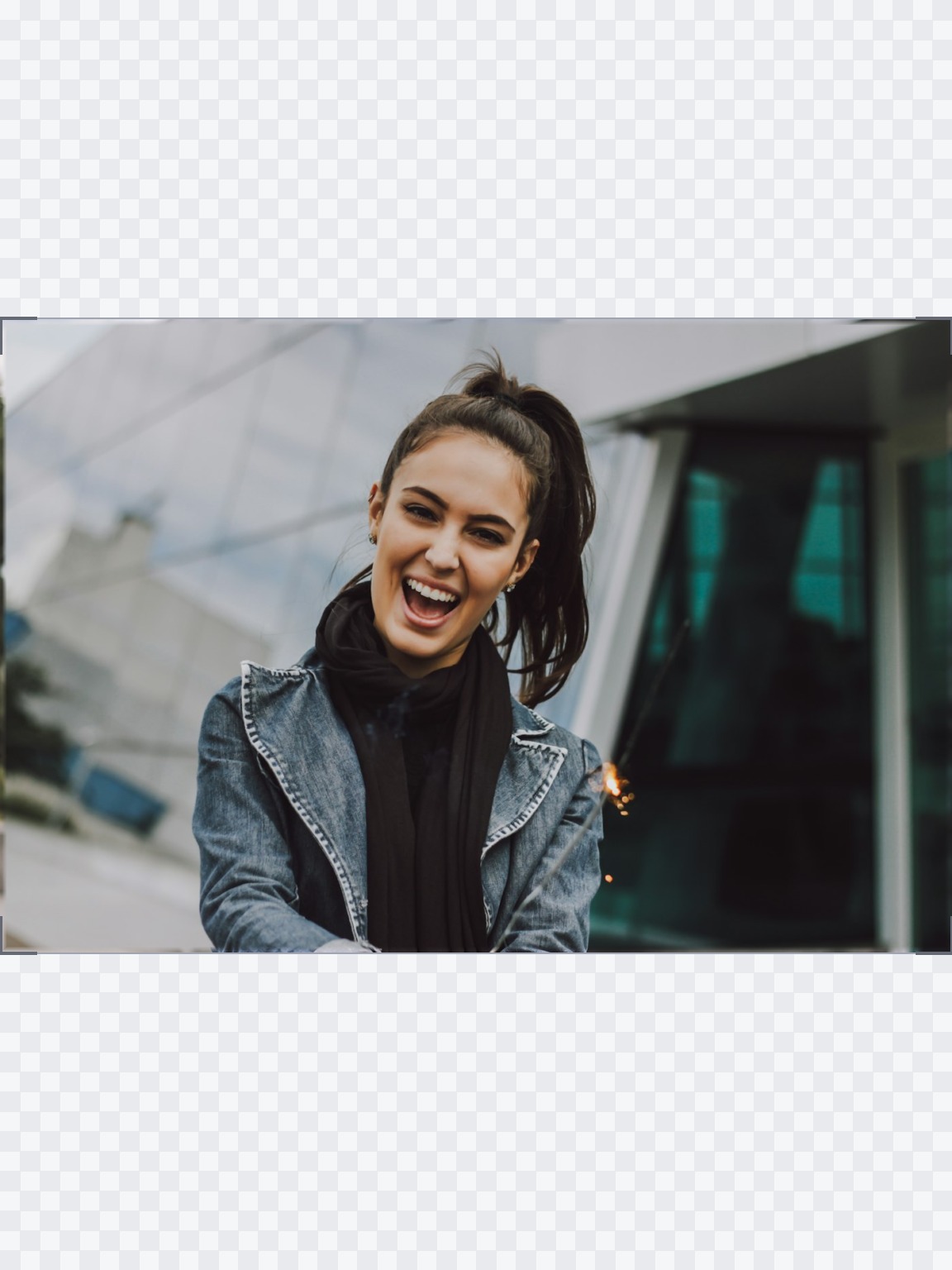
AI image extender
Widen to 1:1, 4:5, or 16:9. Original pixels stay put.
 BeforeAfter
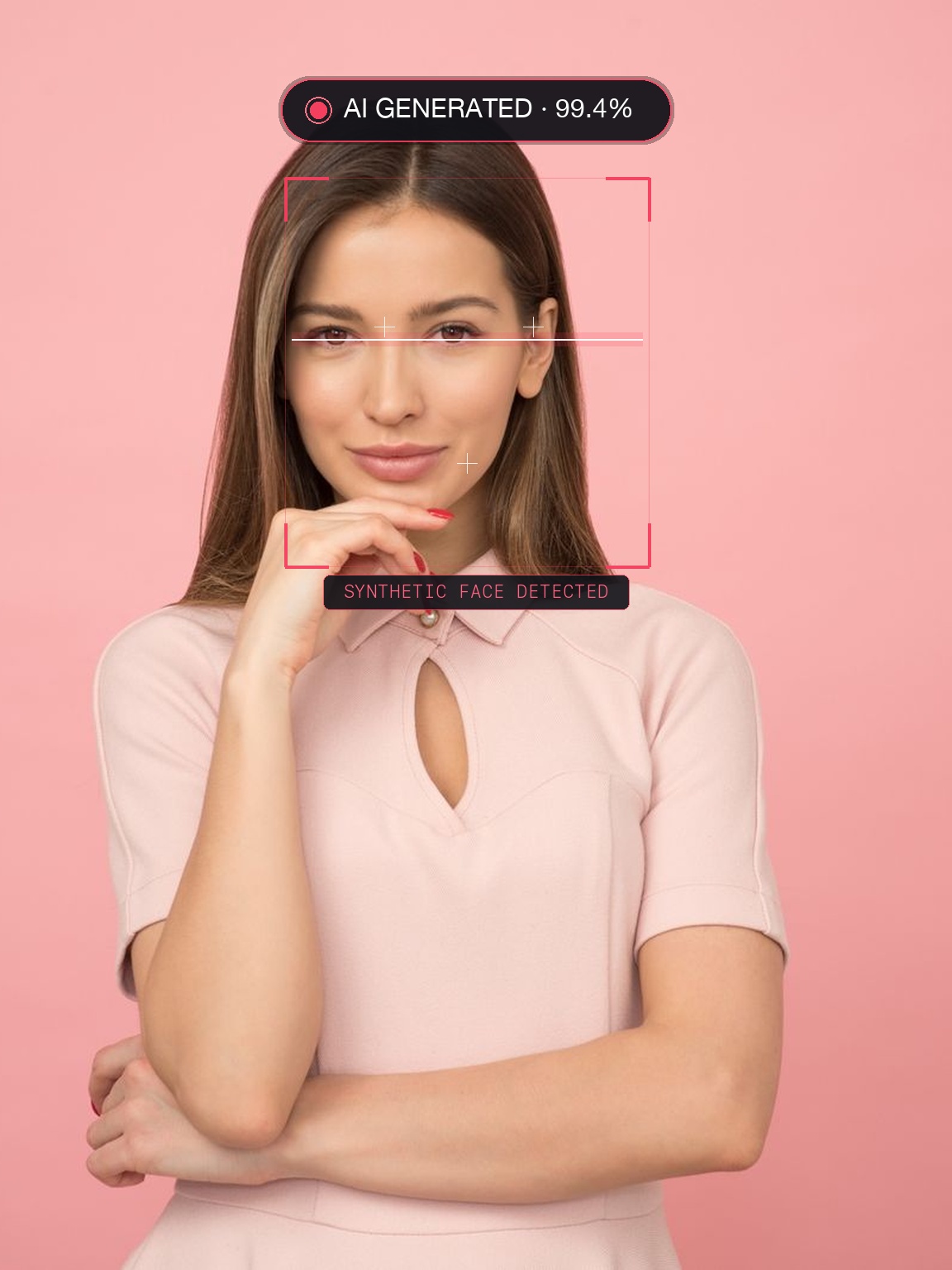
AI image detector
Check if a still looks generated. Stays in your browser.
Online AI image & photo toolkit
Start with image enhance, extend, or detect. Each tool begins from an image you already have — no download, pay per use, no sign-up needed to buy credits.
Image & photo enhancer
General AI image enhancement. Standard 2×, Pro for finer detail and color.
Try itUnblur image
NEWFix motion blur and soft focus in photos and portraits.
Try it
Unblur text
Sharpen blurry text and screenshots cleanly.
Try it
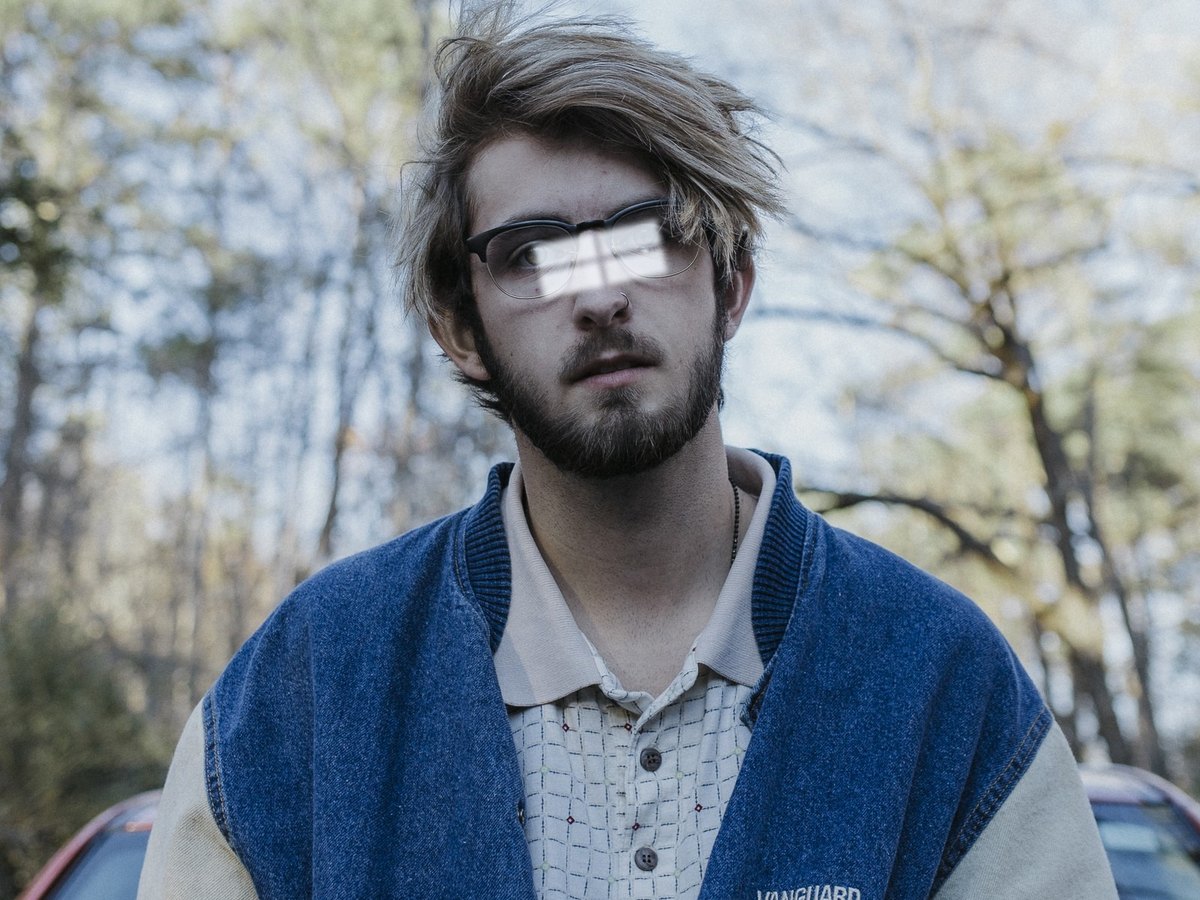
Remove glare
NEWTake glare off glasses, camera flash, and sun.
Try itPhoto restoration
NEWRepair scratches, creases, and tears on an old print.
Try itPhoto colorizer
NEWAdd natural, lifelike color to black-and-white photos.
Try it

AI Christmas photo
NEWPut the people in your photo into a Christmas scene.
Try it

Photo to painting
NEWTurn a photo into an oil painting or watercolor.
Try it
Photo to sketch
NEWTurn a photo into a pencil drawing.
Try it

Photo to coloring page
NEWTurn a photo into a page to print and color.
Try it
Photo to cartoon
NEWTurn a photo into a cartoon.
Try it
Photo to black and white
NEWMake a color photo black and white in your browser.
Try it
Image upscaler
NEWEnlarge images 2× or 4×, with Ultra HD 4K / 8K options.
Try itAI image extender
Expand canvas to 1:1, 4:5, 16:9 or custom framing.
Try it

Remove text
Erase captions, dates, and watermarks seamlessly.
Try it
Remove glasses
NEWTake the eyeglasses off a portrait. The eyes are redrawn.
Try itAI image detector
Check if an image is AI generated directly in your browser.
Try it
How to use the AI photo enhancer
Upload, wait about 30 seconds, download. Every step is built around the image you already have.
01
Upload your image
Drop a JPEG, PNG, or WebP up to 20 MB. Paste works too.
- Drag, click, or paste
- No sign-up needed to buy credits
- Deleted after 24 hours
02
AI image processing
Standard sharpens the whole image about 2×. Pro keeps finer texture and color.
- Most jobs finish in about 30 seconds
- Original-size exports, no watermark
- Optional Pro model and HD formats
03
Download the enhanced result
Drag the slider, then take the file. The original image stays yours.
- Before/after on the same photo
- No face swap, no invented people
- History keeps downloads for 7 days when signed in
What you can expect
Same person, same photo
We restore detail already in the file. No face swap, no invented logos, no new people in the frame.
No sign-up needed
Buy credits and start right away; standard enhance is 4 credits a run. Detect and convert always run free.
Gone in 24 hours
Uploads and results are deleted after a day. The detector never leaves your browser.
Choose your plan
One currency for everything: credits. Sign in for 10 free credits a day for Standard runs, or try one photo without an account; free results are JPGs up to 2048 px, with a small watermark on enhance, upscale, and colorize. Beyond that, every AI run costs a fixed number of credits, and you can buy a credit pack without signing up; packs never expire. Pro gets 400 a month for Standard, Pro, and Ultra HD 4K enhancement, plus 2×, 4×, 4K, and 8K upscale, Pro colorization, Pro text unblur, glare removal, and photo restoration.
No subscription: buy a credit pack and each run spends credits at the listed price. Checkout creates your account from your payment email.
- Credit packs from $2.99, never expire
- Standard enhance: 2× for everyday photos (4 credits)
- Standard upscale: 2× (4 credits)
- Standard colorize: black and white to color (4 credits)
- Standard unblur text: clearer text in screenshots and notes (6 credits)
- Standard remove glare: glasses, flash, and sun glare (4 credits)
- Standard photo restoration: scratches, creases, and tears (4 credits)
- Standard AI Christmas photo: tree, snow, card, or Santa scene (4 credits)
- Photo to painting, sketch, coloring page, or cartoon (5 credits)
- AI detection, SVG tracing, and format conversion are free and unlimited
- No watermark, original size
- No sign-up needed; checkout creates your account
400 credits a month for every tool: enhance to 4K, upscale to 8K, colorize, unblur text, remove glare, and restore old photos. No watermark, original size.
- 400 credits every month (about 66 Pro enhancements)
- Unused credits roll over, up to 1,200
- Enhancement: Standard, Pro, and Ultra HD 4K
- Upscale: 2×, 4×, Ultra HD 4K, and Ultra HD 8K
- Colorize: Standard and Pro
- Unblur text: Standard and Pro
- Remove glare: 4 credits, original size
- Photo restoration: 4 credits, original size
- AI Christmas photo: 4 credits, original size
- Painting, sketch, coloring page, cartoon: 5 credits
- Extend and erase included
- No watermark on any export
- Original full-resolution downloads
- 7-day download history
- Buy credit packs anytime for more
- Cancel anytime
Pro credits roll over up to 1,200 while your subscription is active. Credit packs never expire and stack with Pro. Cancel anytime. Unused Pro credits clear at the end of your paid period; purchased packs stay.
Your photos stay yours
Local processing where it matters. Everything you upload is deleted in 24 hours.
The detector and SVG tracer run in your browser. Those files never upload.
Uploads and enhanced results are permanently deleted after 24 hours.
Your images are used only for the job you started. They are never used to train models.
AI runs are paid per job in credits, and failed runs are refunded.
Photo enhancement tutorials
Short reads on detectors, cleanup, and upscaling — written for photos you already have.
How AI image detectors work and how to evaluate them
Understanding digital provenance, metadata fingerprints, and visual forensic analysis.
Read guide →How to cleanly remove text and watermarks from photos
Best practices for brushing selections and achieving seamless background inpainting.
Read guide →How to upscale an image without losing sharpness
Comparing super-resolution techniques and choosing the right resolution for print vs screen.
Read guide →Common questions about Lumenfix
Yes, to try it. Without an account you can try one photo a day. Sign in and you get 10 free credits a day for Standard runs, for example two standard enhancements. Free results are JPGs up to 2048 px, and enhance, upscale, and colorize results carry a small watermark. For full-size results without a watermark, buy a credit pack (no account needed) or subscribe to Pro for 400 credits a month. AI detection and format conversion are always free.
Upload a JPEG, PNG, or WebP on this page and download the sharper version when it finishes, usually in about 30 seconds. No signup is needed, and each standard enhancement costs 4 credits.
Yes, for soft focus, light motion blur, and compression blur. It recovers detail that is still in the photo. Heavy blur cannot be fully reversed, and it never invents a different face.
Yes. Every upscale runs on credits: 2× and 4×, plus 4K / 8K output, and Ultra HD 4K enhancement.
Pro subscribers use the same models and prices as anyone with credits. The Pro enhance model is stronger than Standard, and anyone with credits can pick it. Ultra HD 4K / 8K is available on credits. The photo is still yours — we do not swap faces.
Results depend on what is still in the original. Heavy JPEG compression, motion blur, low light, and damaged areas limit how much real detail can be recovered. A merely soft photo improves more than a tiny or wrecked one. For scratches, tears, and missing corners, use Photo Restoration from the toolkit.
Uploads and results are deleted after 24 hours. The detector never leaves your browser. We do not train models on your files.
Credit packs are a one-time purchase, never expire, and are spent as you go. Pro is $15/month (or $90/year) for 400 credits a month that roll over up to 1,200. Both spend the same credits per run, and every export is watermark-free and original size.
No. It recovers detail already in the photo. It does not swap faces or invent a different person. Check the before/after slider anytime.
Yes. Everything runs in the browser on desktop and mobile. The detector downloads a one-time model of about 45 MB, so Wi-Fi is better the first time.
JPEG, PNG, and WebP up to 15 MB. Convert iPhone HEIC photos to JPG first.
Yes. In addition to portraits and vintage photos, Lumenfix operates as a versatile AI image enhancer for e-commerce products, digital illustrations, anime artwork, wallpapers, and text graphics, sharpening edges and removing compression artifacts up to 8K resolution.
Yes, for images you have the right to process. We claim no ownership, and no export carries a watermark.