 lumenfix
Placeholder
Products and still objects
Boxes, logos, and tabletop shots. Edges stay edges.
No account required
Erase clutter, power lines, trash cans, and distracting objects effortlessly.
Tabletop clutter and extras. Placeholder scenes until real fills land.
Placeholder stills · we’ll swap these for real model results later
Boxes, logos, and tabletop shots. Edges stay edges.

Indoor light, phone noise, casual stills — the same photo, less mush.
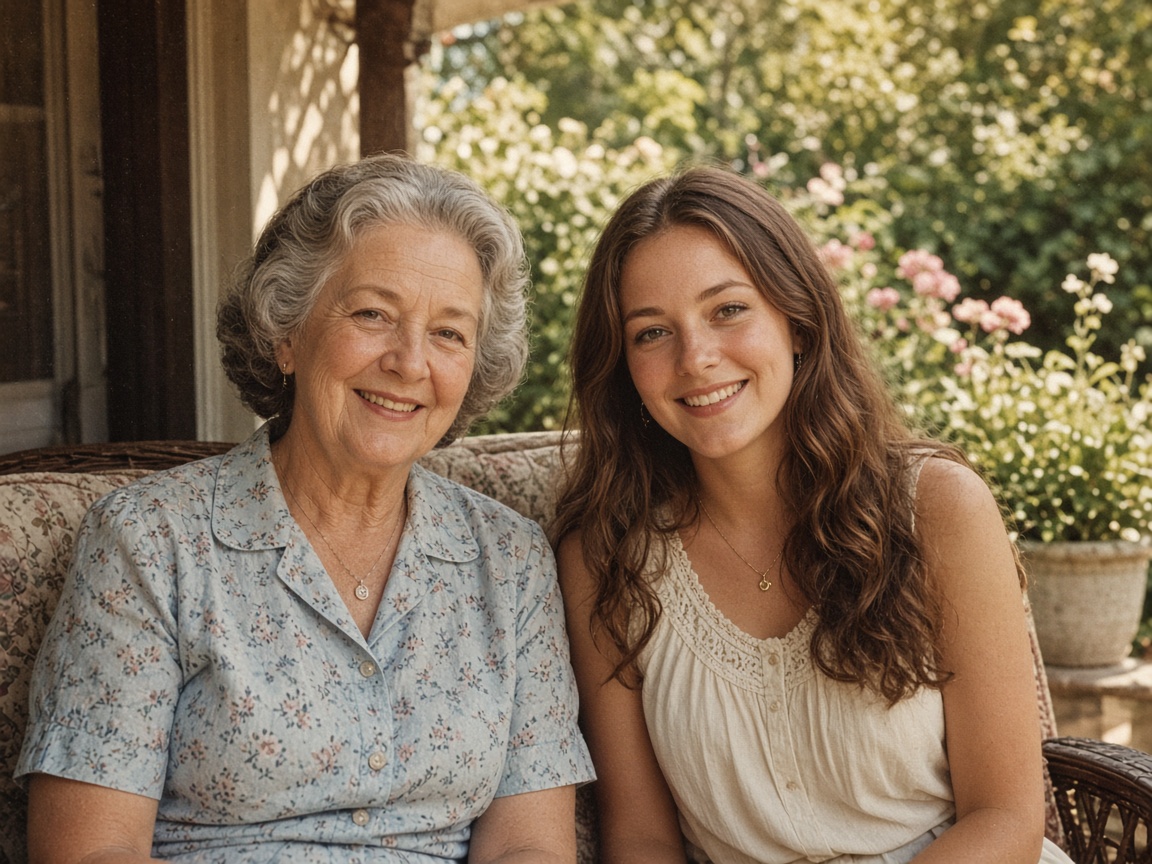
Skin and edges look cleaner. We don’t invent a new person.

Letters stay the letters you already have. Nothing is rewritten.
Step 1
Drag and drop any photo in JPEG, PNG, or WebP format (up to 15 MB).
Step 2
Use the brush tool to highlight the area you want to erase. Adjust the brush size as needed for precise selection.
Step 3
Click to remove the selection. The AI naturally reconstructs the underlying background for a seamless finish.
Lumenfix lets you effortlessly erase unwanted objects from your images without leaving obvious smudges or blur marks. Our smart inpainting technology analyzes surrounding colors, lighting, and textures to fill in the erased area seamlessly.
Each erase is paid with credits from a credit pack or a Pro subscription. AI Precision Erase handles complex backgrounds and intricate texture matching.
Simply brush over the unwanted area, and the tool blends the background naturally as if the element was never there.
Ideal for real estate photos, e-commerce product staging, and travel photography where minor distractions take away from the main subject.
Removing photobombers and tourists from vacation memories, erasing timestamps and subtitles, cleaning up power lines and trash cans from landscape photos, and removing clutter from product shots.
If you're happy with the result, it's ready to save. If you also want to upscale, extend the edges, or refine other details, you can continue with:

Enhance
6General AI image enhancement. Standard 2×, Pro for finer detail and color.
Credits · Pro
Fix motion blur and soft focus in photos and portraits.
Credits · Pro
Sharpen blurry text and screenshots cleanly.
Credits · Pro
Take glare off glasses, camera flash, and sun.
4 credits
Repair scratches, creases, and tears on an old print.
4 credits
Add natural, lifelike color to black-and-white photos.
Credits · Pro
Restyle
6Put the people in your photo into a Christmas scene.
4 credits
Turn a photo into an oil painting or watercolor.
4 credits
Turn a photo into a pencil drawing.
4 credits
Turn a photo into a page to print and color.
4 credits
Turn a photo into a cartoon.
4 credits
Make a color photo black and white in your browser.
Free · Local
Upscale & extend
2Erase
2Free convert
10Convert WebP images to lossless PNG.
Free
Convert JFIF files to standard JPG format.
Free
Convert AVIF images to standard JPG format.
Free
Optimize PNG images into lightweight WebP.
Free
Convert JPG photos to lightweight WebP.
Free
Convert JPEG stills to WebP for the web.
Free
Convert WebP images to standard JPG.
Free
Convert WebP images to JPEG files.
Free
Convert PNG stills to smaller JPG photos.
Free
Convert JPG photos to PNG for editing.
Free