 lumenfix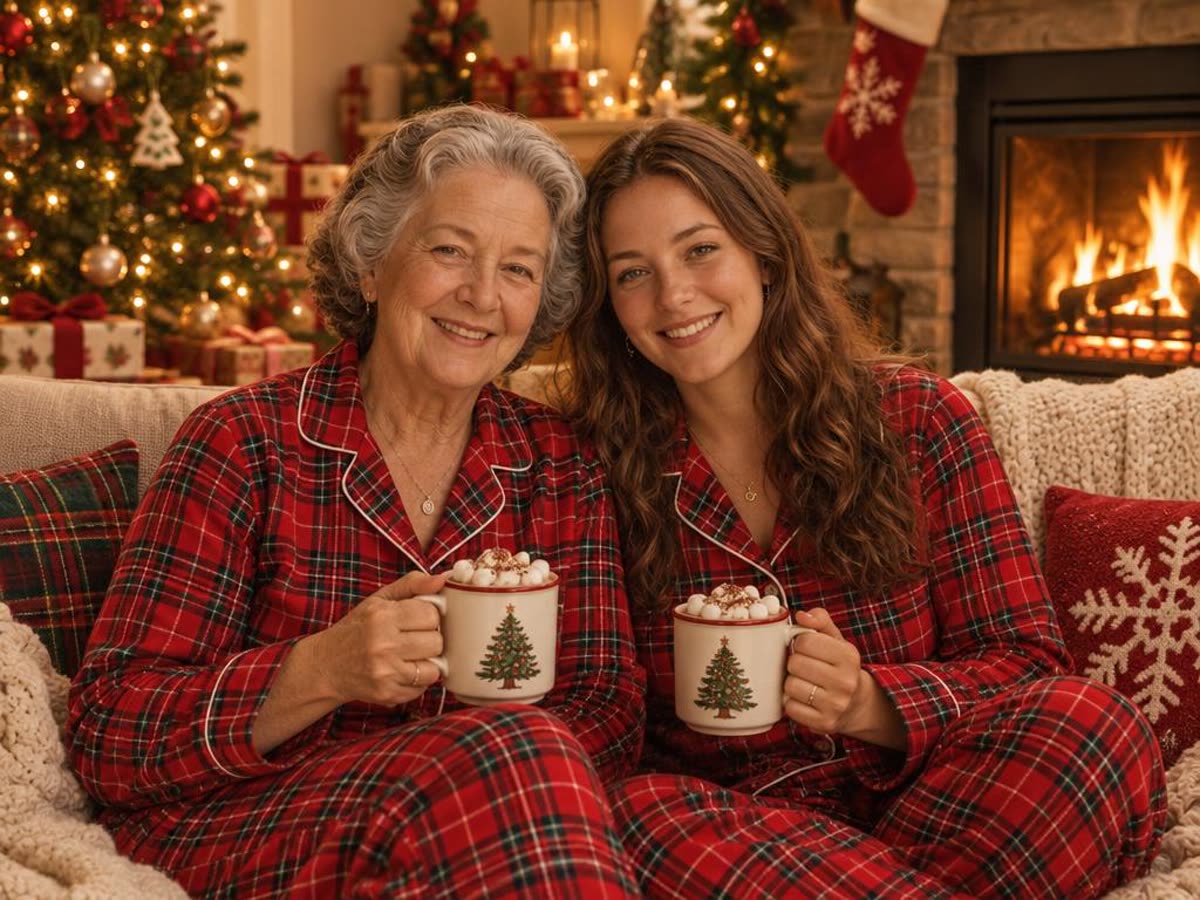
去年 12 月,「AI 圣诞照」刷屏了:把自拍传给 ChatGPT,贴一段「Create an ultra-realistic 8K Christmas portrait」这样的提示词,就能得到一张自己穿着圣诞毛衣站在圣诞树前的照片。网上的提示词合集大多只给文字,我们想知道每条提示词实际会把一张真实的脸变成什么样。
所以我们拿两张照片跑了 8 条提示词:一张单人人像,一张母女合照。下面每张图都是真实生成的结果。我们是通过 API 调用 OpenAI 的 GPT Image 2.5 模型来跑的,不是在 ChatGPT 应用里,所以你在 ChatGPT 里的结果可能不同。每次生成的结果也都会有些差别。
提示词保留英文原文,因为我们测的就是英文版。你也可以用中文写,但效果我们没有测过。
不想写提示词的话,可以直接跳到文末的不用写提示词的办法。
怎么在 ChatGPT 里用这些提示词
- 打开 ChatGPT,附上一张清楚的照片,人脸要对焦清晰、不要太小。
- 从本页复制一条提示词粘贴进去,保留最后一句「保住脸」的话。
- 某张脸或姿势不对,先让它重新生成,不要急着改提示词。
- 下载结果,发出去之前先和原图对比一下。
加在任何提示词后面的「保住脸」句子
下面每条提示词都以这句话结尾,它的作用是让模型尽量保持你本来的样子。你在别处找到的圣诞提示词,也可以加上这句。
Keep the same face, facial features, skin tone, hair and age as in the uploaded photo.两个人或更多人时,用这一版:
Keep both people exactly as they look in the uploaded photo: the same faces, facial features, skin tone, hair and age.我们测试时,加了这句后人脸基本都保住了。姿势不一定:描述动作的提示词(比如装饰圣诞树)会重新安排人的姿势。
单人圣诞人像提示词

四条单人提示词用的都是这张照片。
1. 爆款 8K 圣诞人像
Create an ultra-realistic 8K Christmas portrait of the person in this photo, shot on a 55mm lens with bright, playful holiday lighting. Warm Christmas tree lights and soft bokeh in the background, a cozy knit sweater, natural smile. Keep the same face, facial features, skin tone, hair and age as in the uploaded photo.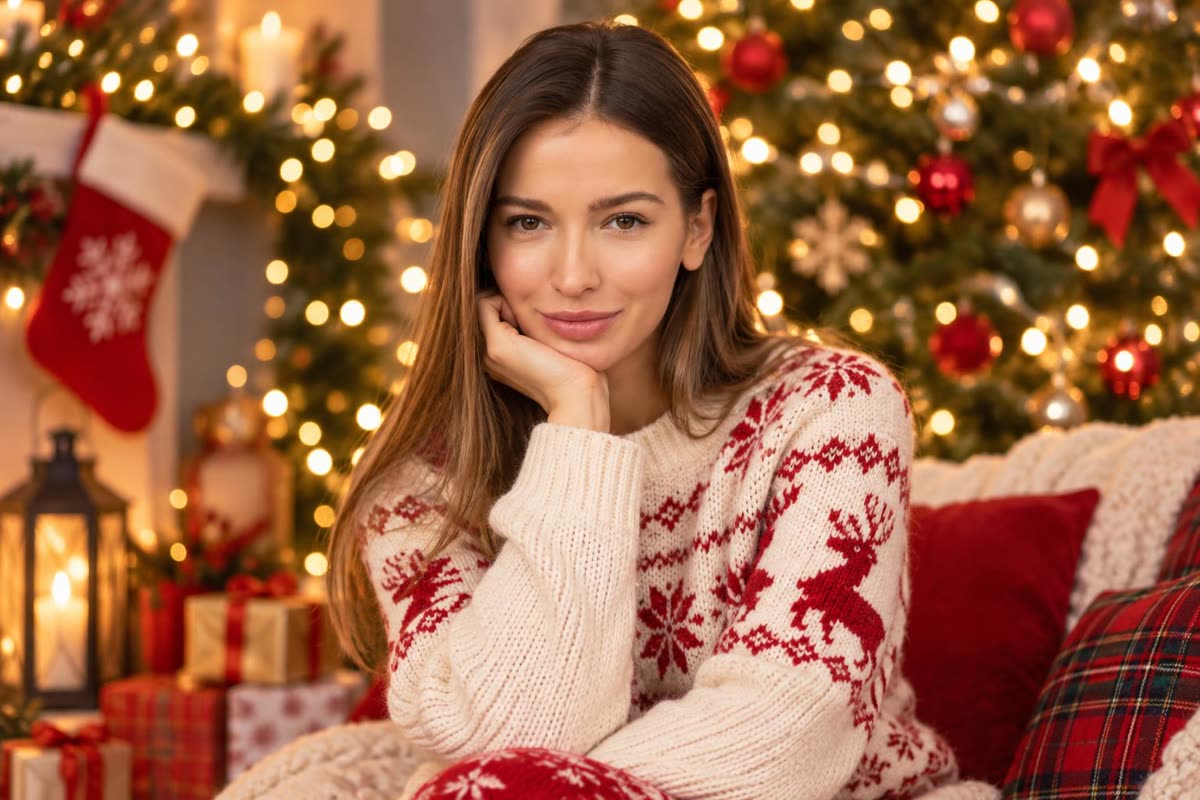
脸保住了,姿势变了:她变成坐在沙发上托着下巴。这是去年被复制最多的提示词,出来的效果像客厅里拍的生活照,不像棚拍。
2. 糖果拐杖仙境
Create a glossy, playful Christmas portrait of the person in this photo in a candy cane wonderland: giant red-and-white candy canes, a cream wool coat, soft falling snow and warm string lights, bright studio-style lighting. Keep the same face, facial features, skin tone, hair and age as in the uploaded photo.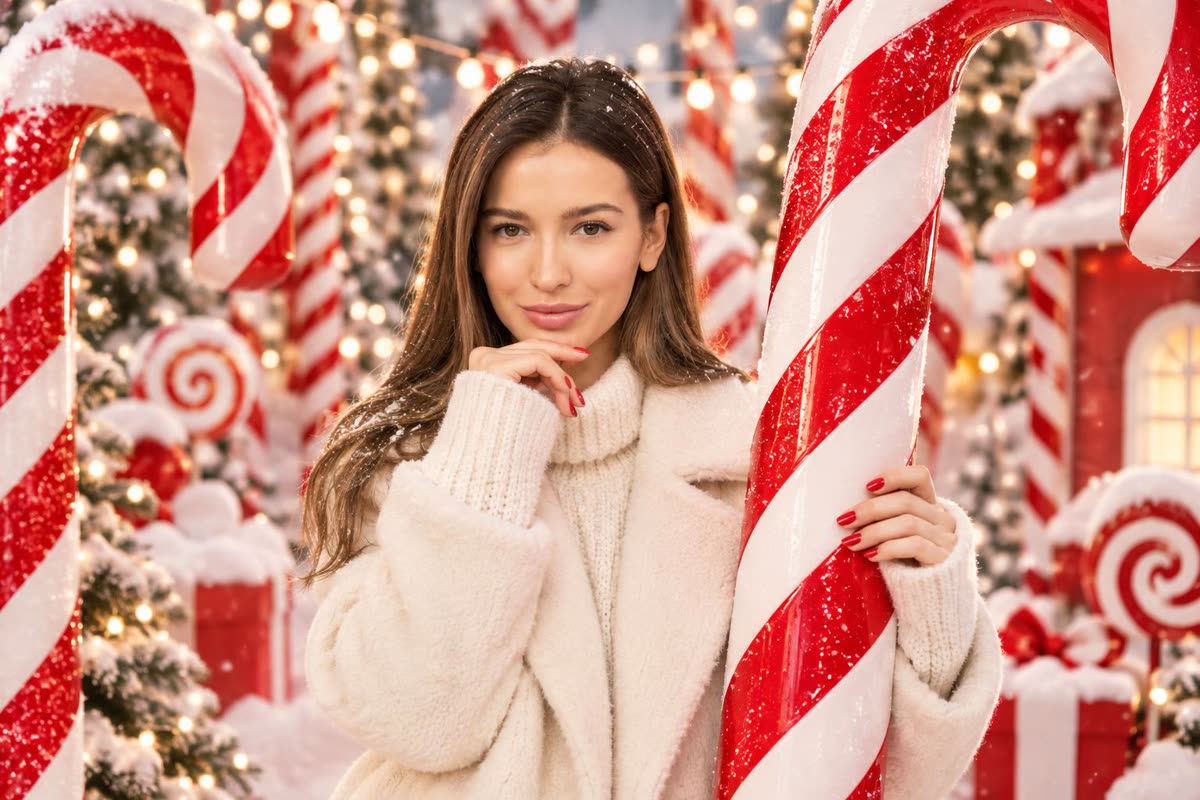
糖果拐杖是去年的爆款风格之一。她保留了原来托下巴的姿势,手里多了一根巨大的拐杖糖。
3. 亮片派对人像
Turn this photo into an elegant Christmas studio portrait: a sparkly sequin party outfit, a deep red backdrop with gold bokeh lights, soft glamorous lighting. Keep the same face, facial features, skin tone, hair and age as in the uploaded photo.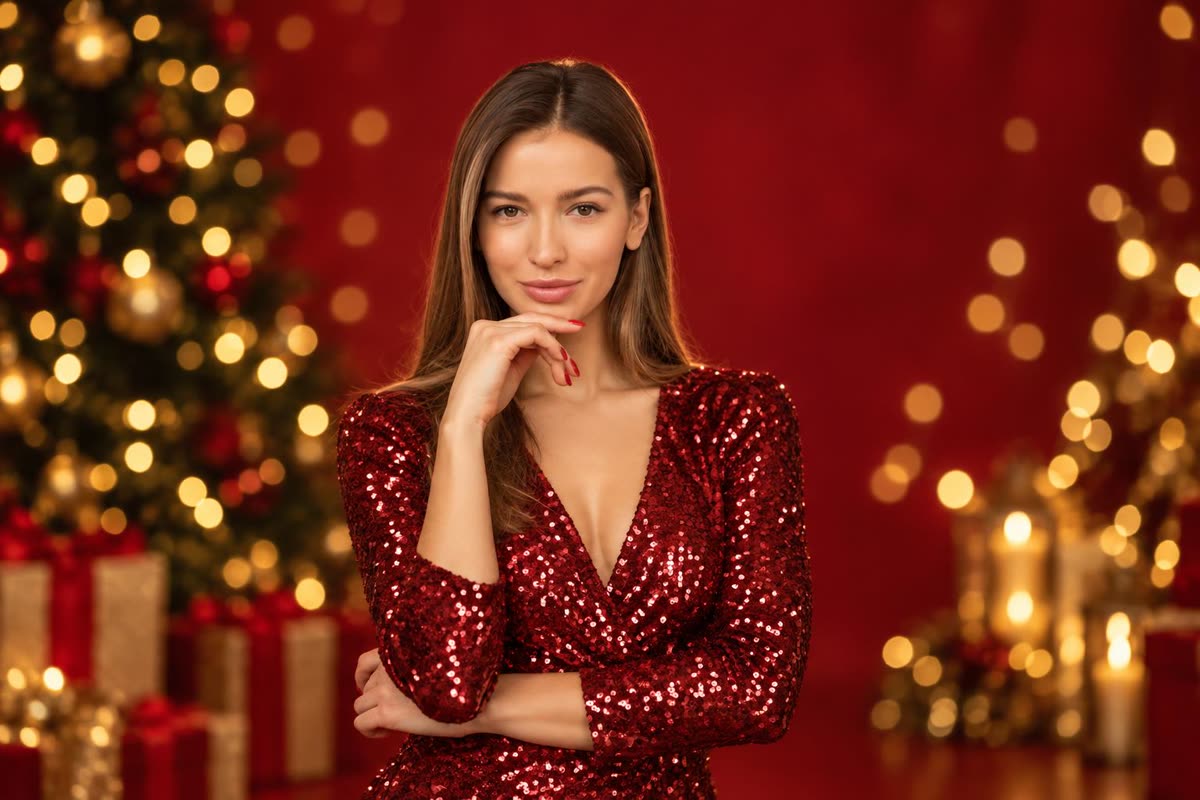
这条最接近原图:姿势和构图都没变,只换了衣服和背景。适合做头像。
4. 雪夜街头
Place the person in this photo on a snowy city street at night at Christmas: falling snow, shop windows glowing with warm lights, a long wool coat and a scarf, cinematic 35mm film look. Keep the same face, facial features, skin tone, hair and age as in the uploaded photo.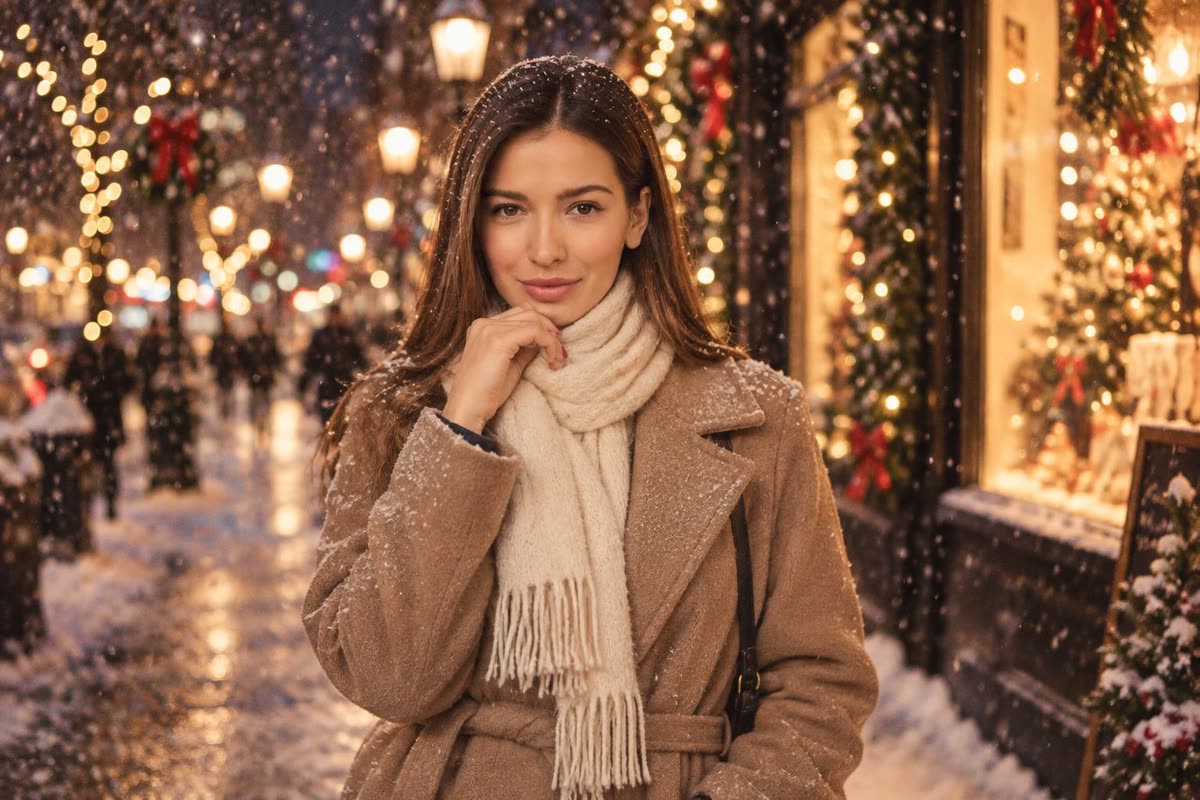
「cinematic」这个词带来了浅景深、有电影感的背景。脸和姿势都和原图接近。
情侣和全家福圣诞照提示词
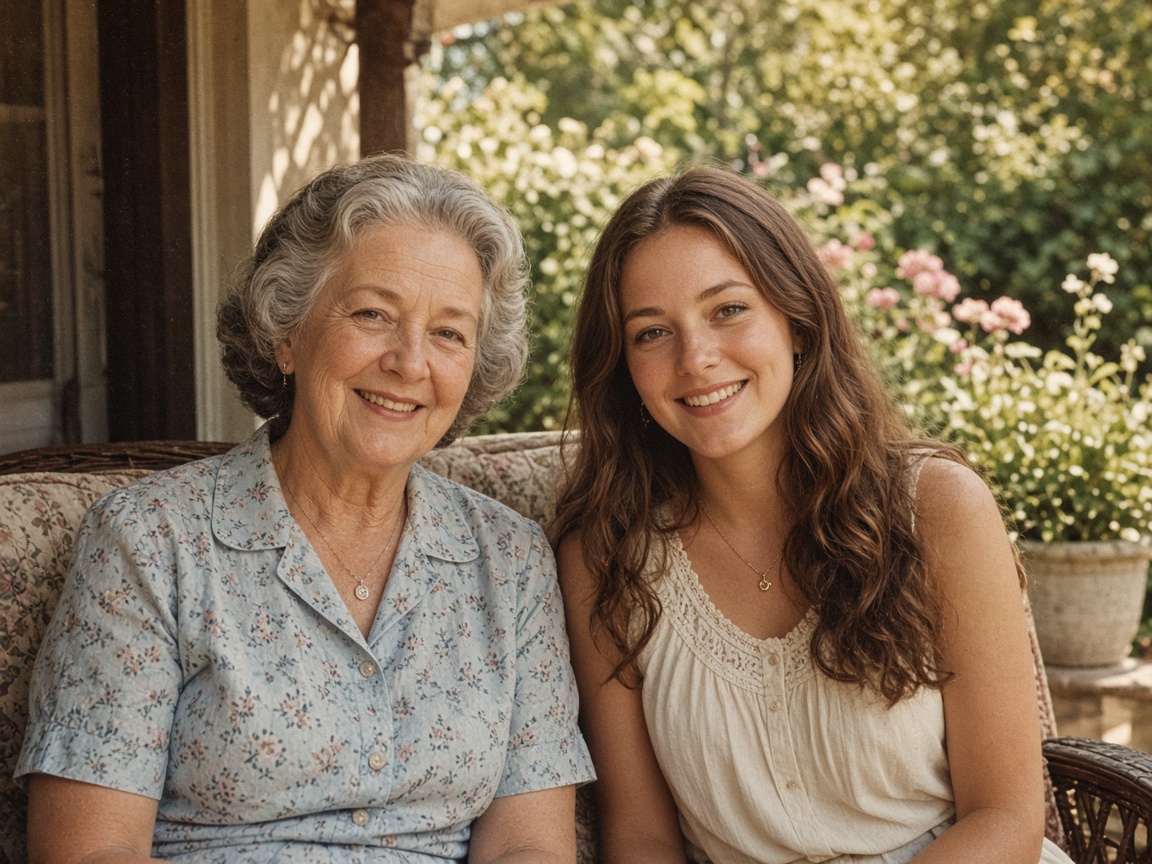
四条双人提示词用的都是这张照片。
5. 60 年代复古圣诞贺卡
Turn this photo into a 1960s Christmas card photograph: faded film colors, soft grain, a tinsel Christmas tree and wrapped presents behind them, a white card border, both people in 1960s holiday clothes. Keep both people exactly as they look in the uploaded photo: the same faces, facial features, skin tone, hair and age.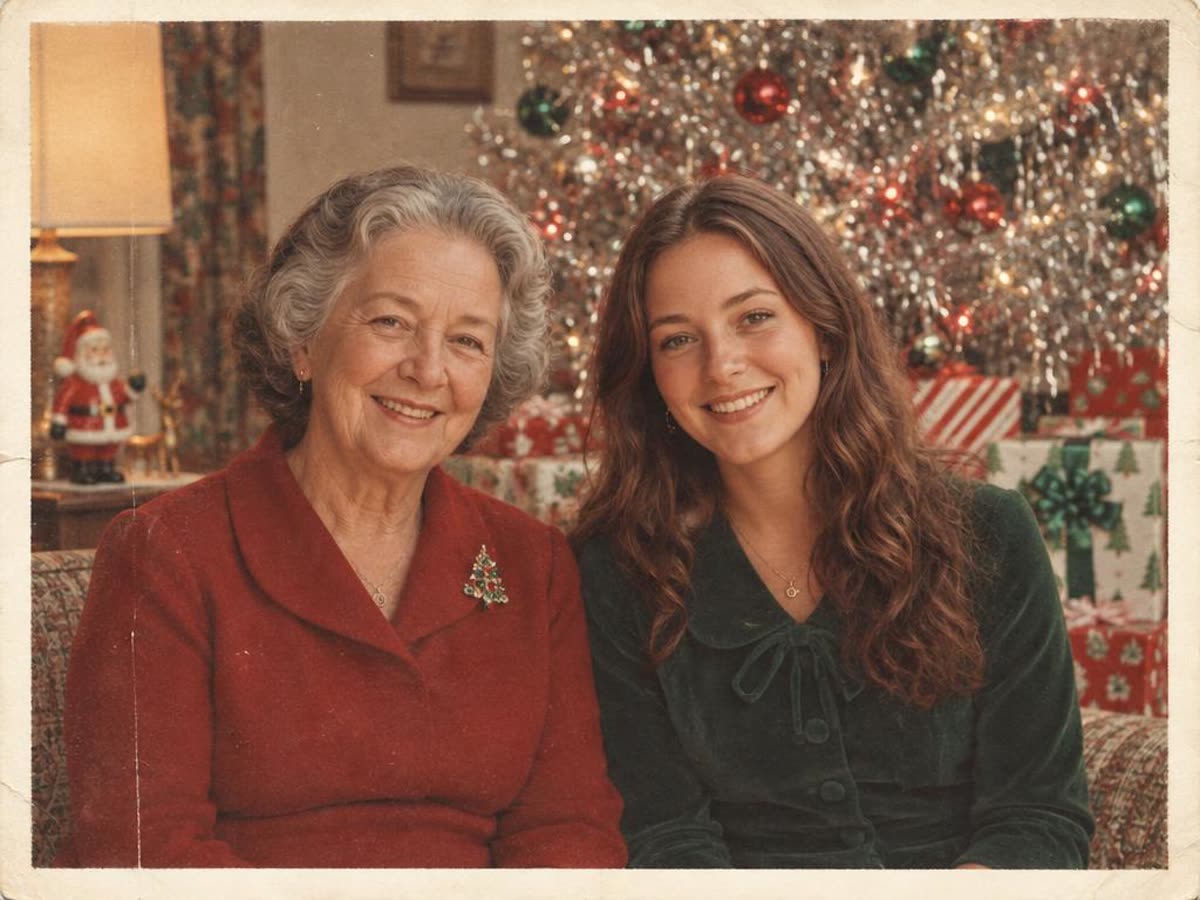
两张脸都和原图接近。金属箔圣诞树、褪色的色调和白边,年代感很足。
6. 壁炉边的亲子睡衣
Place the two people in this photo together on a sofa by a crackling fireplace on Christmas morning, wearing matching red plaid Christmas pajamas and holding mugs of cocoa, warm cozy light. Keep both people exactly as they look in the uploaded photo: the same faces, facial features, skin tone, hair and age.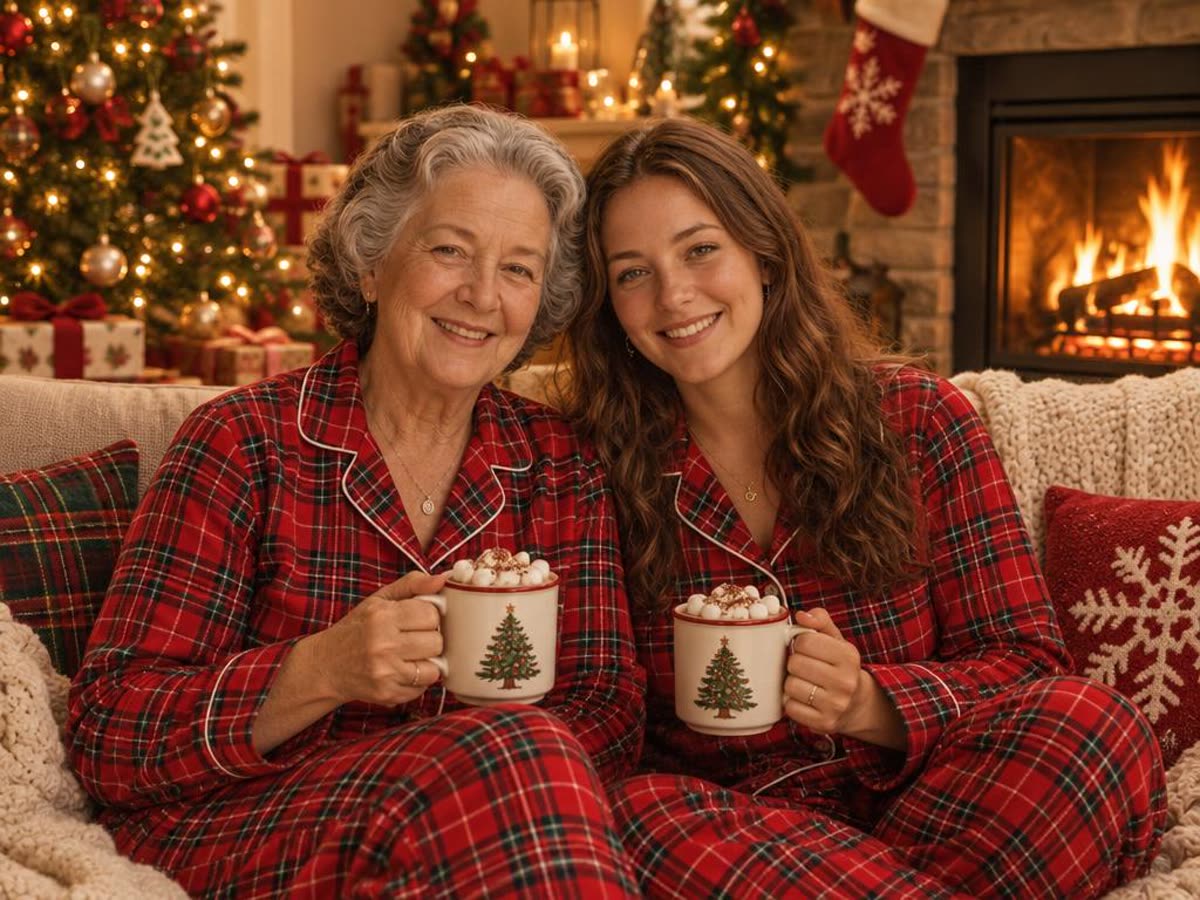
同款睡衣是经典的全家福创意,杯子和手都画得很干净。
7. 一起装饰圣诞树(抓拍)
Turn this photo into a candid Christmas photo of the two people decorating a Christmas tree together and laughing, warm living-room lights, natural documentary style. Keep both people exactly as they look in the uploaded photo: the same faces, facial features, skin tone, hair and age.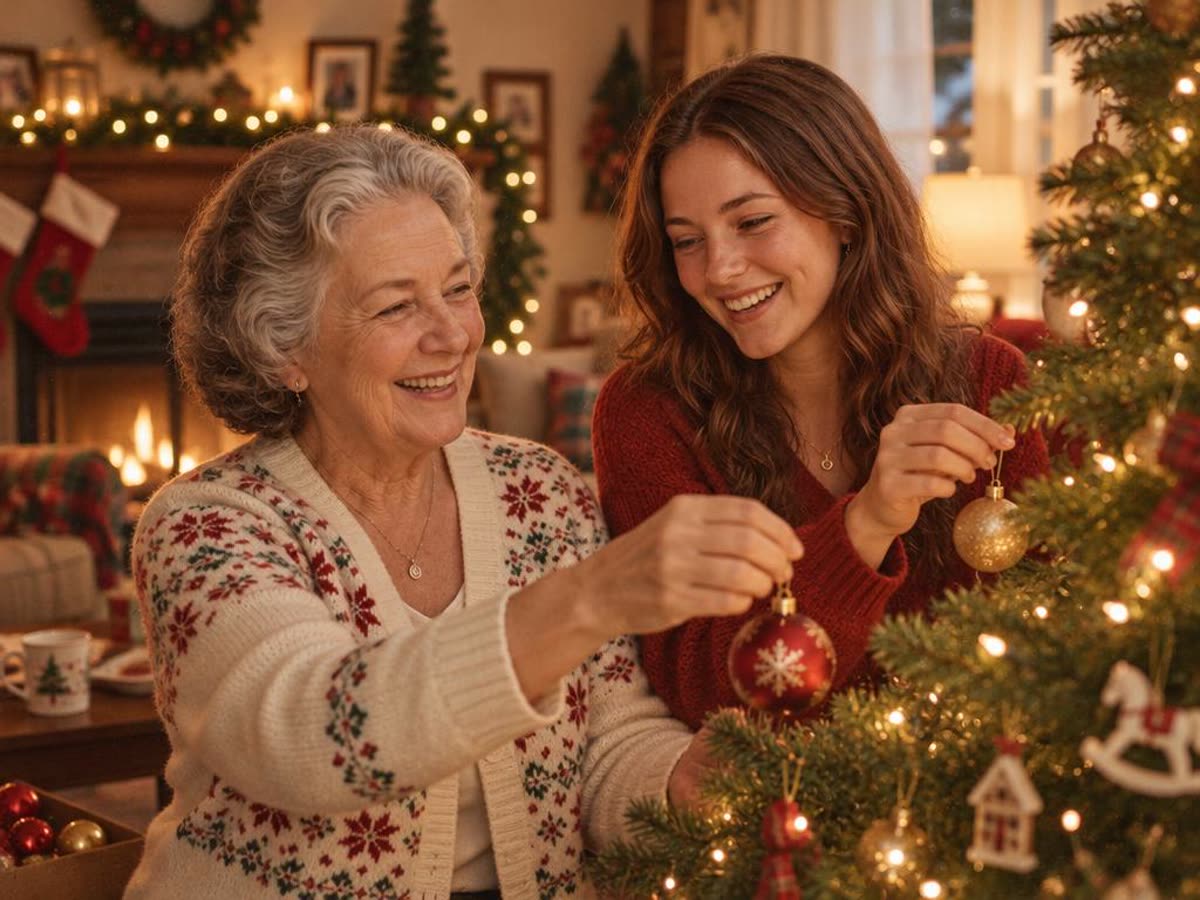
这条对人的改动最大。两人转向圣诞树,脸换了角度。看得出还是同两个人,但要仔细对比。
8. 带「Merry Christmas」的贺卡
Turn this photo into a Christmas card: the two people in festive knit sweaters in front of a snowy log cabin with warm windows, with the words "Merry Christmas" in elegant gold lettering across the top. Keep both people exactly as they look in the uploaded photo: the same faces, facial features, skin tone, hair and age.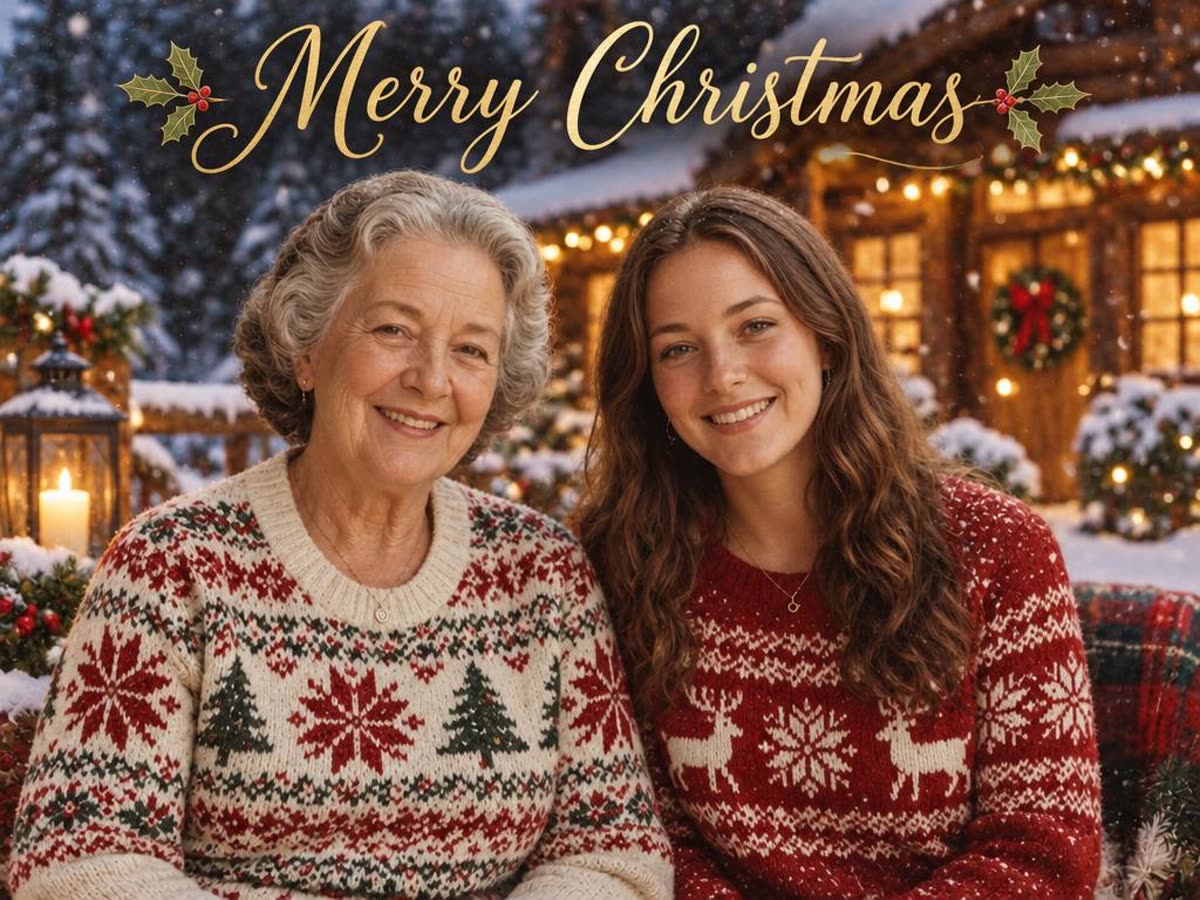
我们这次生成的字母拼写正确。但图像模型有时仍会拼错字,打印 50 张之前先读一遍。
能期待什么
- 人脸大多能保住。 加上「保住脸」那句后,两张照片在 8 条提示词里的人脸都认得出来。大合影里的小脸更难,先裁剪照片。
- 姿势会变。 只要提示词描述了动作,人的姿势就会被重新安排。想保留原姿势,就只描述场景和服装,不要写人在做什么。
- 每次结果都不一样。 某次结果不对,先重新生成,再考虑改提示词。
- 文字要检查。 贺卡上的字可能会错,要读一遍。
- 老照片。 有划痕或褪色的老照片,损伤会被带进新图里。先修复,再拿来这里或 ChatGPT 用。
不用写提示词的办法
不想写提示词,可以用 Lumenfix AI 圣诞照片生成器,两个按钮就能搞定最常见的需求。选「圣诞树」或「雪景」,上传一张照片,同样的人就会穿着节日服装出现在场景里。它使用每日免费积分,结果没有水印。风格比上面的提示词少,但什么都不用写。
要打印大尺寸或做贺卡,可以再用图片放大放大。