Upgrade−50%

Free · no account required

Remove Person from Photo

Erase photobombers and unwanted people from your pictures with natural background filling.

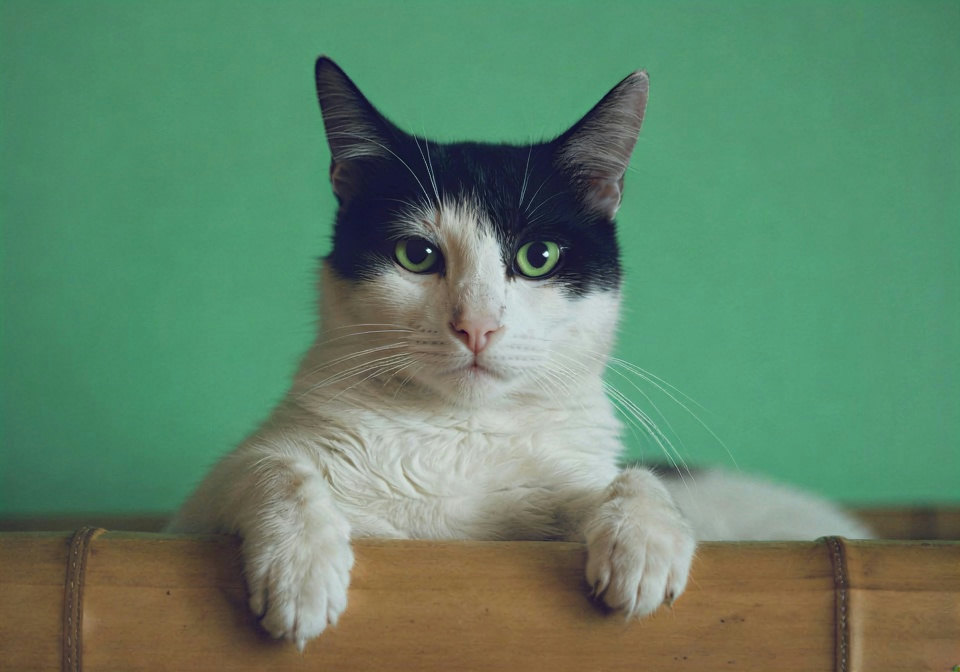
Example photo
BeforeAfter
Example · drag to compareUpload to try it on your photo

See a person painted out

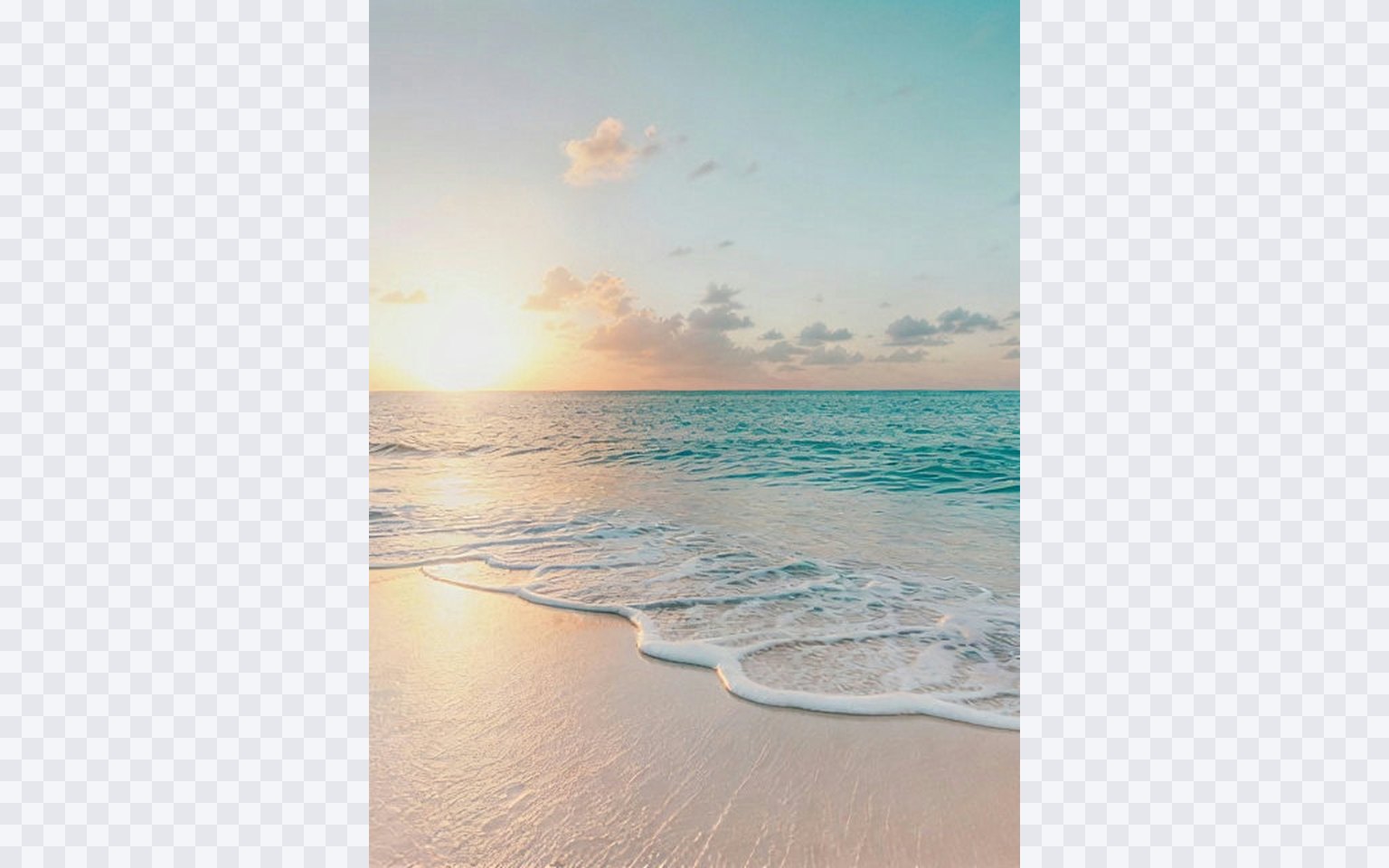
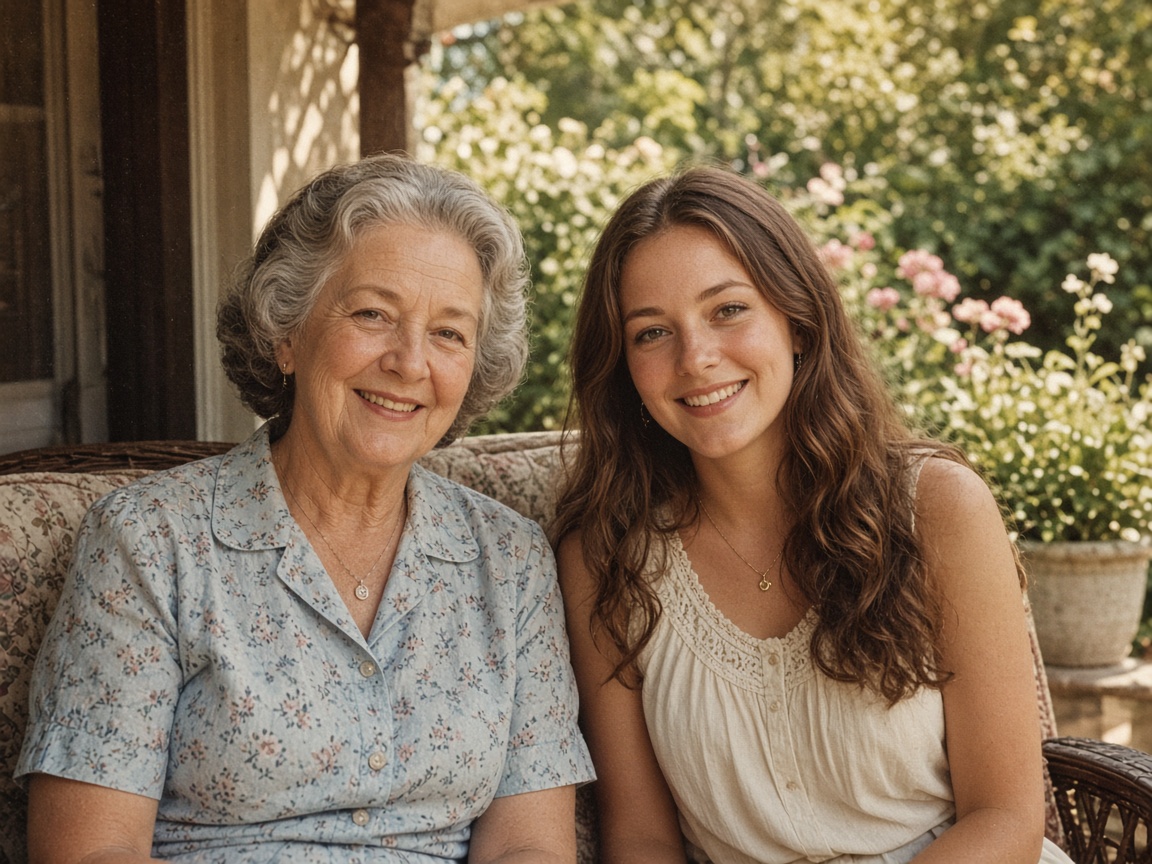
A figure you already photographed. These cards are placeholders for later stills.

Try this photo

Placeholder stills · we’ll swap these for real model results later

Example photo
BeforeAfter

Placeholder

Everyday phone shots

Indoor light, phone noise, casual stills — the same photo, less mush.

Placeholder

Wider scenes

Uncrop the edges of a place you already photographed.

Placeholder

Products and still objects

Boxes, logos, and tabletop shots. Edges stay edges.

How to remove people & photobombers

  1. Step 1

    Upload your photo

    Drag and drop any photo in JPEG, PNG, or WebP format (up to 15 MB).

  2. Step 2

    Brush over people & photobombers

    Use the brush tool to highlight the area you want to erase. Adjust the brush size as needed for precise selection.

  3. Step 3

    Erase and download

    Click to remove the selection. The AI naturally reconstructs the underlying background for a seamless finish.

What it does not do

  • It will not alter or degrade parts of your photo that were not brushed over.
  • It will not replace elements with unrelated objects or change the overall style of your image.
  • It will not store or share your uploaded photos after your session expires.

Need further adjustments?

If you're happy with the result, it's ready to save. If you also want to upscale, extend the edges, or refine other details, you can continue with:

FAQ